Automated information system
AIS Spektr
Institutions, studios, events, venue hire, library and analytics in one system. For culture and leisure centres, libraries, flagship venues and sports and leisure institutions.
What is inside
We bring the work of a cultural institution into one window — from the schedule and venue hire to the electronic catalogue and analytics.
-
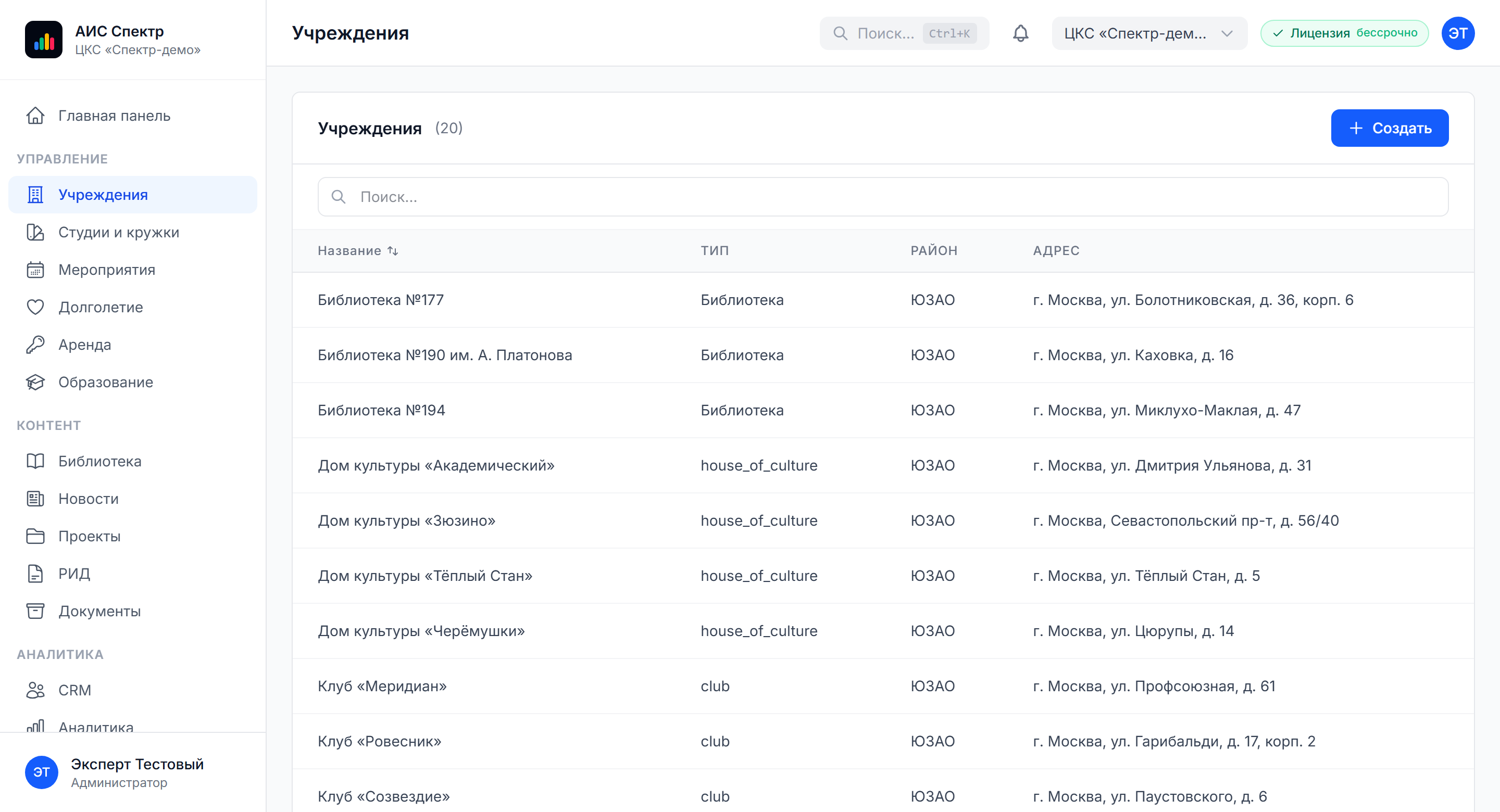
Institutions
Addresses, opening hours, rooms and a gallery for every venue
-
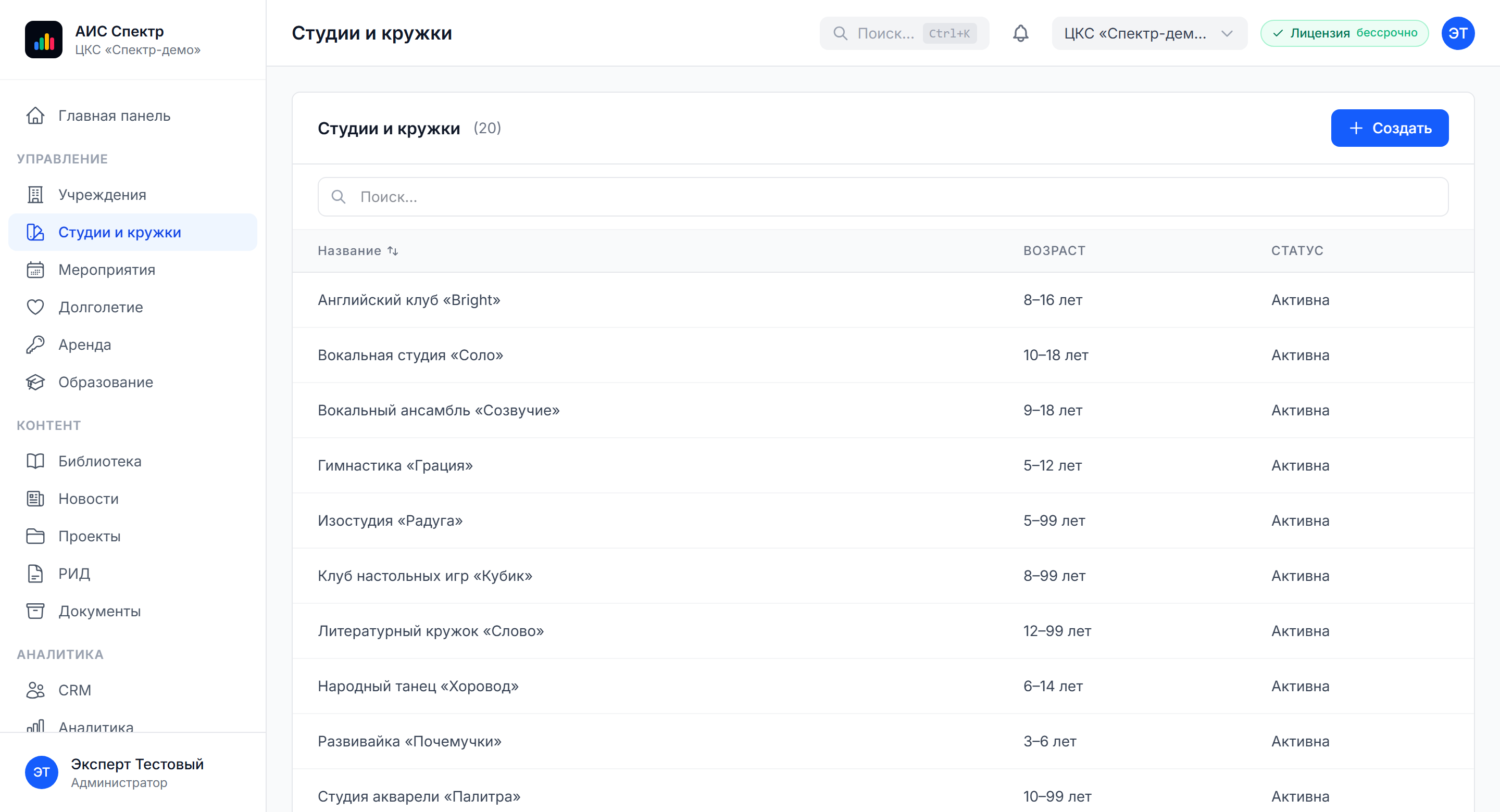
Studios and clubs
Disciplines, teachers, class schedules and online enrolment
-
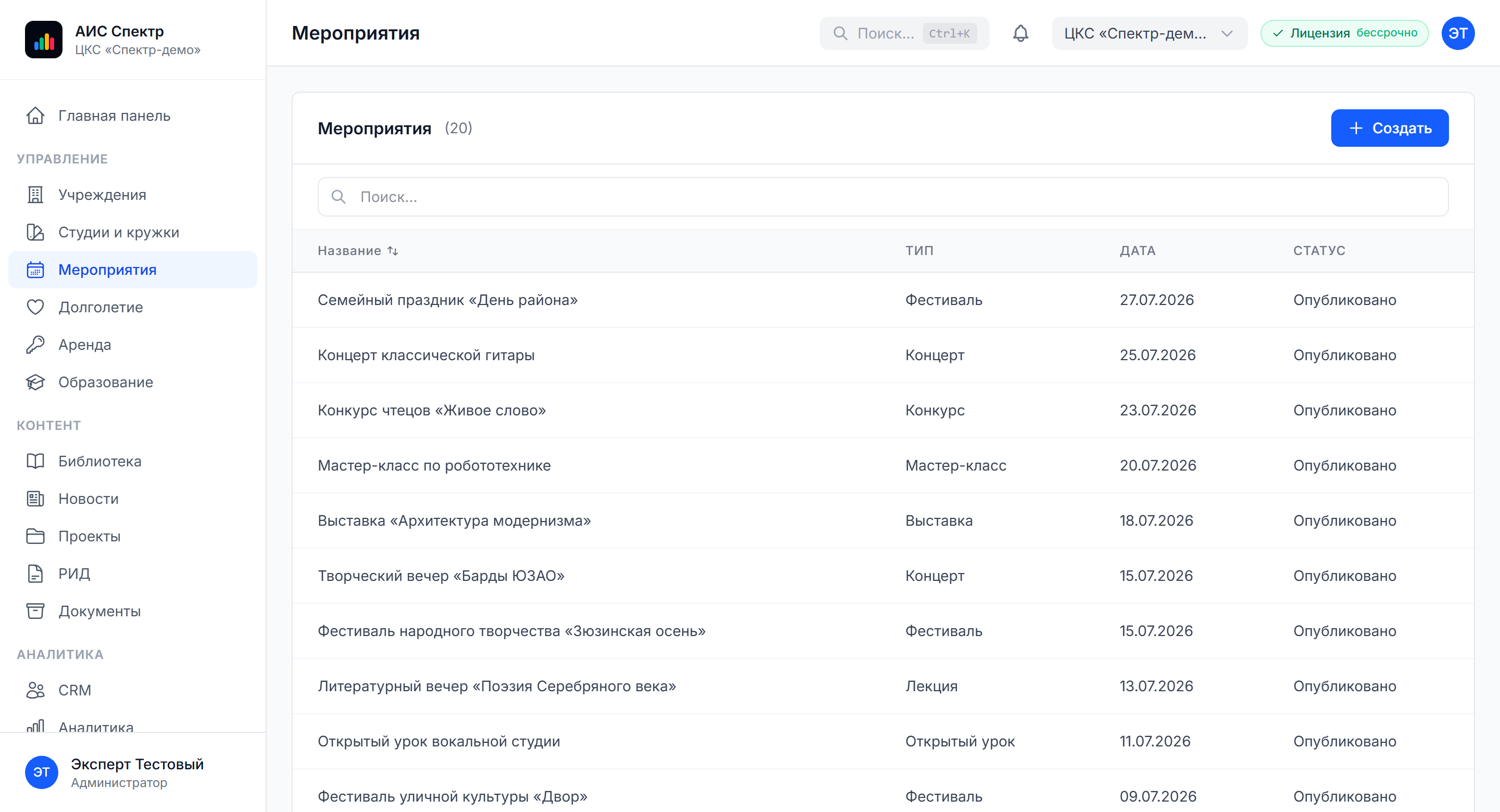
Events and listings
A calendar, concerts, lectures, workshops and public listings
-
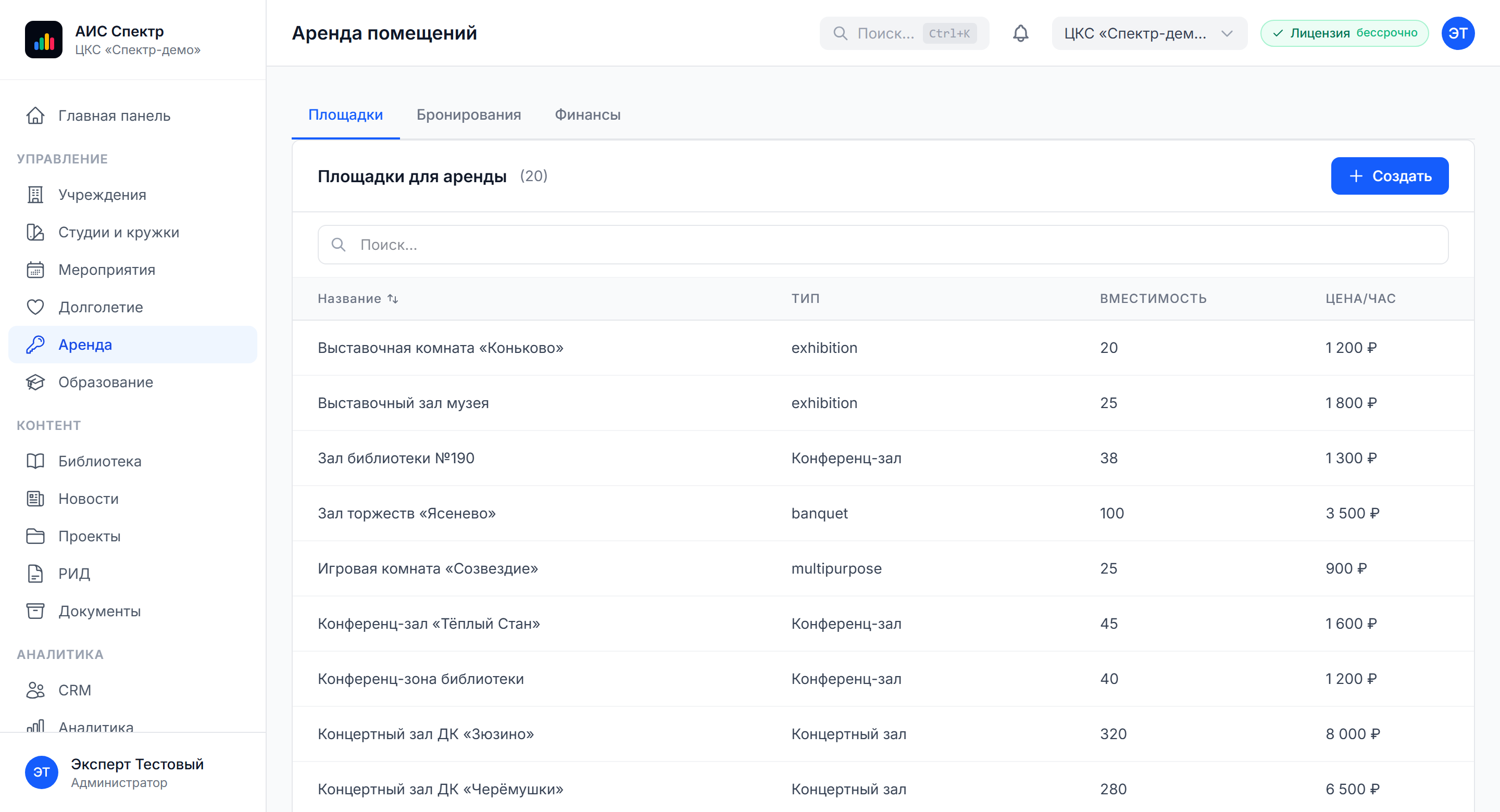
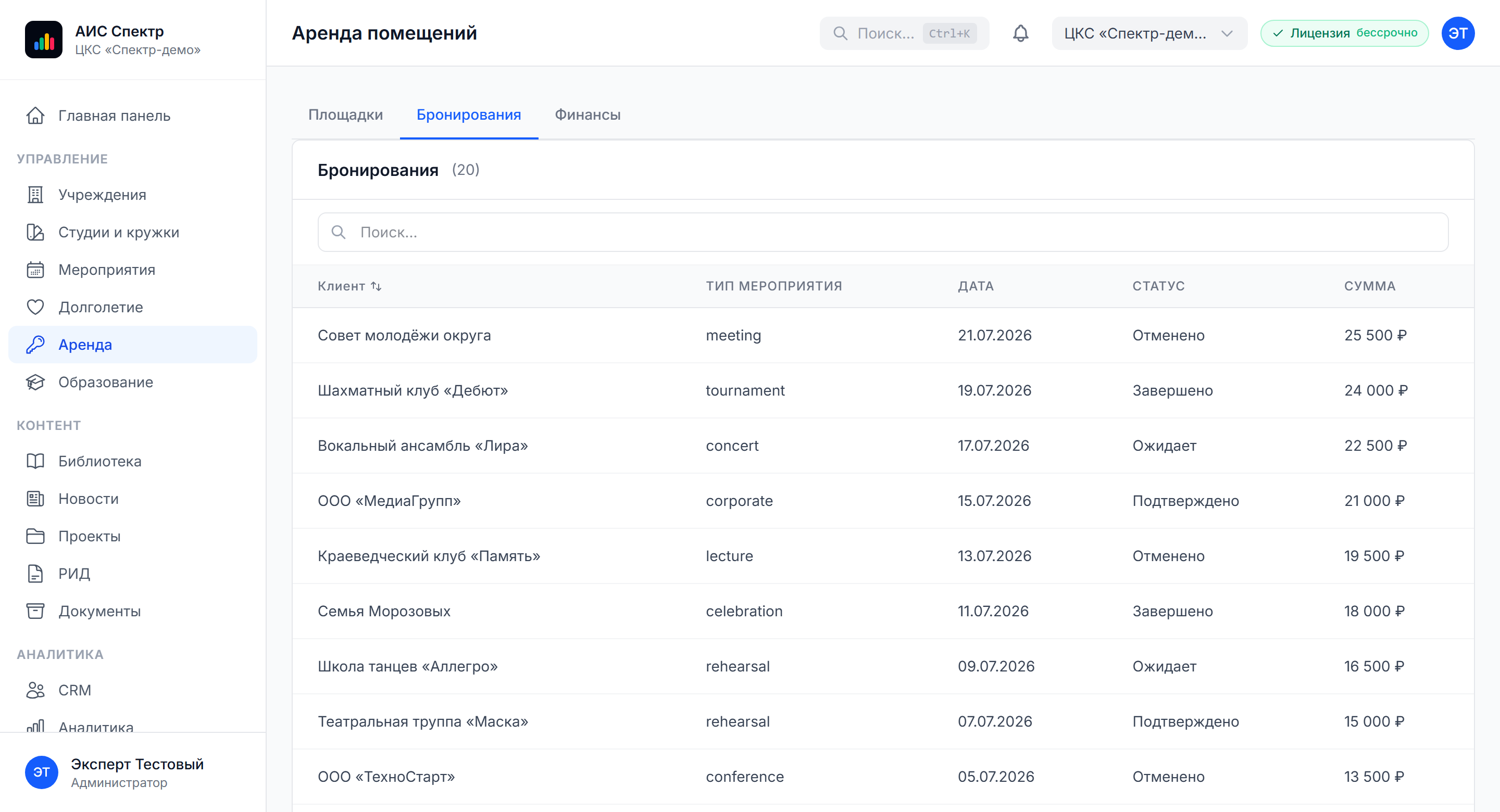
Venue hire
Bookings, rates, hall availability and financial records of settlements
-
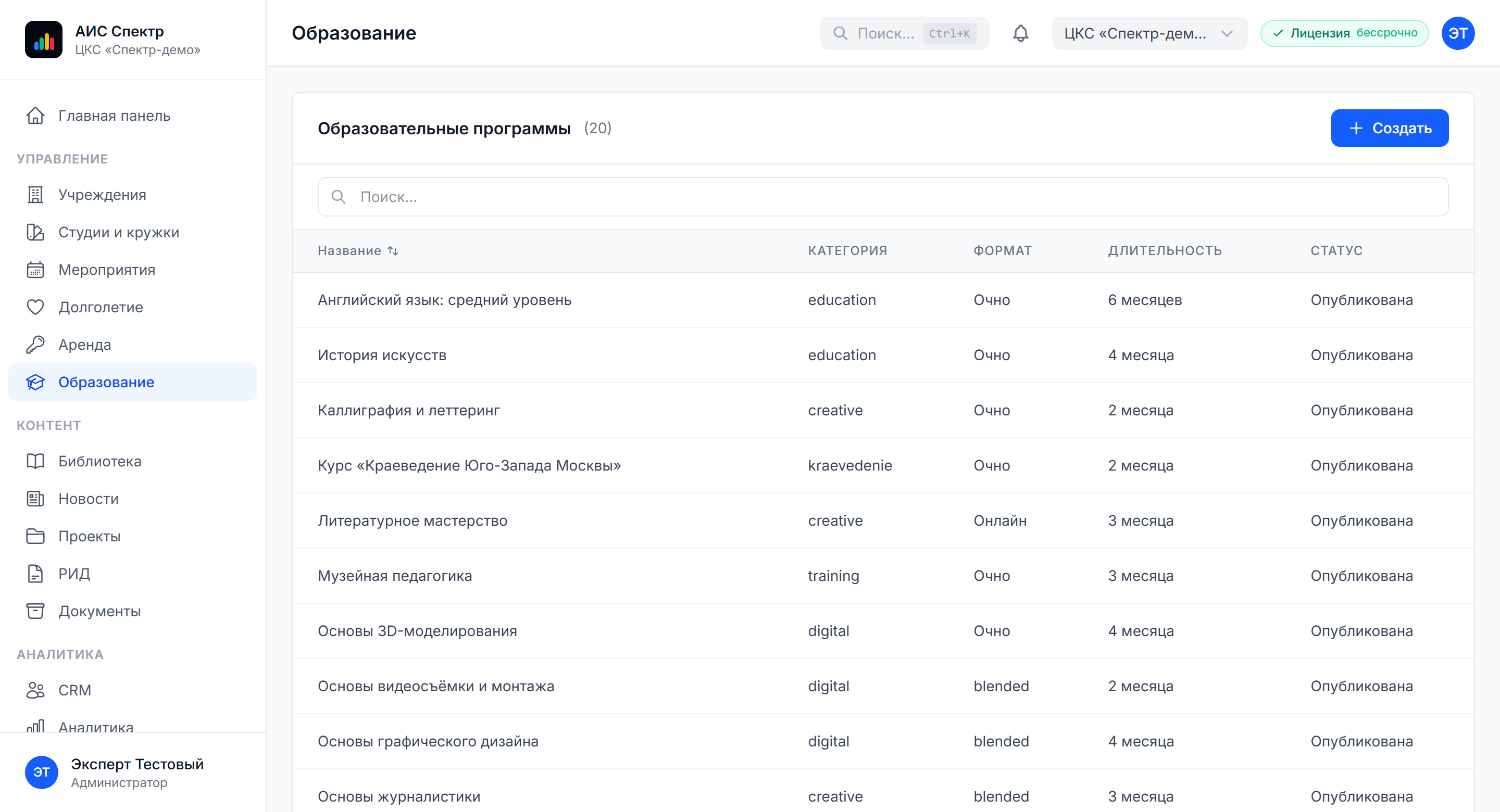
Continuing education
Programmes of continuing professional education
-
Library
The book collection, selections, an electronic catalogue with search and filters
-
Content and publications
News, projects, intellectual property records, documents and a public media library
-
CRM and analytics
Client records, feedback, dashboards and reporting.
Interface
-
Control panel
KPIs, charts, upcoming events
-
Institutions and rooms
Addresses, timetables, a gallery for every venue
-
Studios and clubs
Disciplines, teachers, enrolment
-
Listings and events
Calendar, publishing, promotion.
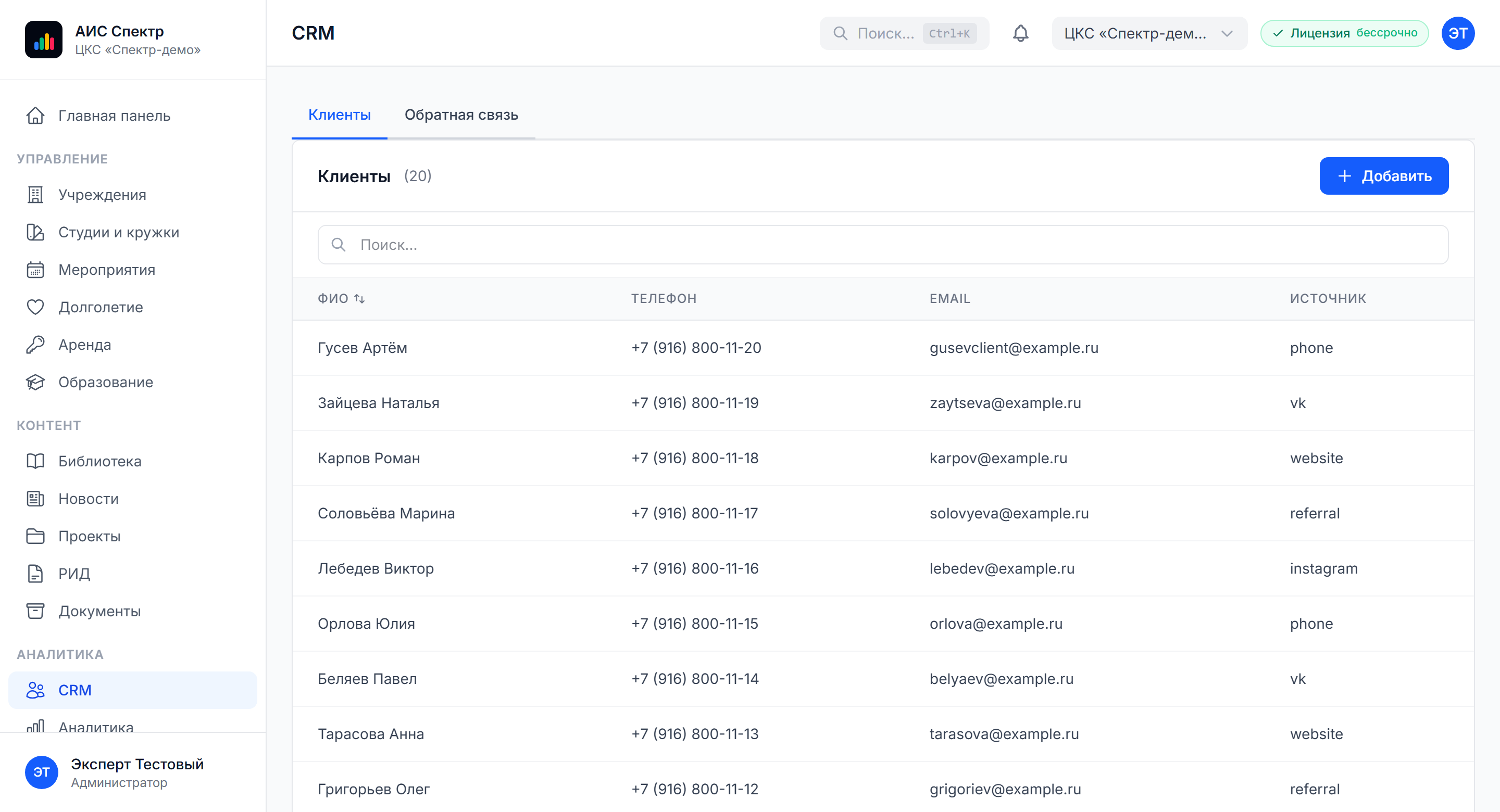
Studios and clubs
The full cycle of work with studios — from disciplines and teachers to online enrolment. A member of staff sets up the schedule, the visitor sees the free places in a group and signs up through the public portal.
-
Class disciplines
Choreography, art, music, theatre and more, with a ready reference list
-
Teacher record
Experience, credentials, photograph, links to disciplines and studios
-
Class schedule
Days of the week, time, room, capacity, format of participation
-
Online enrolment
Open enrolment through the site or manual registration by an administrator
-
Attendance register
Attendance marks, substitutions, reports by group and by teacher
-
Participant lists
Contacts, age, class history, payments, export to Excel.
Venue hire and events
Hall booking and the sale of places at events in one module. Used both for commercial hire and for internal records of halls used by the institution.
-
Availability calendar
Monthly, weekly and daily availability grids for every room
-
Rates and settlements
Hourly rate, concessions, fixed sums for the room and the equipment
-
Requests and confirmation
Request through the site, confirmation by an administrator, contract, payment
-
Event listings
Concerts, performances, lectures and workshops published on the site
-
Enrolment and registration
A list of registered participants, a limit by capacity
-
Financial records
Paid and unpaid bookings, refunds, acts, reports by period.
Content
We publish news, projects and listings from the same system in which we keep the records. The content team works in a single interface with the administration — news, projects, intellectual property, library.
-
News and announcements
An editor, a cover image, tags, a publishing schedule, links to institutions
-
Projects and initiatives
Long-term projects of the institution, a timeline of stages, the team
-
Electronic library
The book collection, thematic selections, search and filters, covers and descriptions
-
Intellectual property records
Results of intellectual activity, authors, documents
-
Documents and regulations
A store of statutory and organisational documents
-
Media library
Images, photo and video materials with folders and quick search
Integrations
A link with outside software and services without entering the same data twice. The platform connects to the services typically used in cultural institutions.
-
1C
exchange of accounting data and export of financial indicators.
-
Excel and CSV
bulk import of participants, rooms and schedules.
-
Email and SMS
notification mailings to participants and tenants.
-
Calendar formats
export of listings and class schedules to iCal.
-
The unified identification system and Gosuslugi
sign-in with a state account, planned.
-
REST API
for non-standard integrations, with OpenAPI documentation.
How it works in practice
-
Setting up the institution
The administrator creates the institution and describes the address, the rooms, the opening hours and the gallery.
-
Launching studios and clubs
Disciplines, teachers and class schedules are set up and online enrolment opens for participants.
-
Planning events
Listed events and hire requests for halls are created. The calendar checks availability and prevents conflicts.
-
Working with visitors
Enrolments and bookings land in the CRM, feedback is handled by the team, mailings and notifications go out.
-
Analysis and reporting
The system gathers data on attendance, studio load and financial results to support decisions.
What it solves
The platform helps bring order to the work of a cultural institution and cut manual operations in every department.
How the platform solves it
-
A single base of venues
All institutions, rooms and schedules in one system.
-
Enrolment of participants
Open enrolment and a class register for studios and clubs without paper.
-
Managing events
Listings, registration and hall availability in one calendar.
-
Transparent hire
Bookings, rates and financial records under control.
-
Content in one window
News, projects, library and media library for the whole network.
-
Load analytics
Dashboards by venue, discipline and teacher.
The effect for the institution
Records, enrolment and analytics in one system — for culture, leisure and further education organisations.
-
A register of institutions and rooms
Venue records with a gallery, opening hours and a description of the rooms.
-
Enrolment in studios and clubs
Online enrolment, an attendance register, participant lists.
-
Class schedule
A calendar by teacher, discipline and room.
-
Hall booking
Request, confirmation, contract, payment.
-
Publishing the listings
A calendar of events exported automatically to the public site.
-
Educational programmes
Records of continuing education programmes, documents, lists of students.
-
The book collection
An electronic catalogue, selections, search and filters.
-
Visitor CRM
Client records, a history of interactions, feedback.
-
Analytics for management
A dashboard: attendance, occupancy, financial indicators.
Who it is for
The solution suits a wide range of organisations in culture, leisure and further education.
-
Culture and leisure centres
Community centres, flagship centres, houses of creativity: one system for studios, hire and listings
-
Libraries and media libraries
The book collection, events and reader programmes in one system
-
Sports and leisure institutions
Section schedules, participant enrolment, hall hire
-
Further education centres
Clubs, continuing education programmes, art schools, studios for children
-
Institutions with branches
Managing several branches from a single admin panel
-
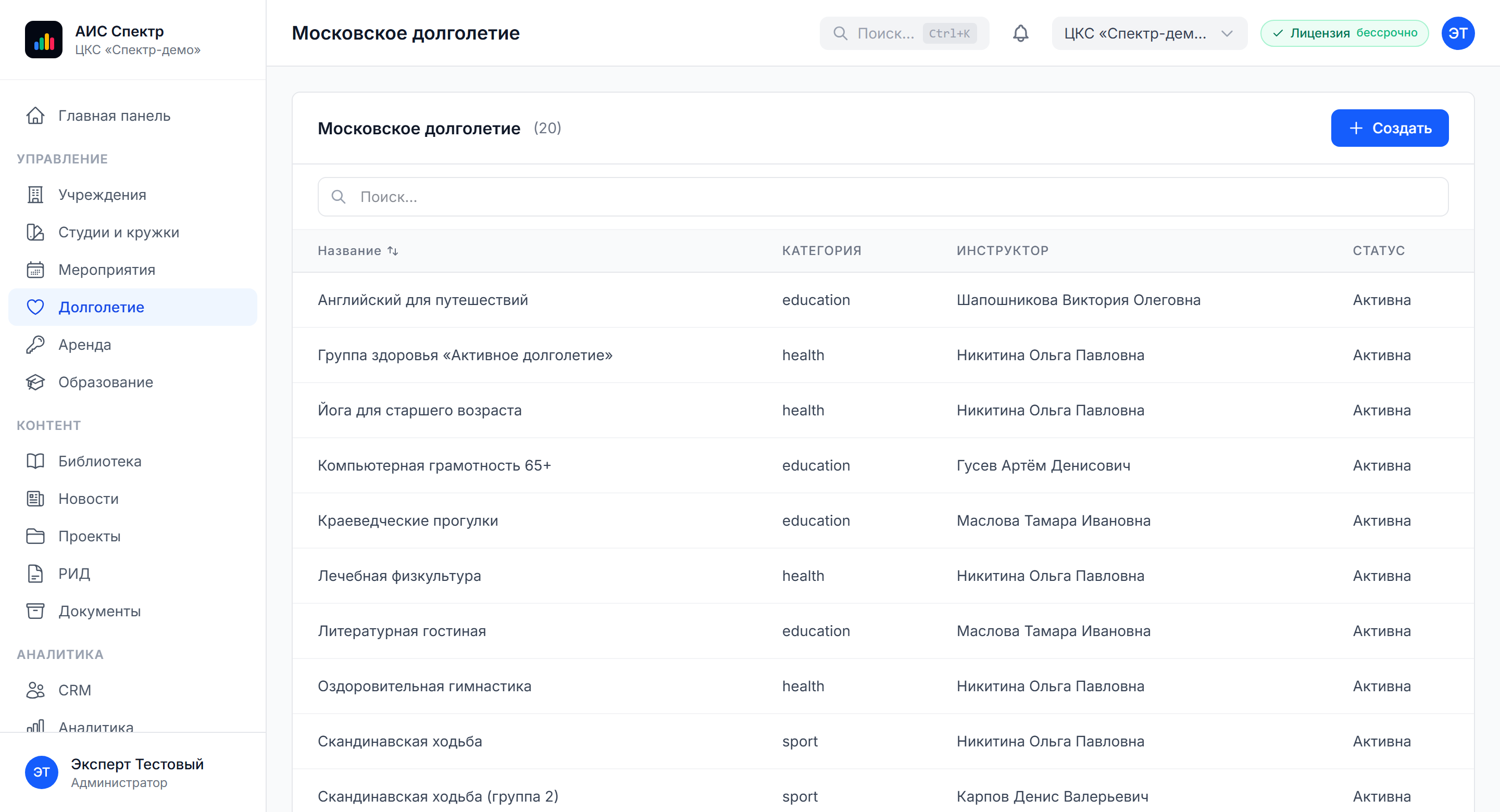
Municipal programmes
Including work with the Moscow Longevity programme.
Security
Installed in the infrastructure of the client — the data never leaves the perimeter. Deployment on the servers of the institution, isolation by organisation, compliance with federal law 152-FZ on personal data.
The perimeter of the client
-
Deployment
On-premises on the servers of the institution, Linux and Docker Compose.
-
Requirements
from 2 vCPU and 4 GB of memory; a cloud subscription as an alternative.
-
Backups
automatic copying of the database.
-
Personal data
152-FZ, storage in Russia.
-
Roles
admin, editor, viewer; registration by invitation only.
-
Access
JWT authentication, isolation by organisation, an action log.
-
Exporting backups
To external storage of the client: S3, NAS or FTP.
Pricing
The cost is calculated for the institution — there is no universal price. Every project is unique: the number of venues, the number of users, data migration, the list of modules.
What the cost depends on
-
The number of institutions in the network
How many venues one instance of the system serves.
-
The number of users
Administrative staff, teachers, cashiers.
-
The list of modules needed
Studios, hire, education, library, analytics.
-
Data migration
Transfer from 1C, Excel and other record-keeping systems.
-
Integrations
1C, the unified identification system, notification mailings.
-
Training and support
Launch, staff training, support.
-
Licensing options
On-premises as a one-off, or a monthly cloud subscription.
Three steps to a quote
-
Fill in the questionnaire
Tell us about the structure of the institution, the tasks and the infrastructure.
-
Get the quote
Within three working days by email, broken down by module.
-
A demo and a pilot
We will show the system live and discuss a rollout plan.
Documentation
User guide — for the administrator, the studio coordinator, the content editor and the manager.
-
User guide
PDF, about thirty pages and twenty sections: institutions, studios, events, hire, education, library, news, projects, intellectual property, CRM, analytics, import and export, integrations.
Projects
-
 Touch sphere and videos for the Shvabe tent at the “Engineers of the Future — 2026” forum
/2026 — Events
Touch sphere and videos for the Shvabe tent at the “Engineers of the Future — 2026” forum
/2026 — Events
-
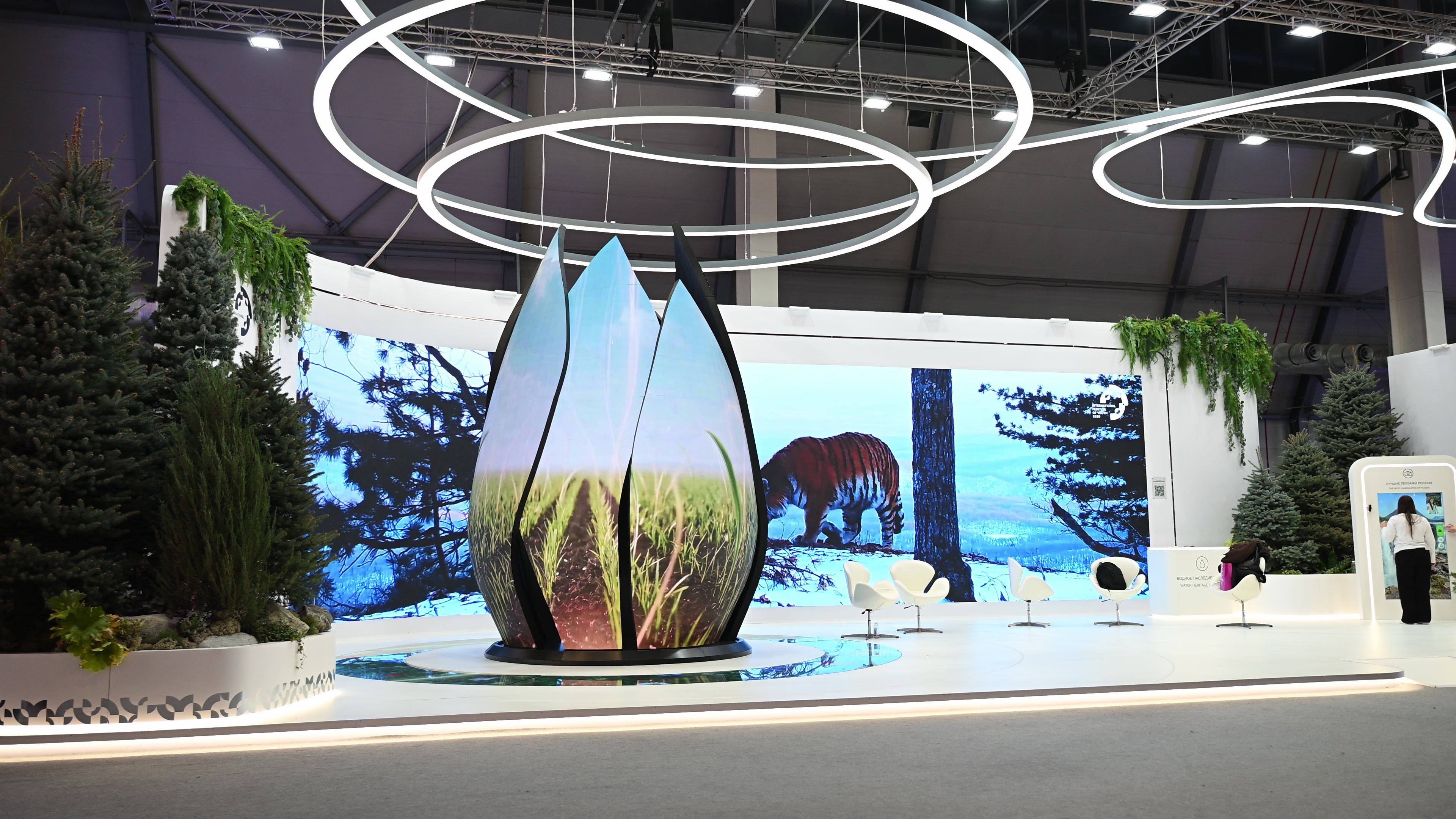 Multimedia for the Ministry of Agriculture of Russia’s “Source of Life” exhibition at the International Youth Festival 2026
/2026 — Exhibitions
Multimedia for the Ministry of Agriculture of Russia’s “Source of Life” exhibition at the International Youth Festival 2026
/2026 — Exhibitions
-
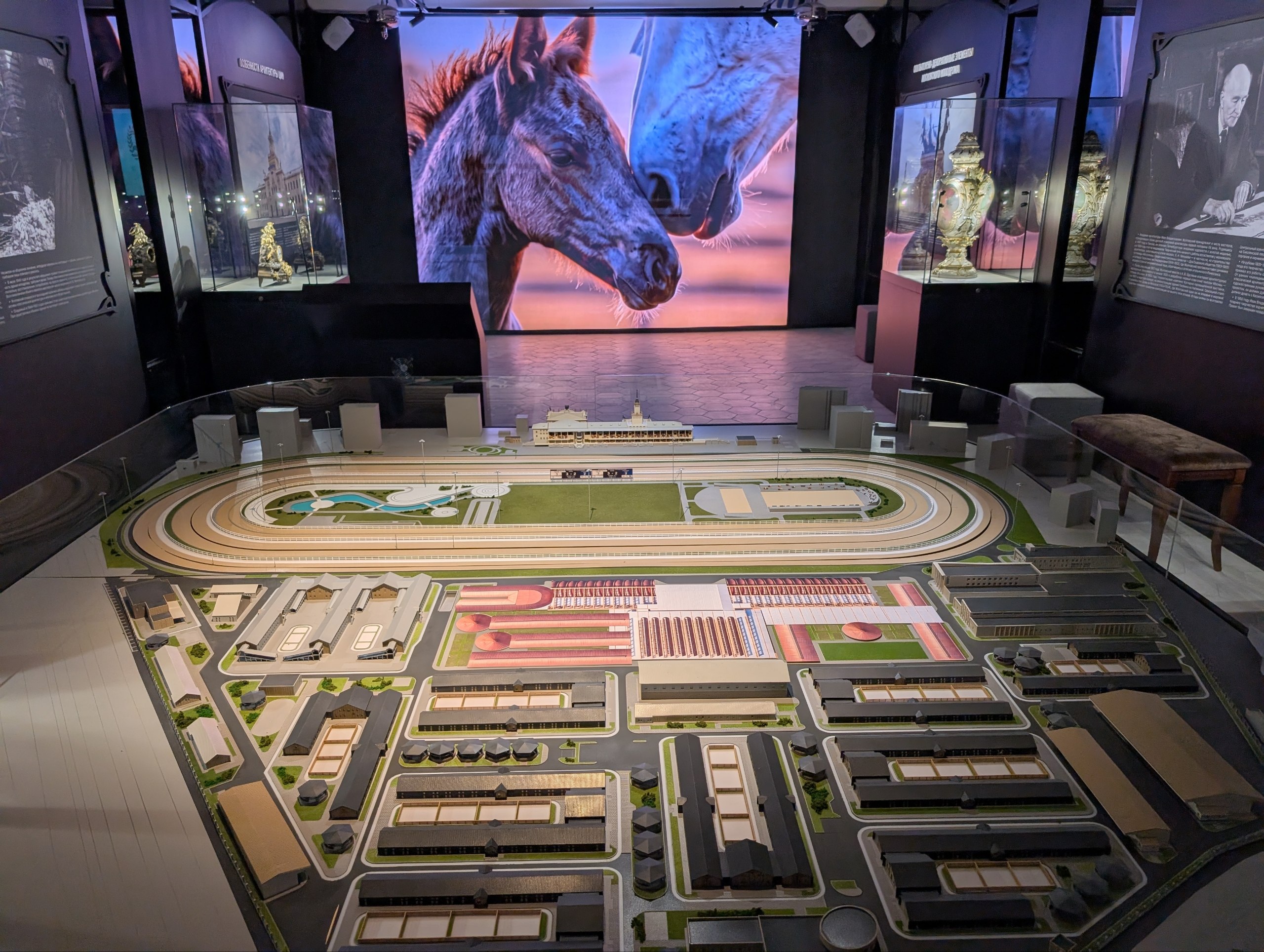 Interactive installations for the museum of the Central Moscow Hippodrome
/2026 — Museums
Interactive installations for the museum of the Central Moscow Hippodrome
/2026 — Museums
-
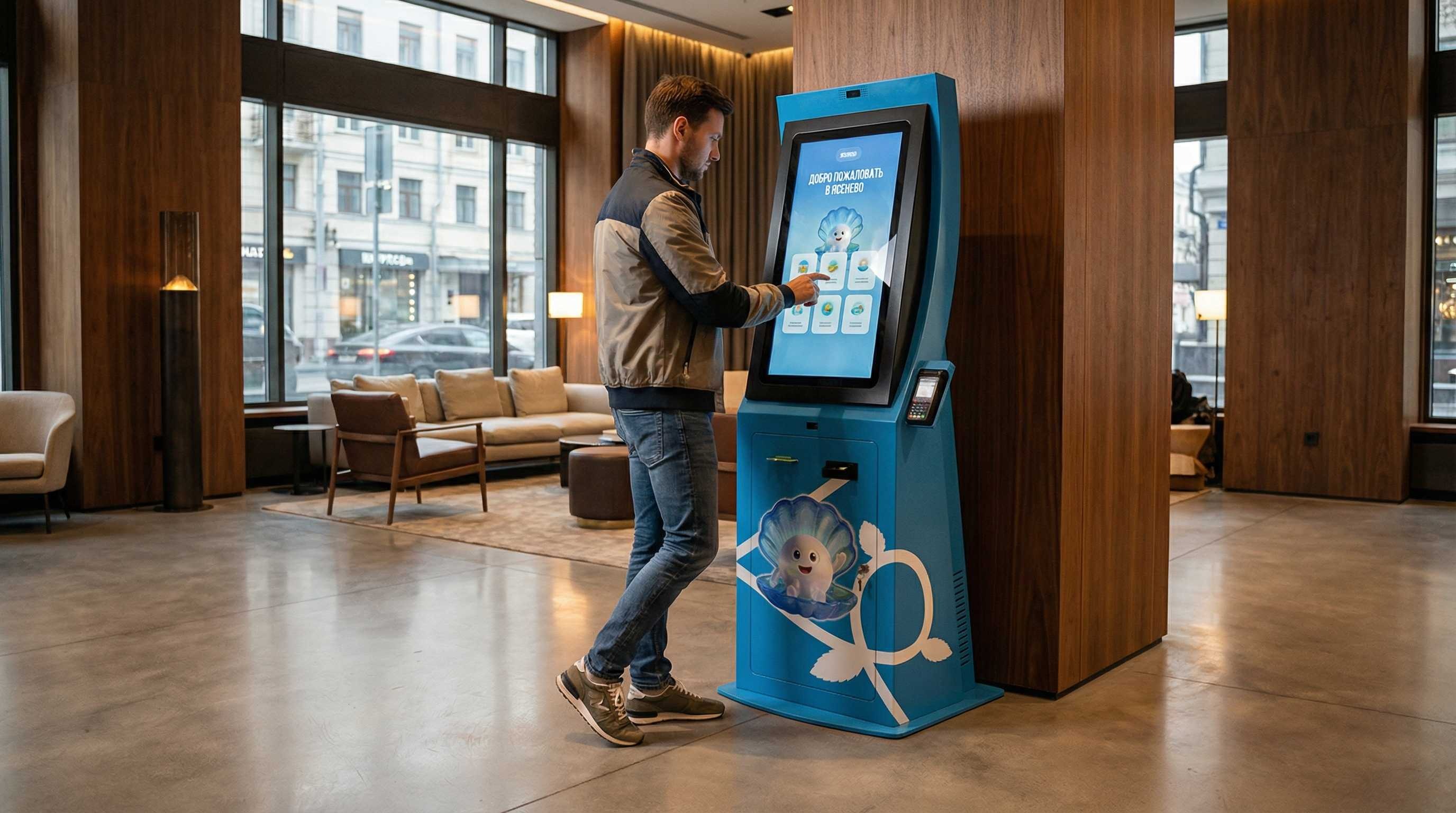 Information terminal for the Yasenevo district
/2026 — Digital
Information terminal for the Yasenevo district
/2026 — Digital
-
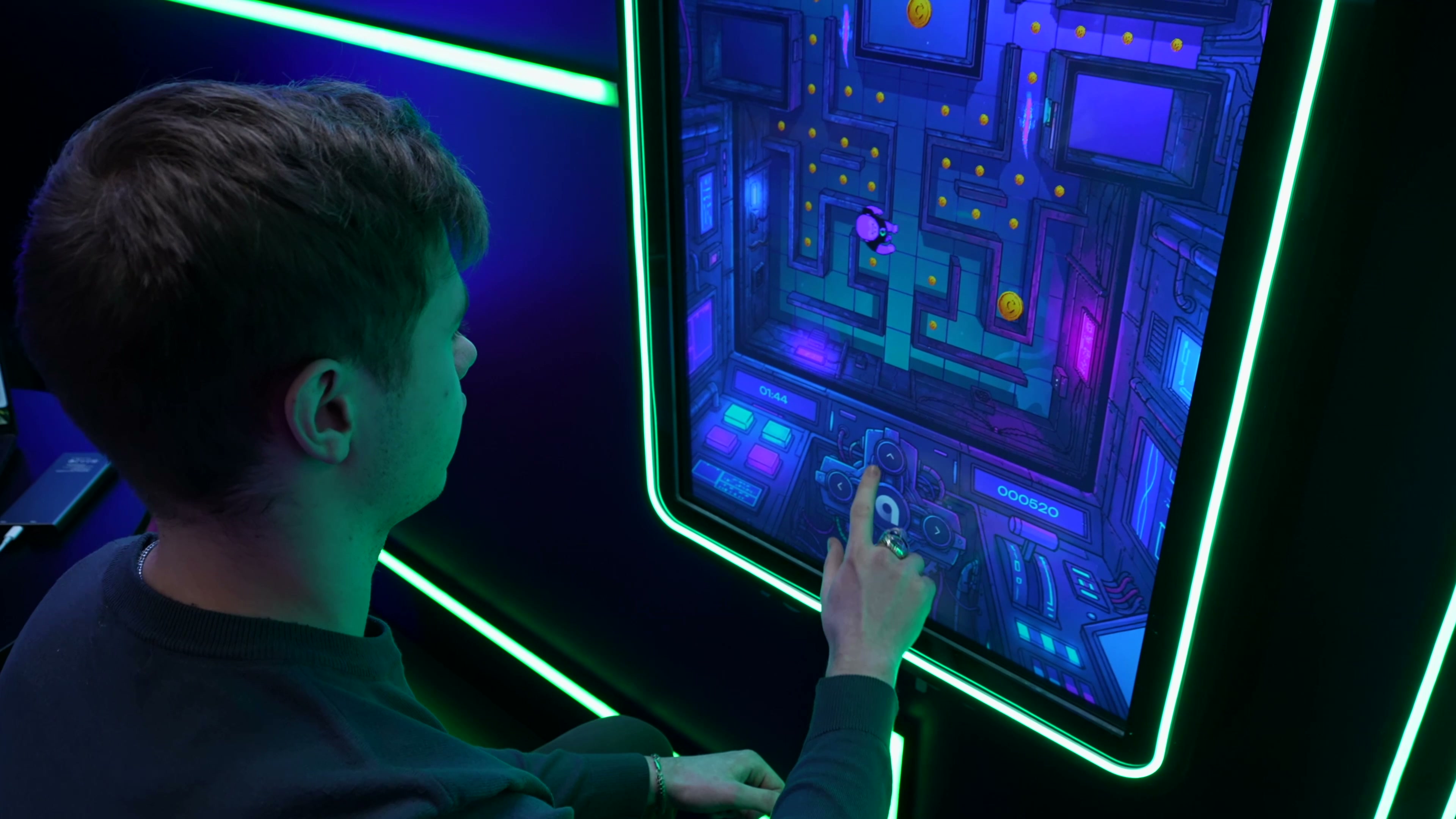 Interactive applications for the Academy of Innovators stand at StudFest 2026
/2026 — Events
Interactive applications for the Academy of Innovators stand at StudFest 2026
/2026 — Events
-
 Animated presentation on climate and agriculture for Roshydromet
/2026 — Exhibitions
Animated presentation on climate and agriculture for Roshydromet
/2026 — Exhibitions
-
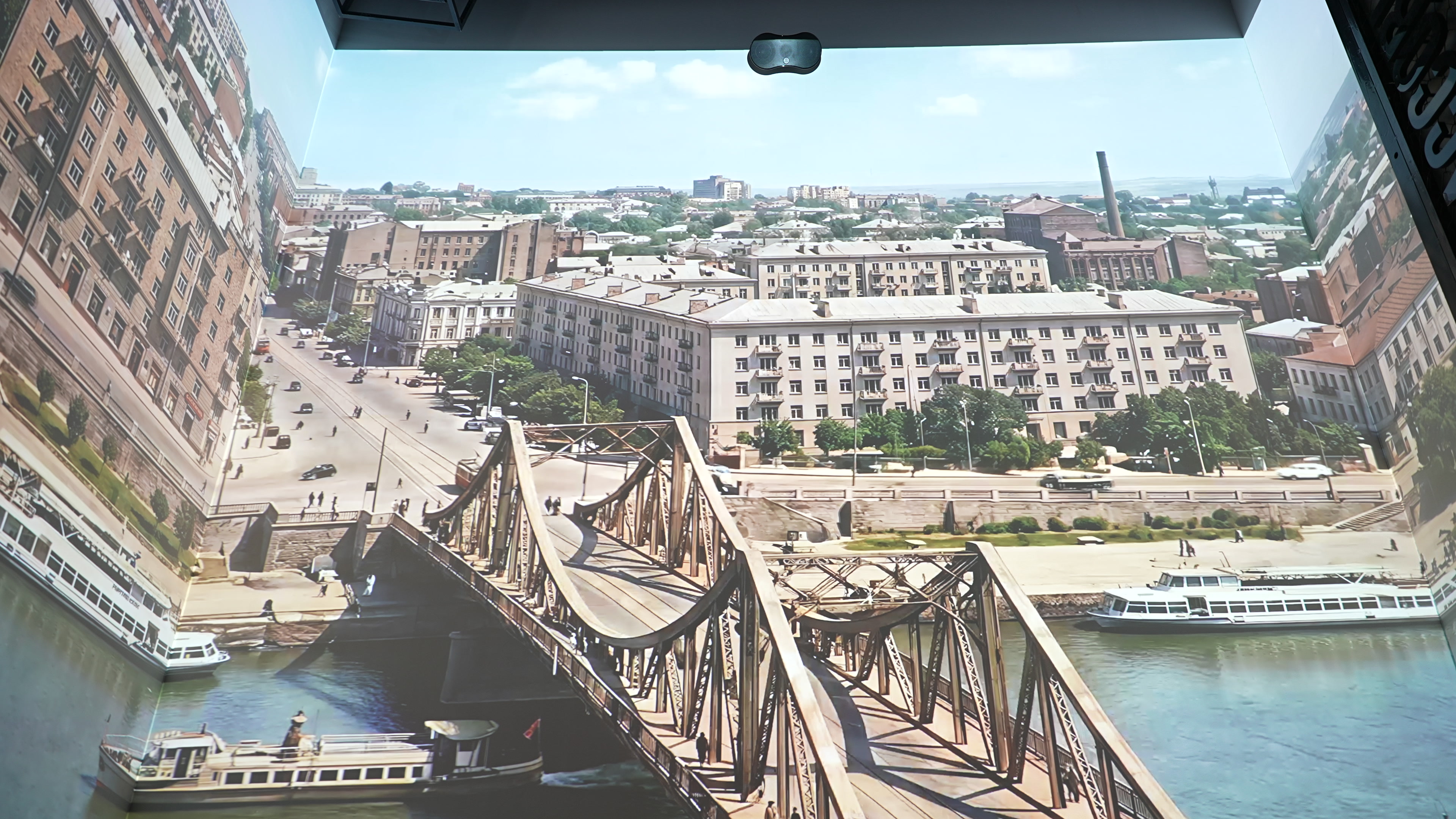 Multimedia installations for the Museum of Memory
/2026 — Museums
Multimedia installations for the Museum of Memory
/2026 — Museums
-
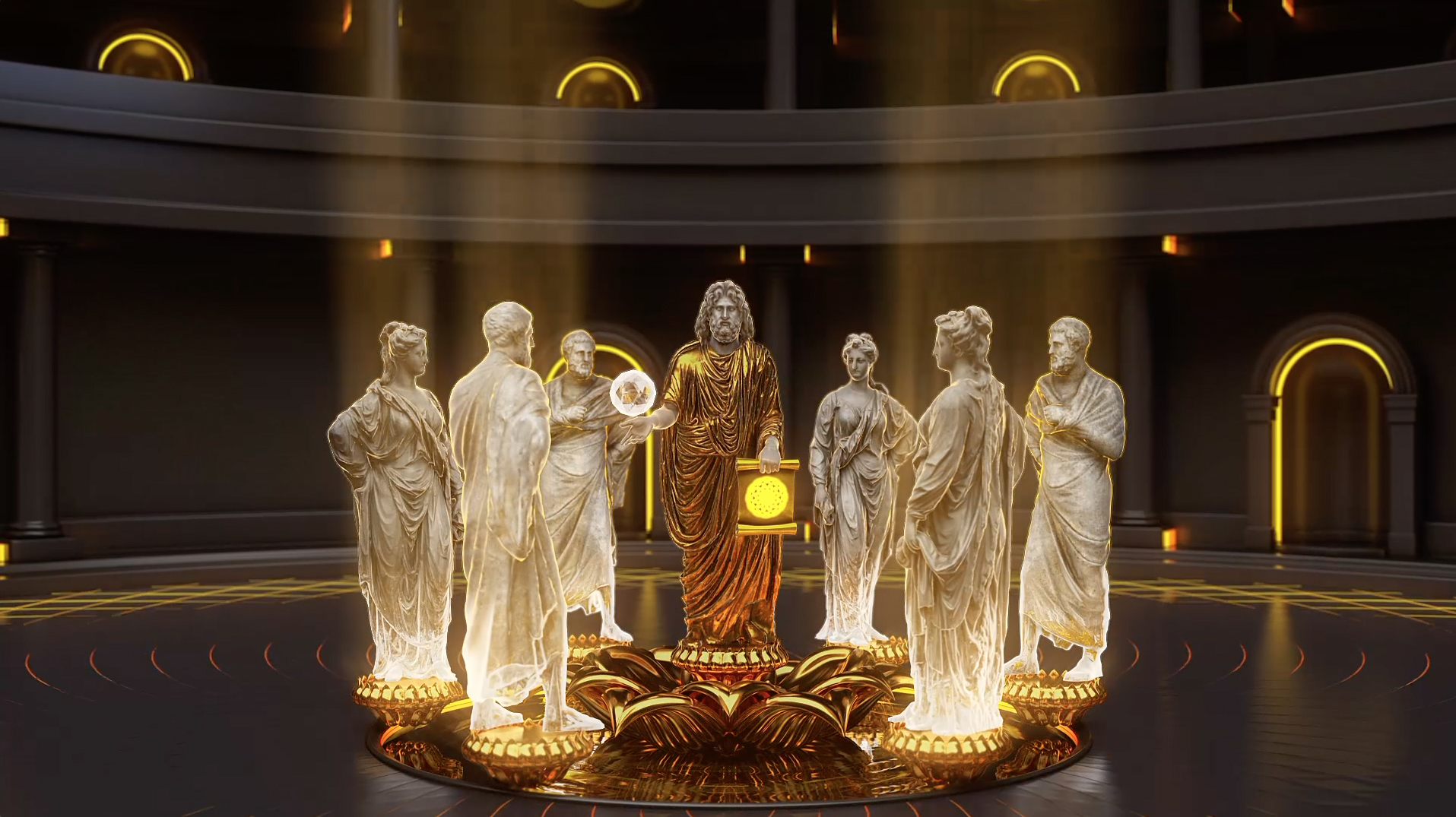 Promo film for the Vitaly Brinkmann School
/2021 — Digital
Promo film for the Vitaly Brinkmann School
/2021 — Digital