Automated control system
ACS Digital Museum
The full cycle of collection work, tickets, displays and a 3D map of the halls in one system. Support for the State Catalogue of the Museum Fund.
What is inside
We build one digital ecosystem for a museum that makes it manageable from a single interface.
-
Museum collection
A digital base of every exhibit with detailed records, characteristics and history
-
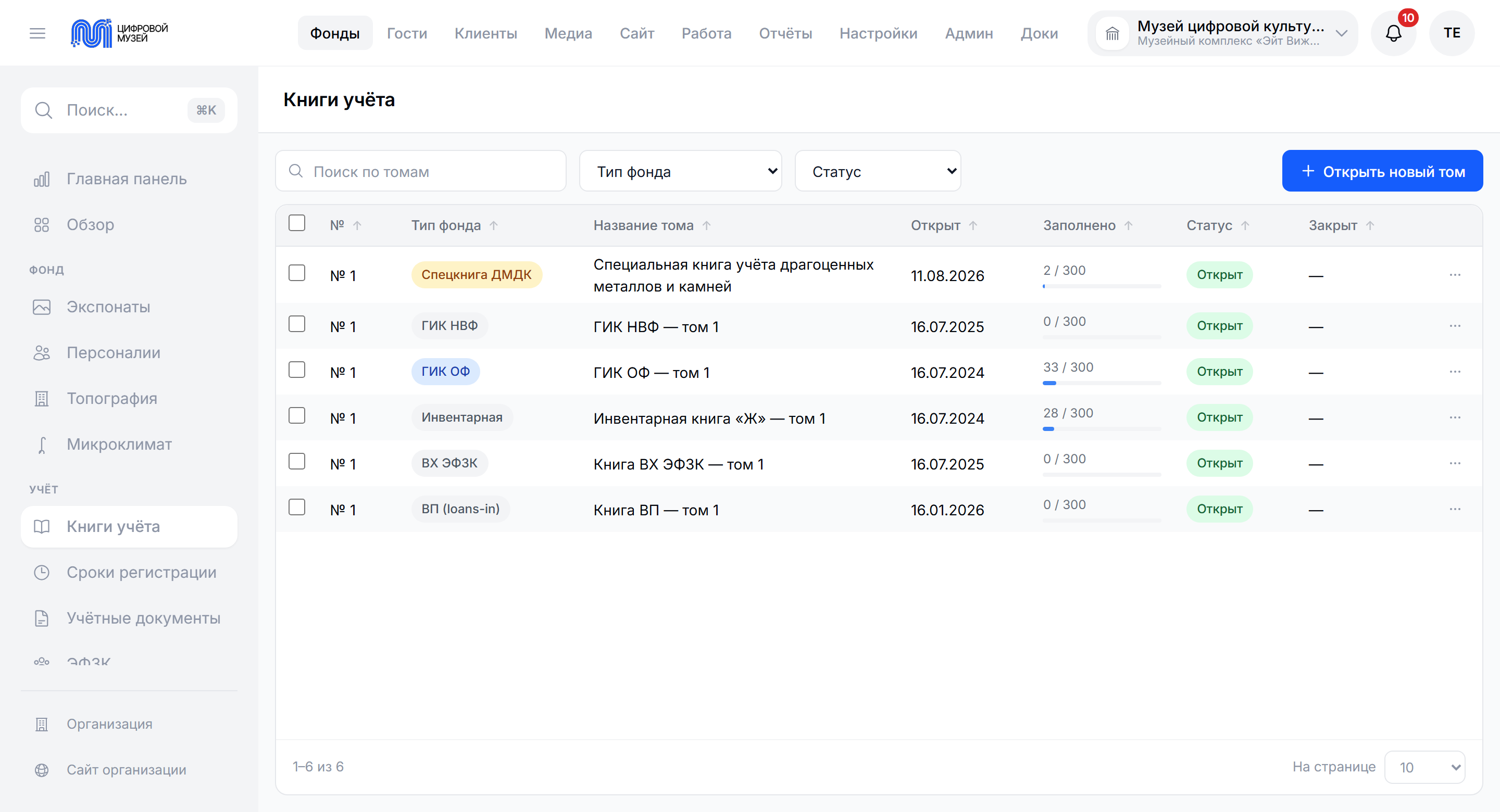
Record books
The main inventory, the acquisition book, the non-core collection, temporary storage and special books under order No. 827, with automatic numbering and volumes
-
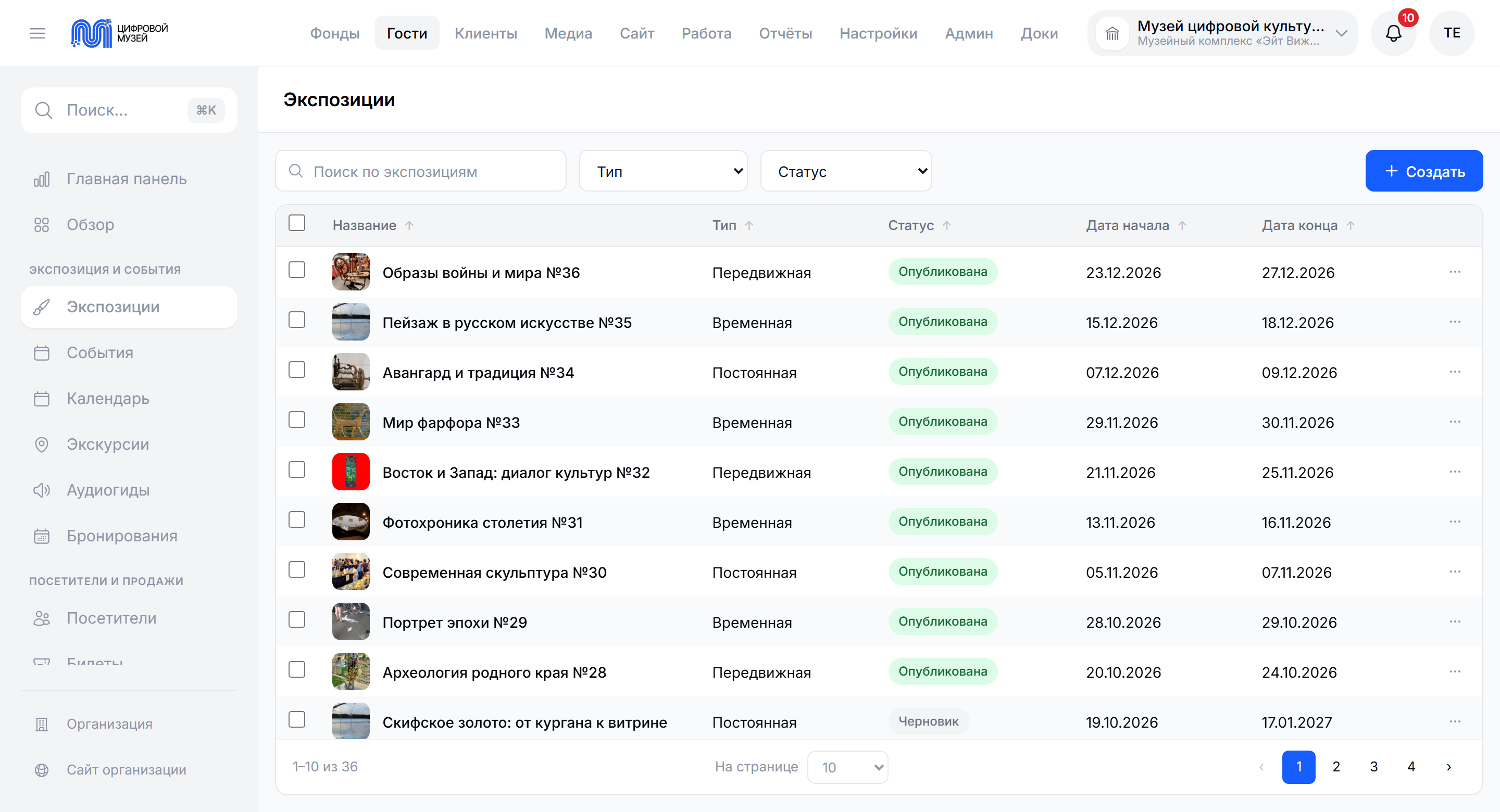
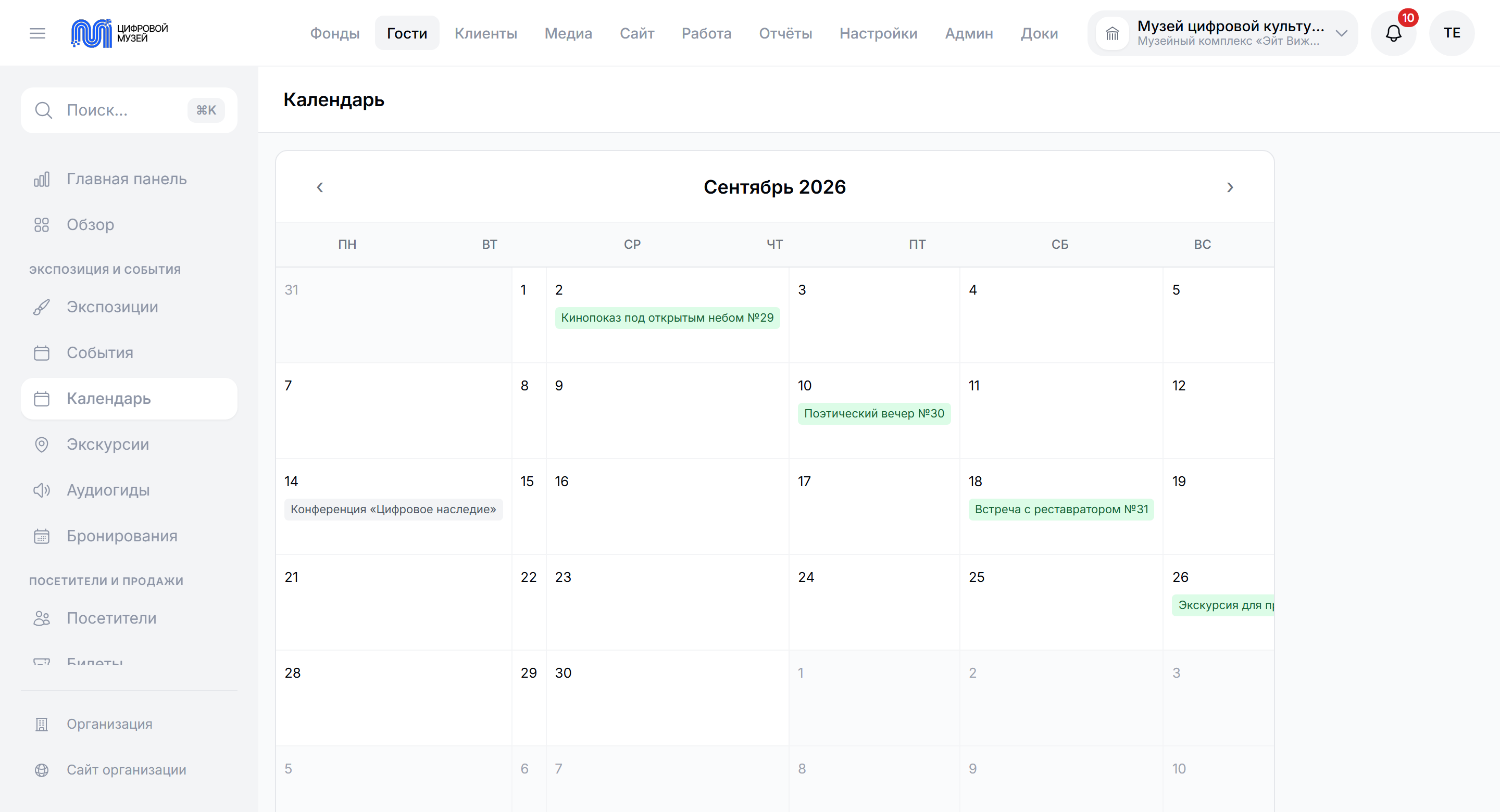
Displays and movements
Managing exhibitions, acts of receipt and transfer, collection reconciliation
-
Restoration
Electronic records, the restoration council, before and after photographs, categories under order No. 474
-
Tickets and the till
An online till under 54-FZ, rates, concessions, group visits, guided tours
-
CRM and visitors
Profiles, a history of visits, loyalty programmes, mailings
-
Content installations
Managing digital stands, kiosks and projections in the halls
-
Analytics and reporting
Dashboards, Rosstat form 8-NK, export to the State Catalogue and to the state precious metals system.
Interface
-
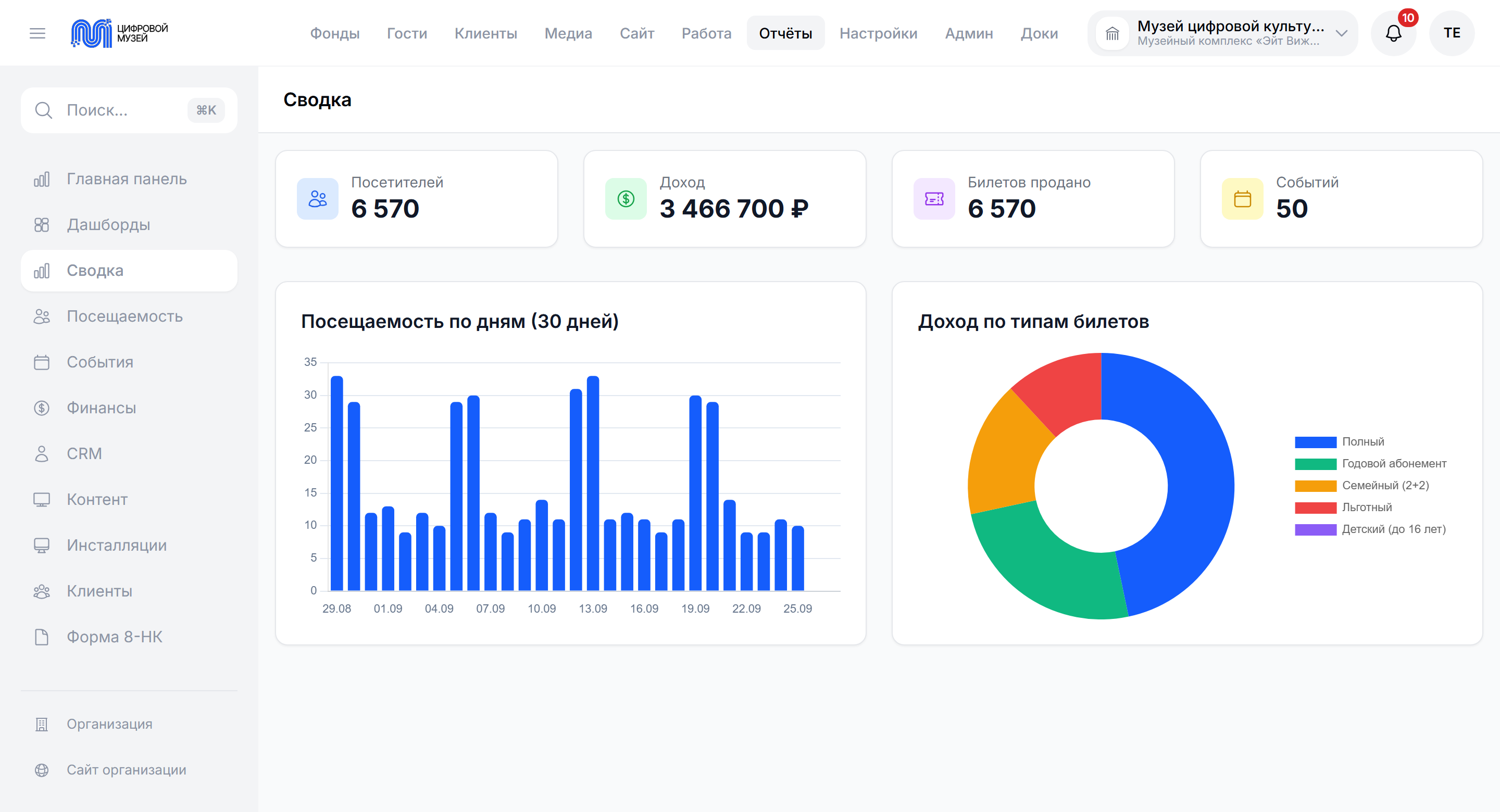
Control panel
KPIs, charts, tasks, statuses
-
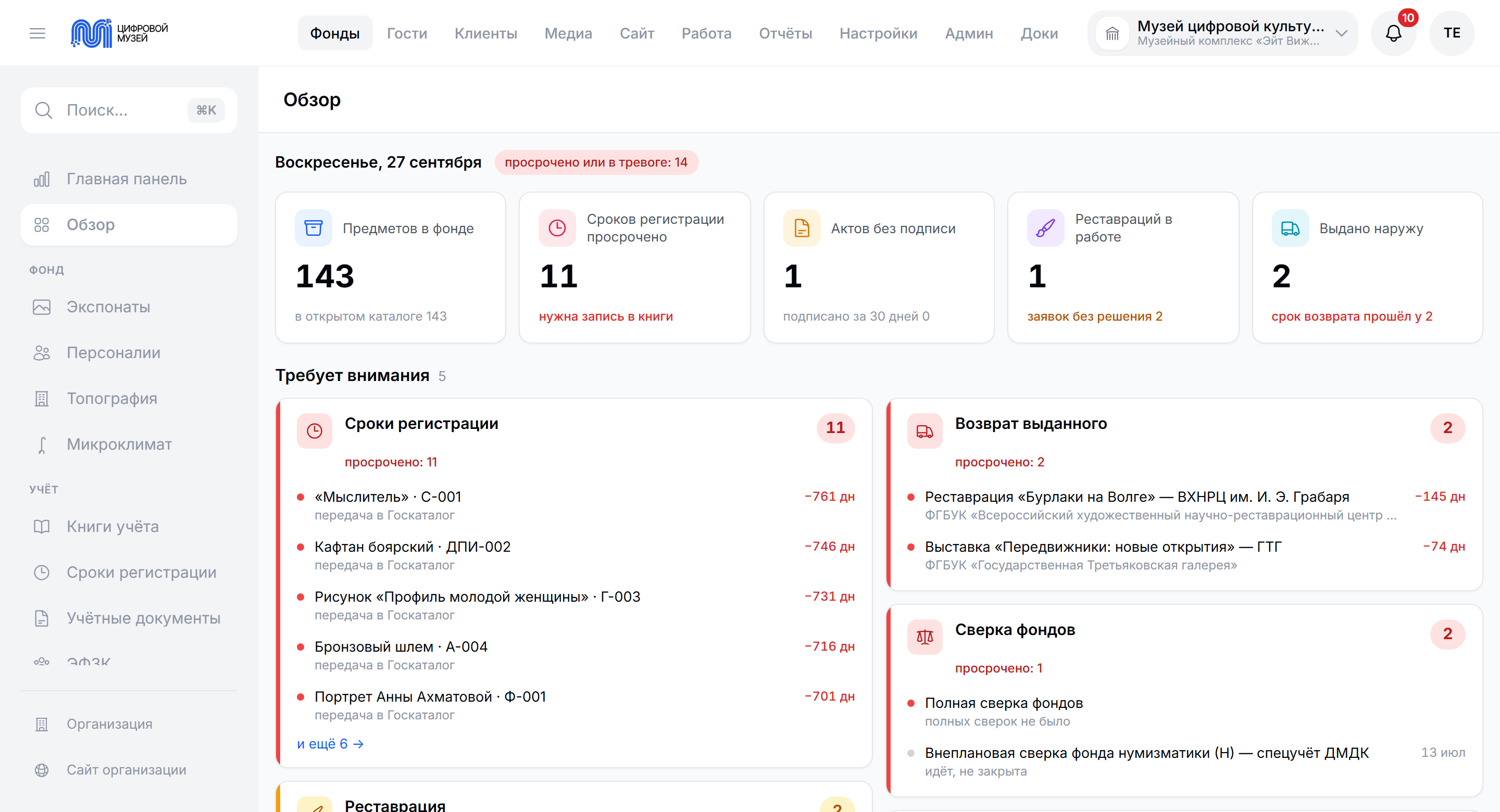
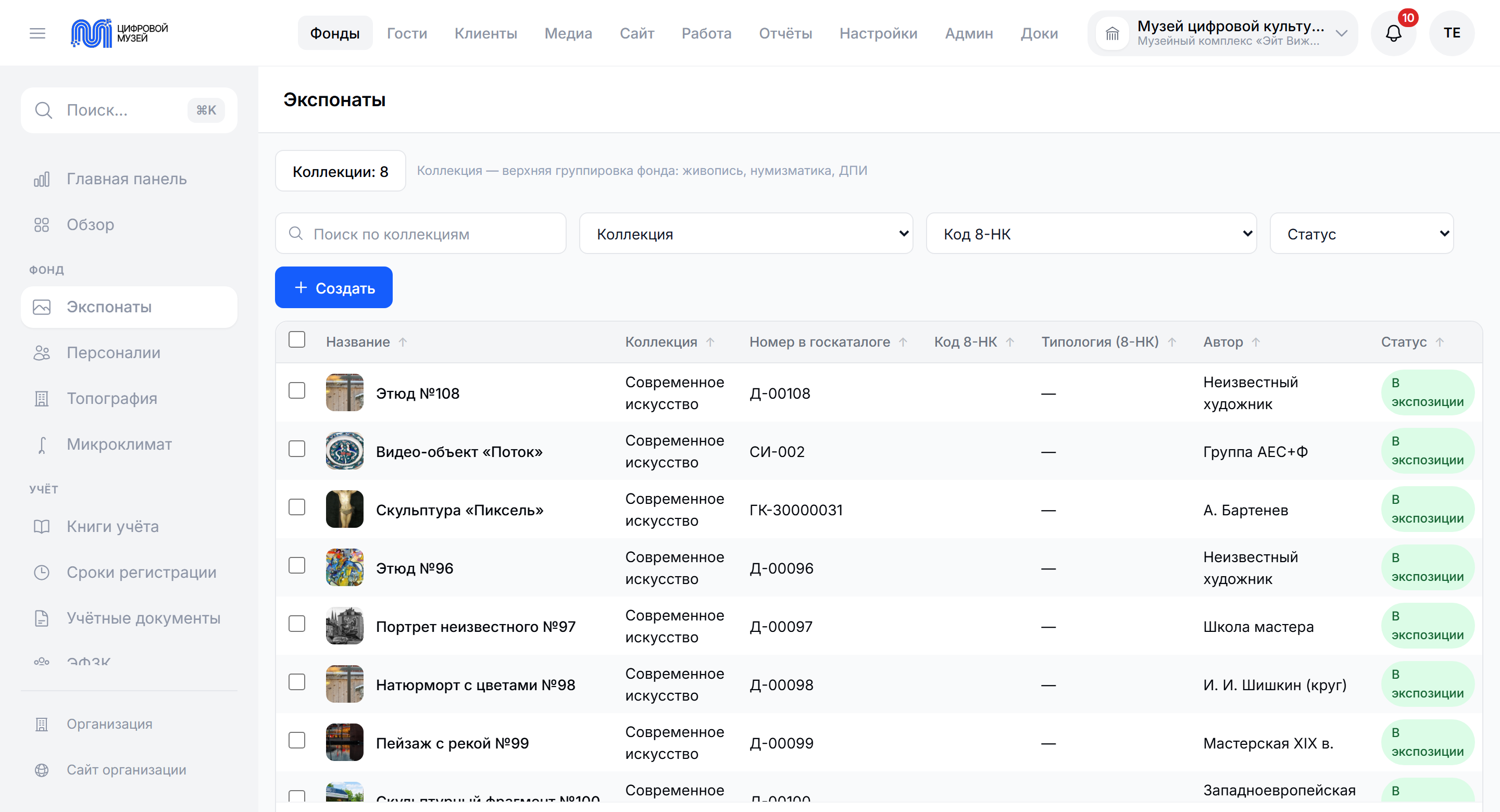
Object catalogue
Filters, search, the full record
-
Map of the halls
A plan of the museum with the exhibits in place
-
Record books
The main inventory, the acquisition book, the non-core collection as electronic volumes under order No. 827.
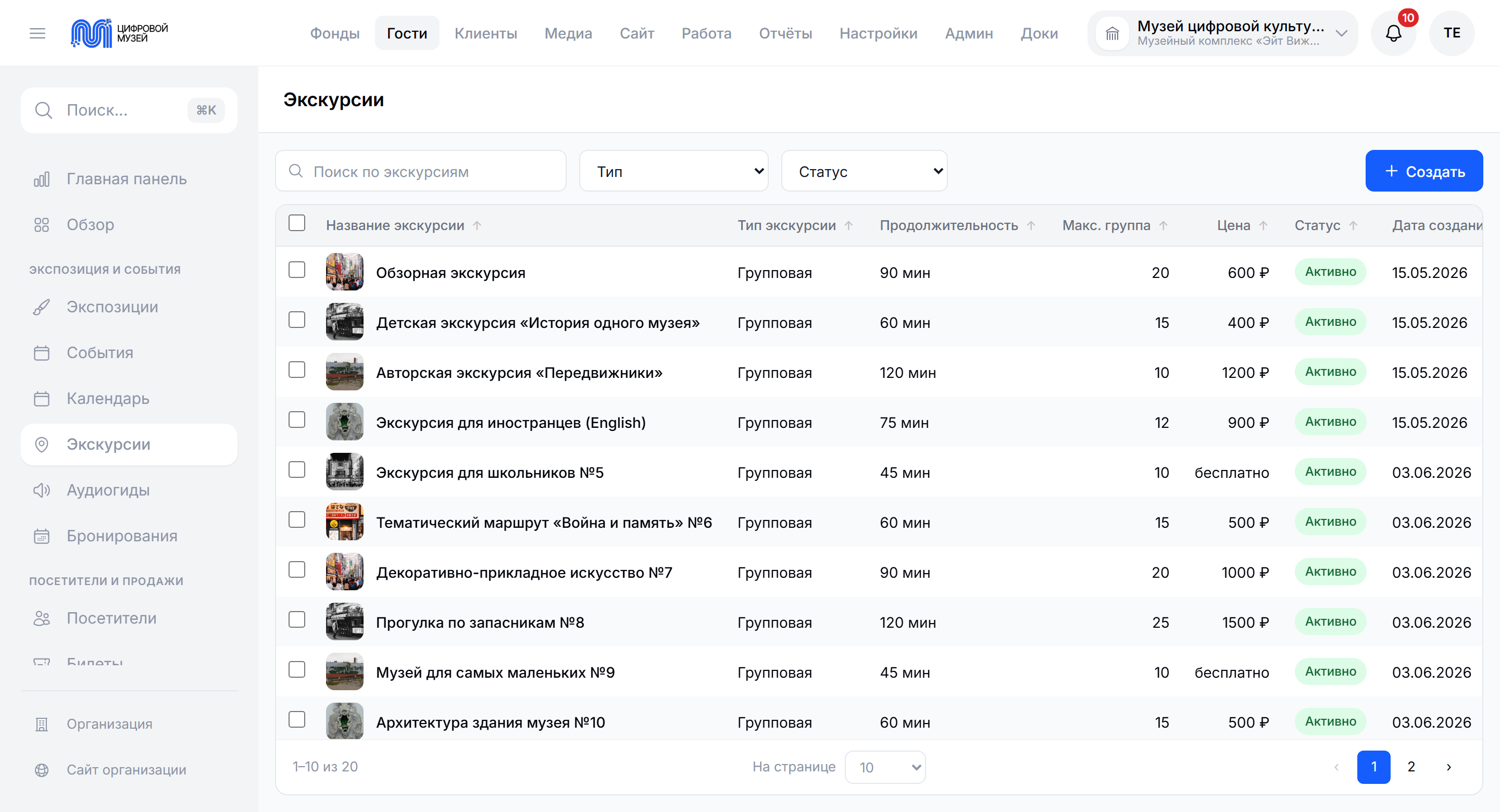
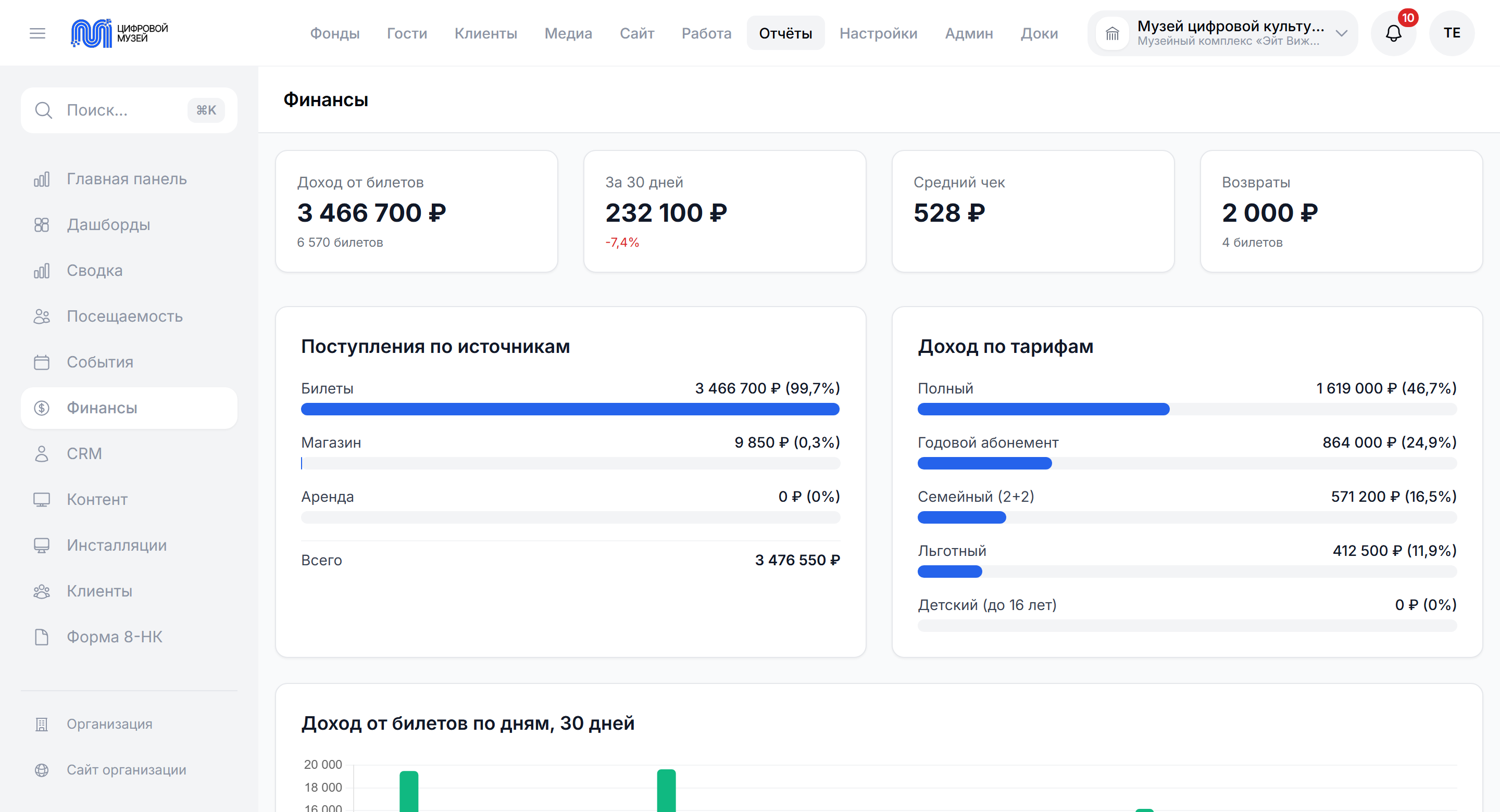
3D map
An interactive map of the halls right in the browser, with nothing to install on the client and no plugins. A member of staff sees where each exhibit is. A visitor plans a route and reads the records straight from the map.
-
Multi-floor plan
-
BIM model import
-
Polygon editor
-
A link with the collection
-
Points of interest
-
Visiting routes
-
Printing the plan
Audio guides
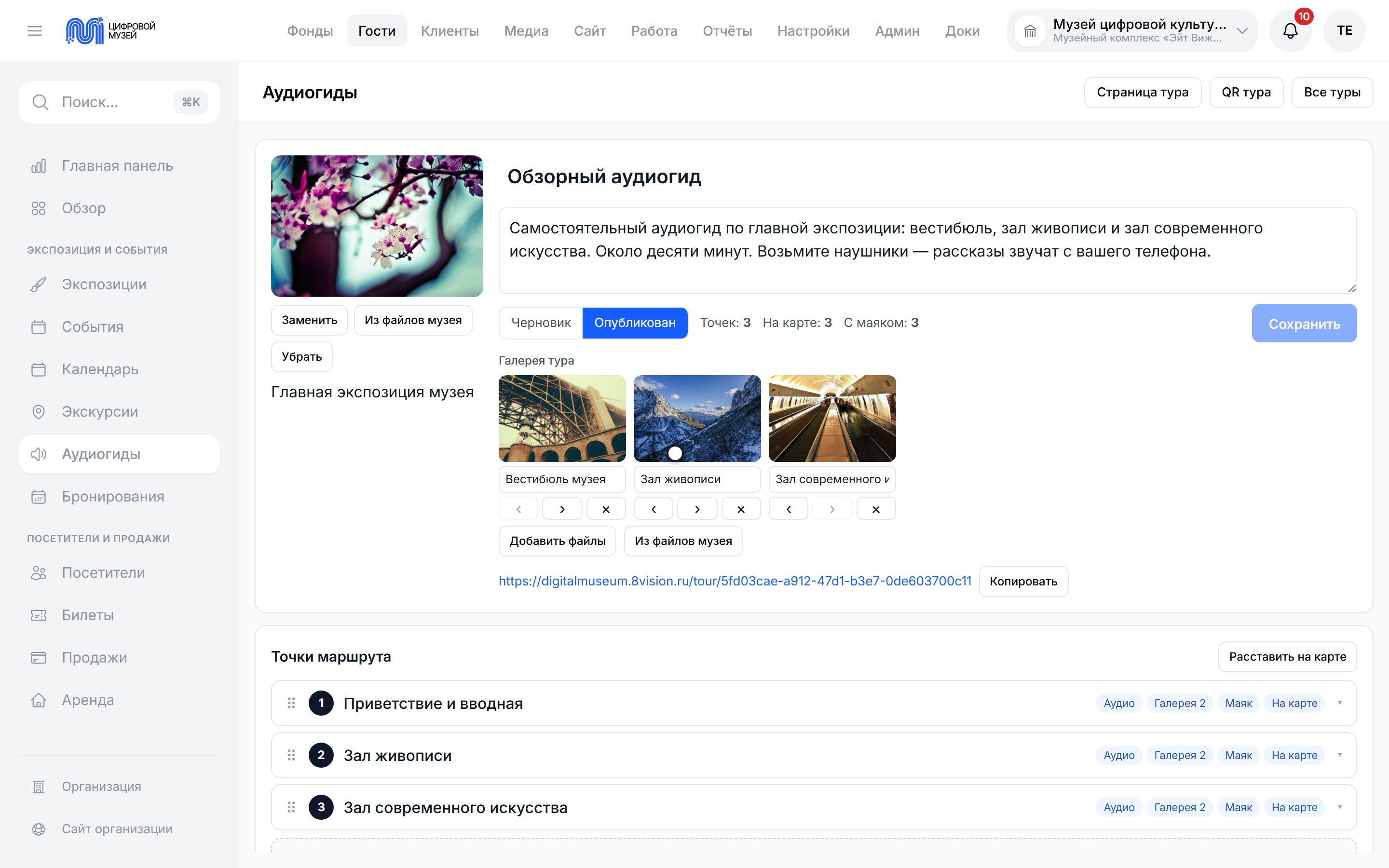
An audio guide is put together in the same system: route points, stories, photographs and places on the map. Visitors open the tour from a link or a QR code on their own phone — with no app to install.
Content
We run the multimedia on the stands from the same system as the collection. Isolated instances of the content software are deployed straight from the administrative interface.
-
Deployment from the admin panel
-
Isolated instances
-
A link with the collection
-
Managing content online
Equipment management
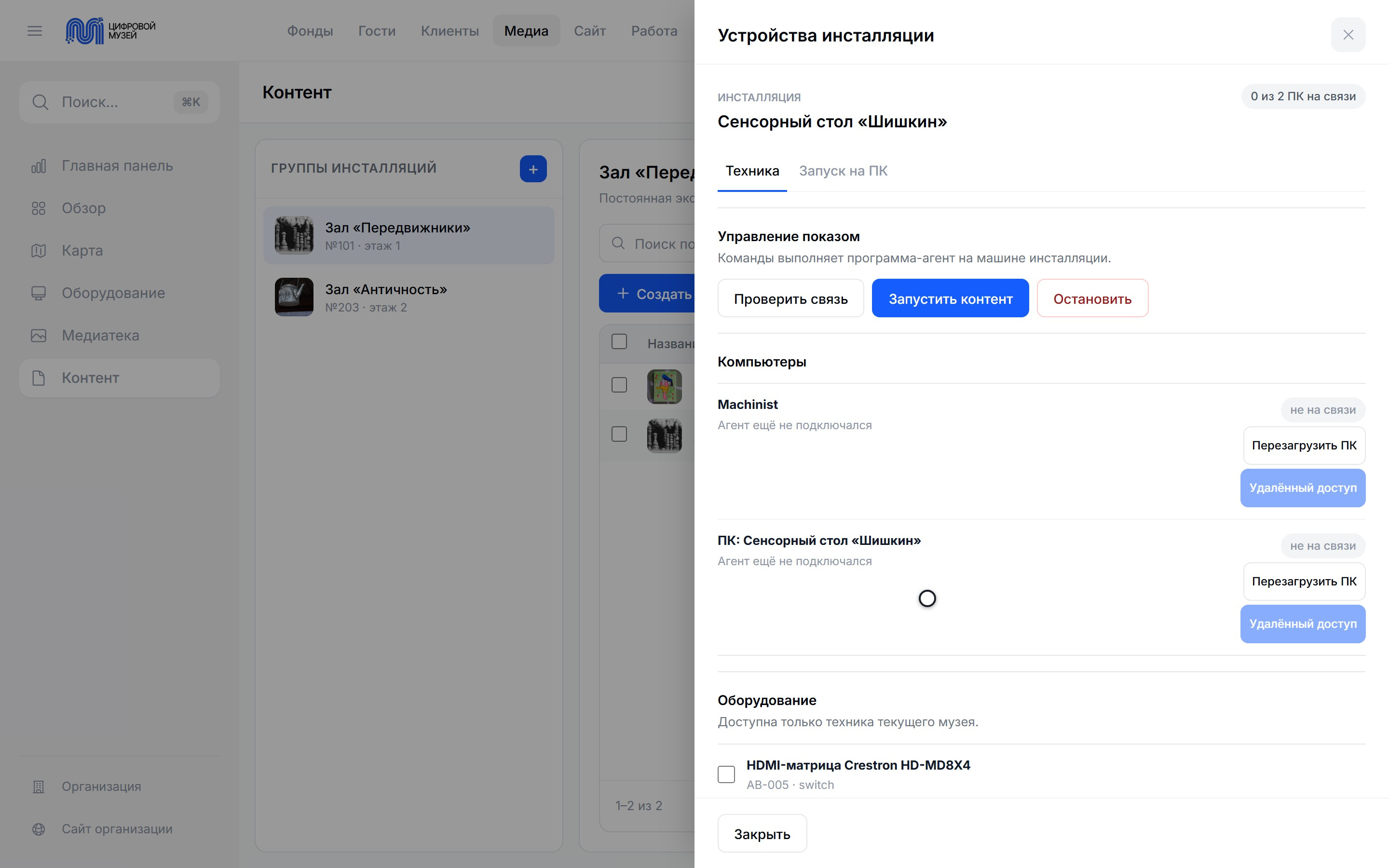
All the equipment in the halls in one list: where it is and what state it is in. From an installation's record, staff check the connection, start and stop content, restart the PC and open its desktop, while an agent program in the hall restarts a frozen kiosk on its own.
Integrations
A link with state systems and outside software out of the box. The platform connects to the obligatory state services and to common programmes so that data is not entered twice.
-
The State Catalogue of the Museum Fund
two-way export and reconciliation of the collection.
-
The state precious metals and stones system
records of precious metals and stones.
-
Rosstat form 8-NK
gathered automatically from the records.
-
1C and KAMIS
import of records, collections and restoration data.
-
Excel, CSV and MARC
bulk import of records.
-
Fiscal data operators for online tills
Atol, Dreamkas, OFD.ru.
-
Email, SMS and Telegram
mailings to visitors.
-
The unified identification system and Gosuslugi
sign-in with a state account, planned.
Collaboration
The museum's tasks are on a kanban board, a Gantt chart and a calendar, and the board updates for everyone at once. A task has a checklist, comments, files and a history, while regulations and instructions sit in the knowledge base next to the projects.
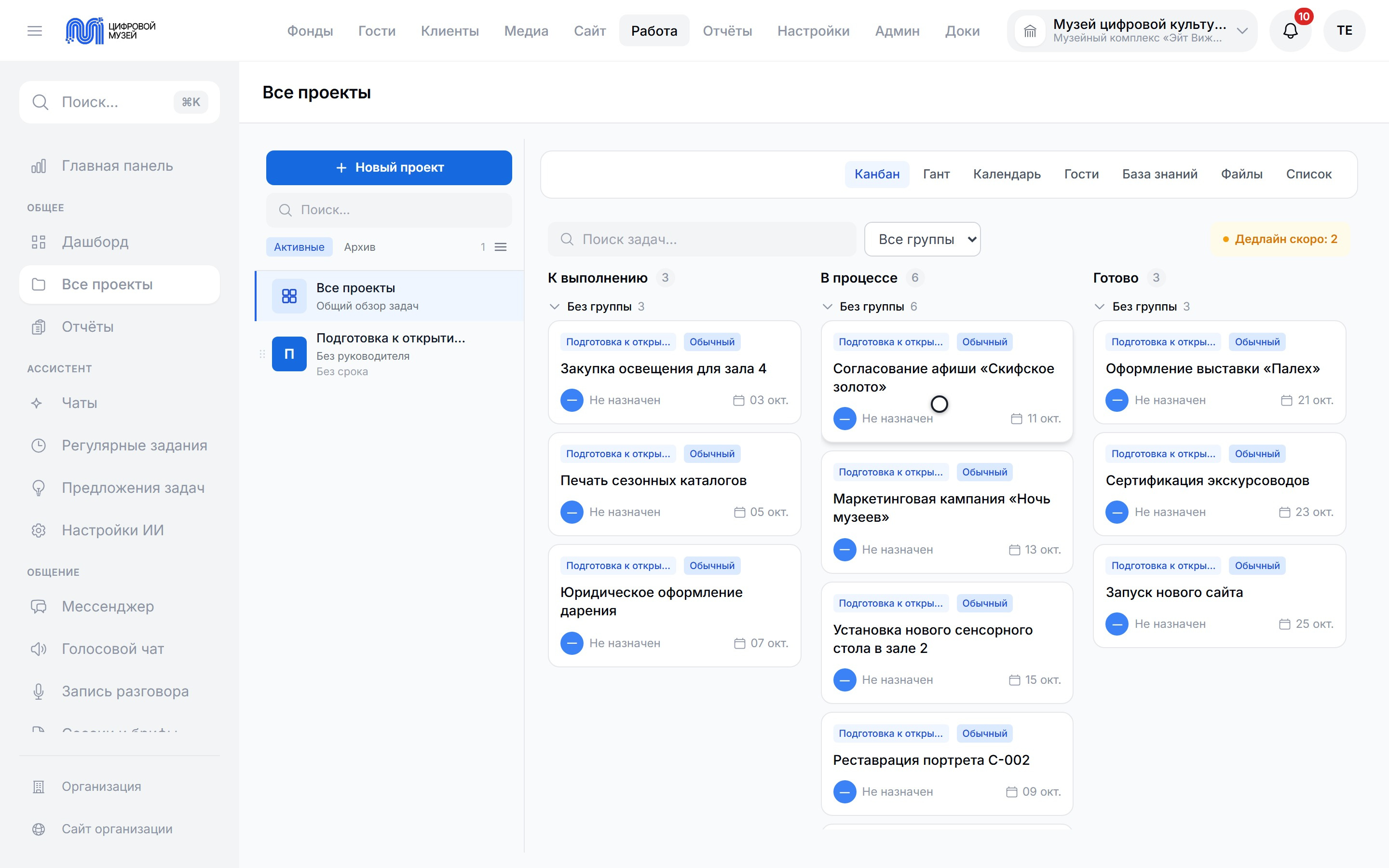
How it works in practice
-
An exhibit arrives
The restoration council decides, then the entry goes into the acquisition book and the main inventory, photographs and accompanying papers are added, and the restorer assesses the condition.
-
Placing it in the display
The curator places the exhibit on the 3D map and links it to a particular hall and exhibition.
-
Moving an object
Any change of location of an exhibit — between halls, collections or into temporary storage — is recorded automatically.
-
Updating the data
Changes to the description, the condition status and the restoration work land in the record.
-
Analytics and monitoring
The system gathers data on attendance, interest in exhibits and the effectiveness of displays to support decisions.
What it solves
The system helps reduce human error, raise the accuracy of records and speed up the work of the museum.
How the platform solves it
-
Records of exhibits
A central base of every object with a full history of changes
-
Keeping the collections
Control of condition, movements and storage conditions
-
Managing exhibitions
Flexible building and editing of displays
-
Automation
Fewer manual operations and less duplication of data
-
Transparent work
Access to current information for every department
-
Support for decisions
Analytics for planning and developing the museum
The effect for the museum
Records, sales and analytics in one system — with support for the requirements of the Ministry of Culture.
-
Record books
Electronic main inventory, acquisition book, non-core collection and temporary storage under order No. 827, with automatic numbering.
-
Transfer to the State Catalogue
Two-way integration: export and reconciliation.
-
Rosstat form 8-NK
Gathered automatically from the records.
-
Ticket sales under 54-FZ
A built-in online till, rates, concessions.
-
Restoration work
Records with a history of conditions and photographs.
-
Document flow
Acts of receipt, transfer and write-off in standard forms.
-
Plan of the halls
An interactive 3D plan of the building with the location of the collection.
-
Analytics for management
A dashboard: attendance, revenue, collection.
Who it is for
The solution suits a wide range of museum and cultural organisations, whatever their size or structure.
-
State museums
Systematic records and automated reporting under federal law 357-FZ and the Ministry of Culture
-
Municipal local history museums
One system for the collection, tickets and analytics
-
Departmental museums and museum complexes
Managing several collections and buildings from a single admin panel
-
Private museums and collections
Full control over the exhibits and their history
-
Exhibition centres
Managing temporary and permanent displays.
-
Archives and collections
Structured storage and search of data.
Security
Installed in the infrastructure of the museum — the data never leaves the perimeter of the client. Deployment on the servers of the museum, isolation by tenant, compliance with the requirements for state information systems.
The perimeter of the client
-
Deployment
On-premises on the servers of the museum, Linux and Docker Compose.
-
Requirements
from 2 vCPU and 4 GB of memory; a cloud subscription as an alternative.
-
Backups
automatic copying of the database.
-
Personal data
152-FZ, storage in Russia.
-
Roles
a role-based access control model and an audit log of all actions.
-
Access
JWT authentication, isolation by tenant, FSTEC orders No. 17 and No. 235.
-
Exporting backups
To external storage of the client: S3, NAS or FTP.
Pricing
The cost is calculated for the museum — there is no universal price. It depends on the size of the collection, the number of users, data migration and the list of modules.
What the cost depends on
-
The size of the collection
The number of exhibits and record books.
-
The number of users
Keepers, restorers, cashiers, guides.
-
The list of modules needed
Collection, tickets, restoration, 3D map, analytics.
-
Data migration
Transfer from 1C, KAMIS, Excel.
-
Integrations
The State Catalogue, fiscal data operators for tills, the unified identification system.
-
Training and support
Launch, staff training, support.
-
Licensing options
On-premises as a one-off, or a monthly cloud subscription.
Three steps to a quote
-
Fill in the questionnaire
Tell us about the size of the collection, the tasks and the infrastructure.
-
Get the quote
Within three working days by email, broken down by module.
-
A demo and a pilot
We will show the system live and discuss a rollout plan.
Documentation
User guide — for the keeper, the restorer, the cashier, the guide and the manager.
-
User guide
PDF, about thirty-two pages and twenty-seven sections: collection, record books, restoration, displays, tickets, CRM, 3D map, content installations, analytics, import and export, integrations.
Projects
-
 Touch sphere and videos for the Shvabe tent at the “Engineers of the Future — 2026” forum
/2026 — Events
Touch sphere and videos for the Shvabe tent at the “Engineers of the Future — 2026” forum
/2026 — Events
-
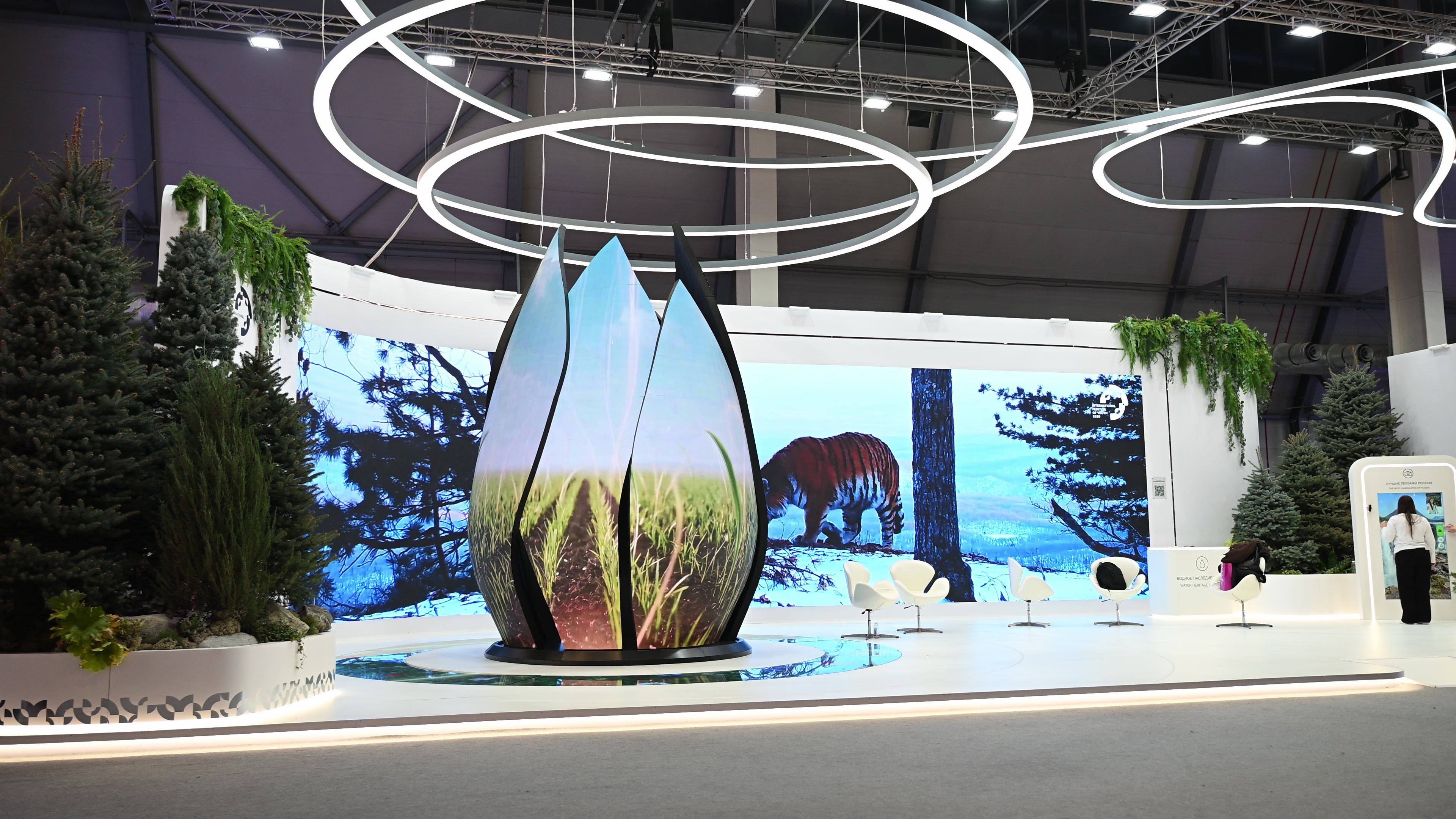 Multimedia for the Ministry of Agriculture of Russia’s “Source of Life” exhibition at the International Youth Festival 2026
/2026 — Exhibitions
Multimedia for the Ministry of Agriculture of Russia’s “Source of Life” exhibition at the International Youth Festival 2026
/2026 — Exhibitions
-
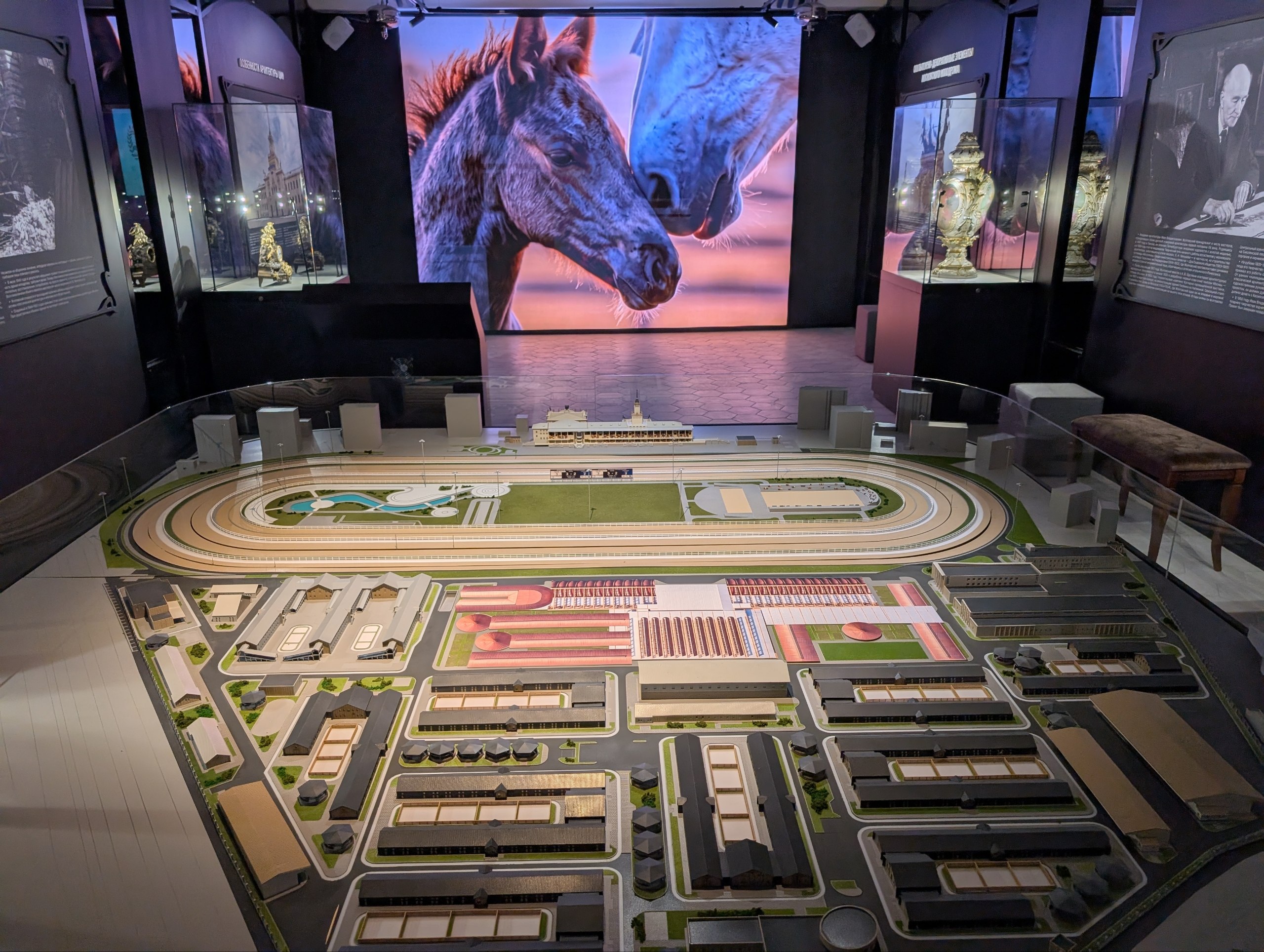 Interactive installations for the museum of the Central Moscow Hippodrome
/2026 — Museums
Interactive installations for the museum of the Central Moscow Hippodrome
/2026 — Museums
-
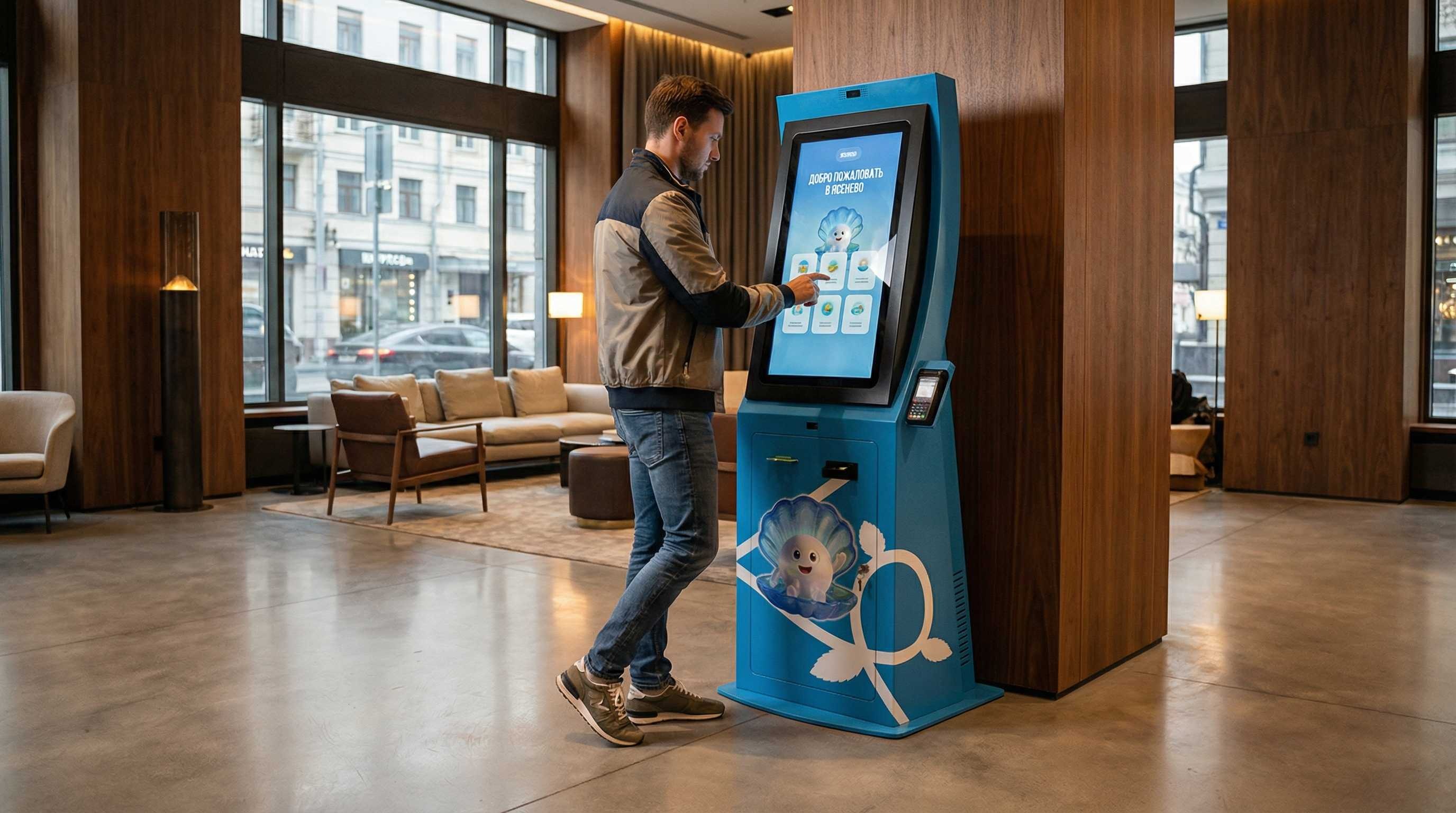 Information terminal for the Yasenevo district
/2026 — Digital
Information terminal for the Yasenevo district
/2026 — Digital
-
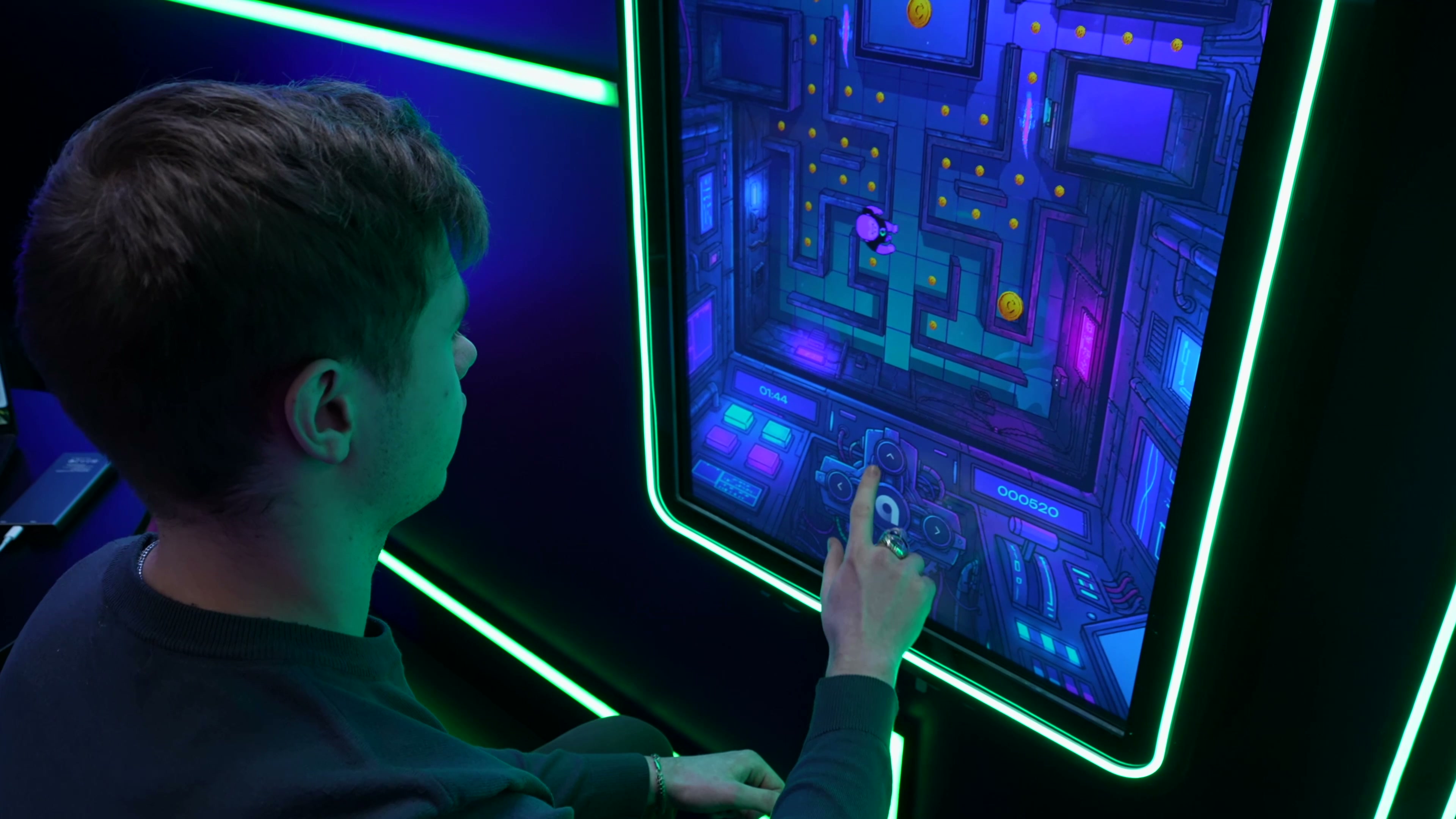 Interactive applications for the Academy of Innovators stand at StudFest 2026
/2026 — Events
Interactive applications for the Academy of Innovators stand at StudFest 2026
/2026 — Events
-
 Animated presentation on climate and agriculture for Roshydromet
/2026 — Exhibitions
Animated presentation on climate and agriculture for Roshydromet
/2026 — Exhibitions
-
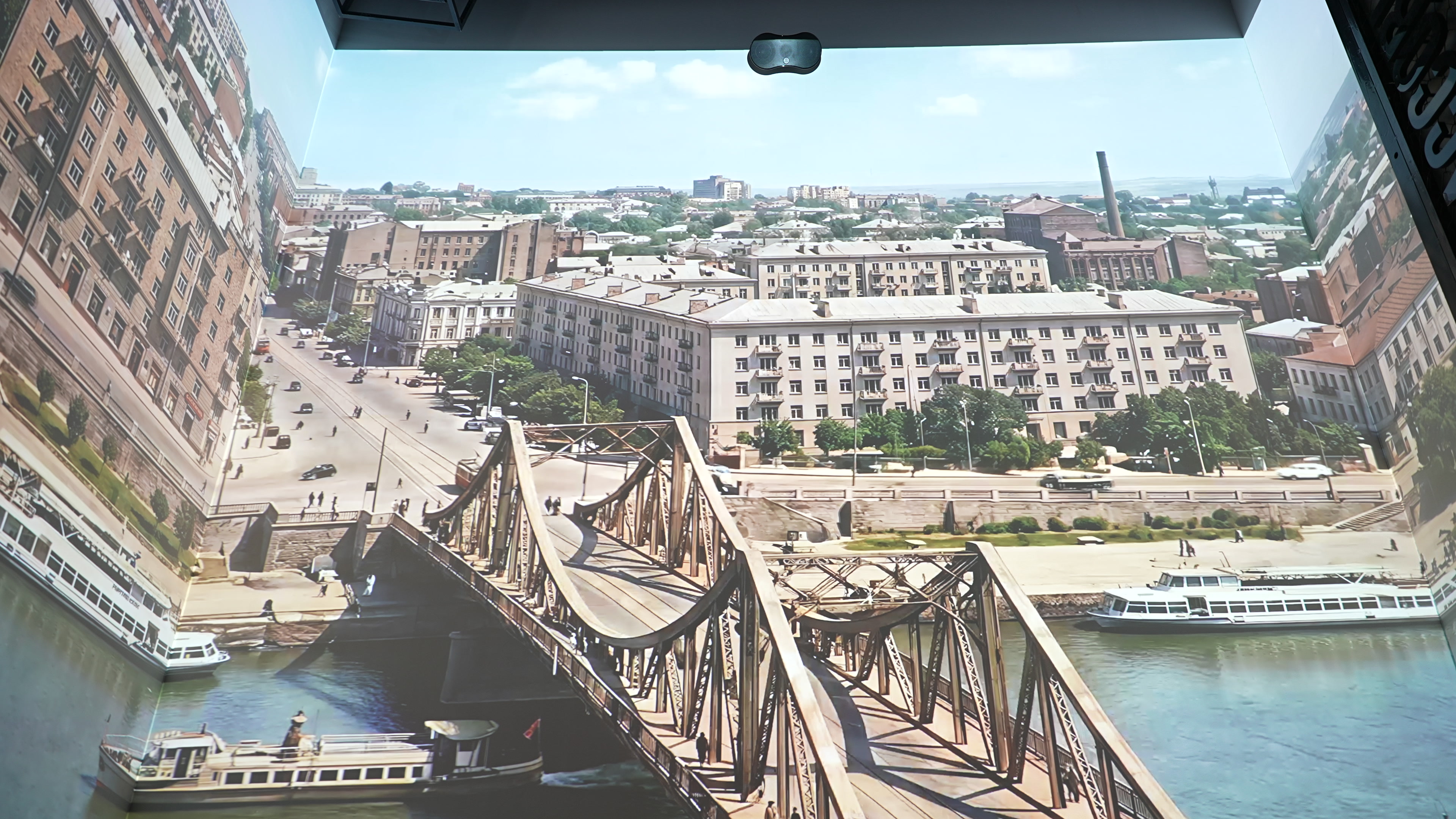 Multimedia installations for the Museum of Memory
/2026 — Museums
Multimedia installations for the Museum of Memory
/2026 — Museums
-
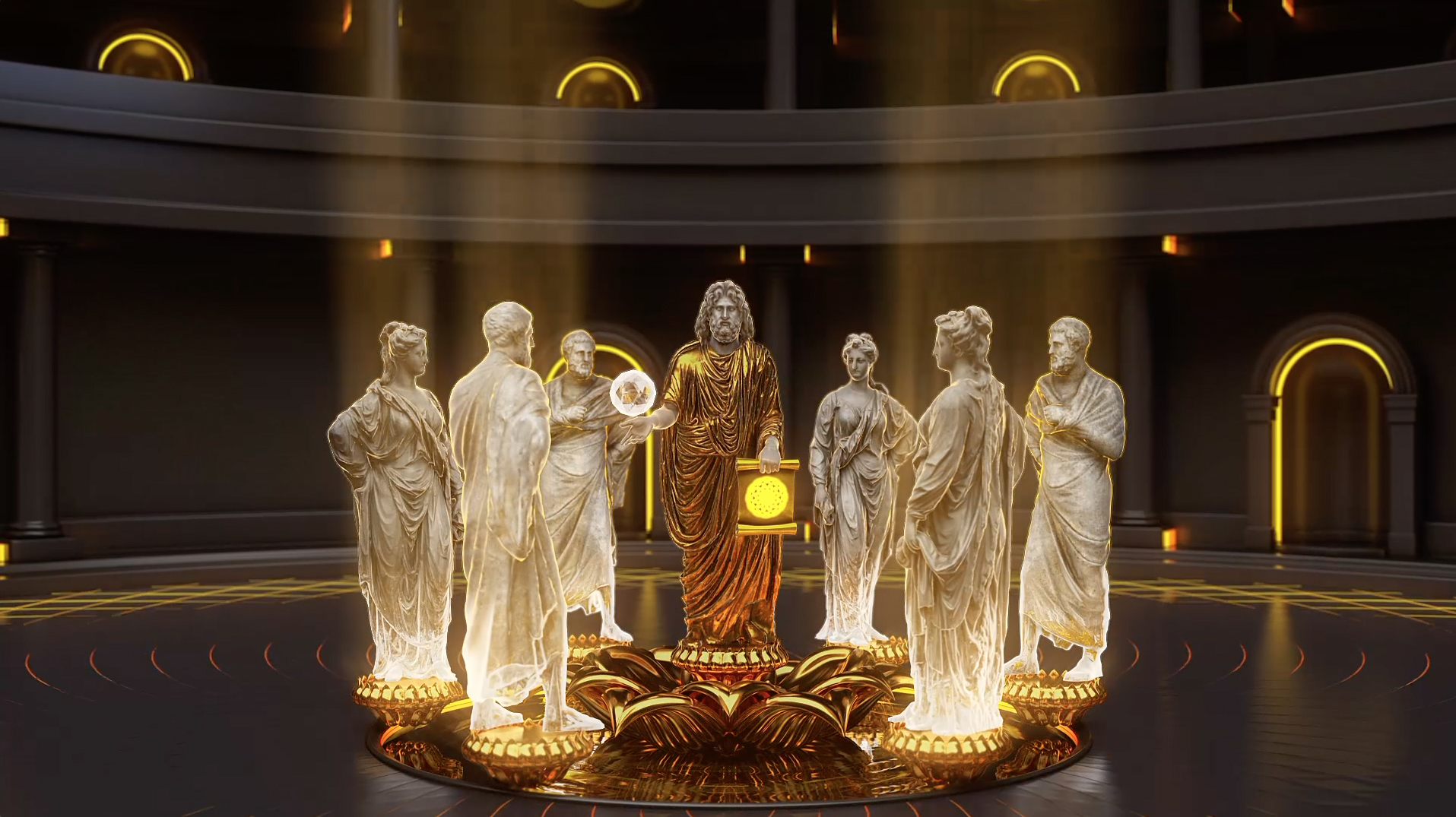 Promo film for the Vitaly Brinkmann School
/2021 — Digital
Promo film for the Vitaly Brinkmann School
/2021 — Digital