Exhibitions · 2026
The “Key element of Moscow transport” quest in the “Smart City” pavilion
Exhibitions / The “Key element of Moscow transport” quest in the “Smart City” pavilion
About the project
A quest for the “Moscow transport ecosystem” wall in the “Smart City” pavilion at VDNKh: ten questions about Moscow transport, the knobs of a “safe”, screens in display cases and a souvenir photo.
The “Smart City” pavilion at VDNKh is an interactive exhibition about the digital projects of Moscow, opened in autumn 2016. In April 2026 an updated exhibition opened in it. In the “Moscow transport ecosystem” zone, screens and information panels tell the story of the city’s transport — from the Moscow Central Diameters and electric boats to car sharing and bike hire — while a game quest invites visitors to uncover the secret of the key element of the capital’s transport system.
We made this quest — “Key element of Moscow transport”. Our software links the central touch screen, the ten rotary knobs beneath it, five screens in display cases and the wall lighting. The answer to the quest is the players themselves.
Year
2026
Industry
Exhibitions
Scope of work
A quest app for a touch screen, 10 knobs, 5 screens in display cases and lighting
Venue
“Smart City” pavilion, VDNKh, Moscow
- 10
- questions about Moscow transport
- 6
- displays run by a single app
- 3
- options for the final mini-show in the concept
The task
The central wall of the exhibition holds a touch screen with a panel of ten rotary switches, and display cases with screens and transport models. A game was needed in which visitors look for answers to questions about Moscow transport in the drawings on the wall and the videos on the display-case screens, turn the knobs to the right position and, at the end, see a mini-show on all the screens.
The app has no sound. It had to run for at least eight hours straight, return to standby mode by itself and recover within 20 minutes after a power cut.
What we did
Idle
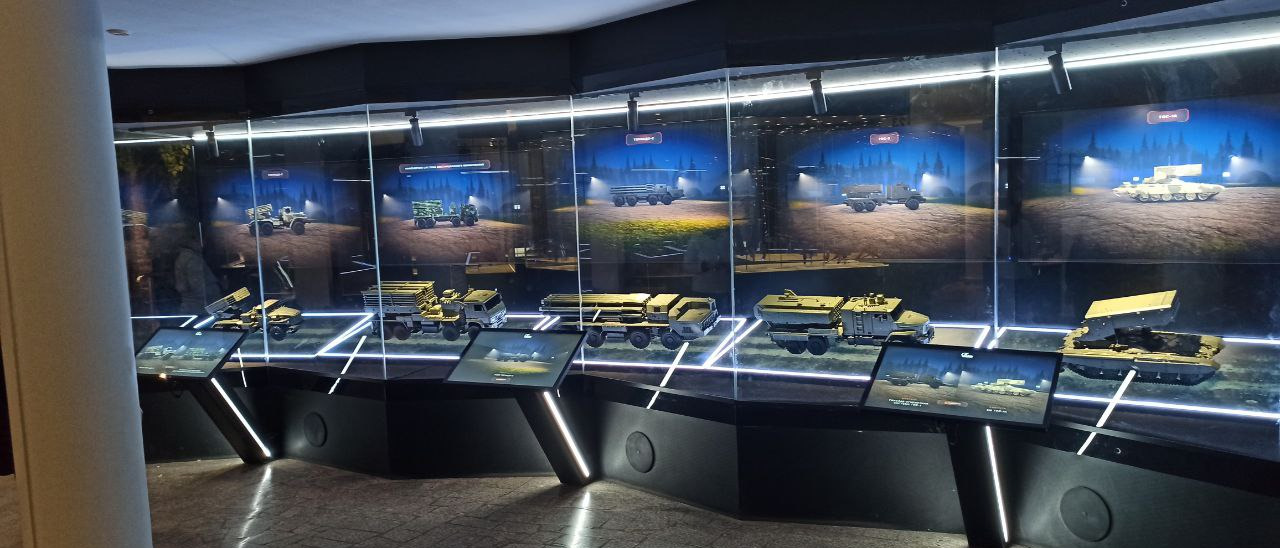
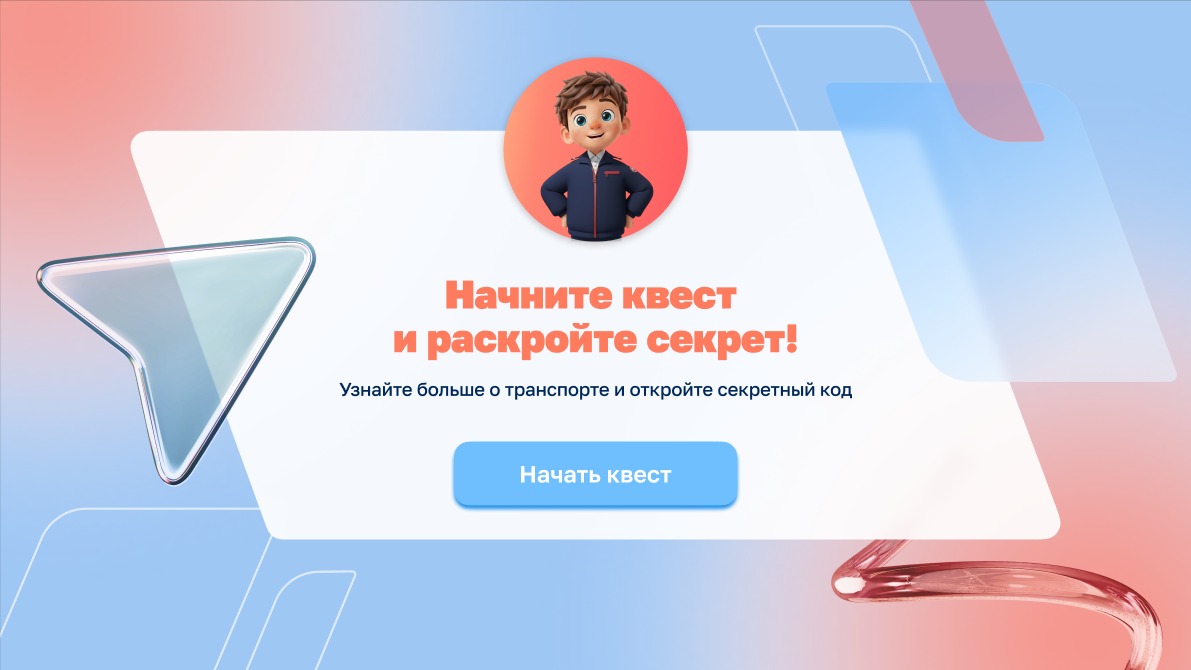
The central screen shows the name of the quest and an invitation to start. On the display-case screens vehicles arrive and depart, each case with its own: an electric bus, a tram, the Moscow Central Circle, the Moscow Central Diameters and the metro.
Introduction
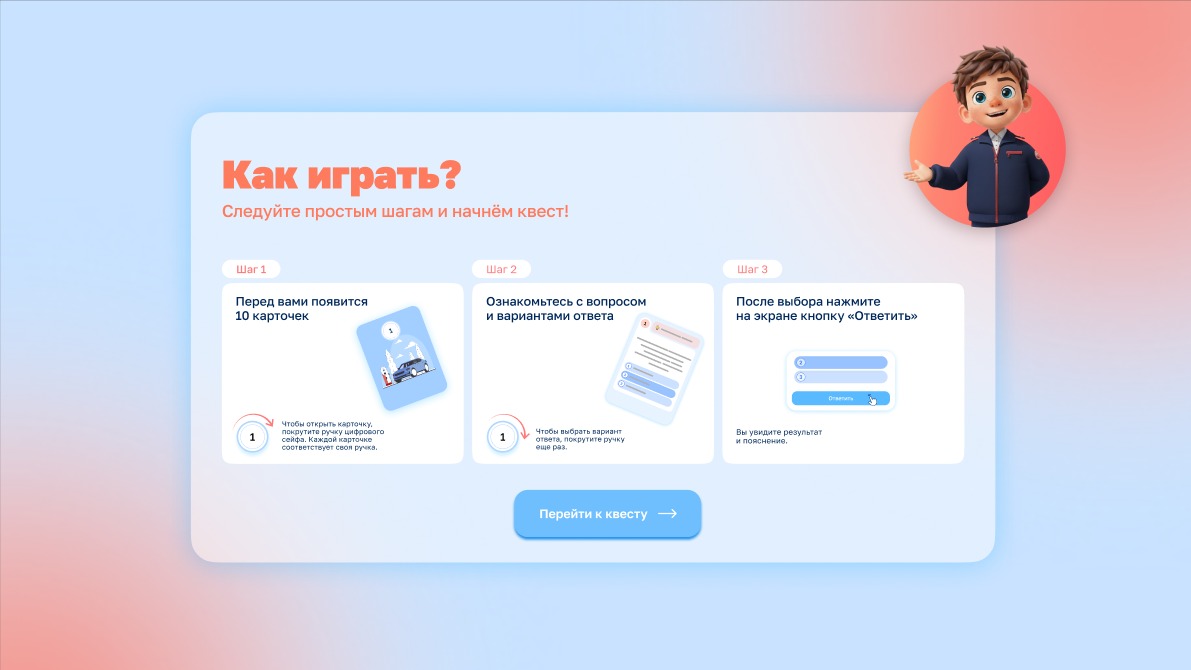
A digital host — a boy mascot — greets the guests, and the “How to play?” screen explains the rules in three steps.
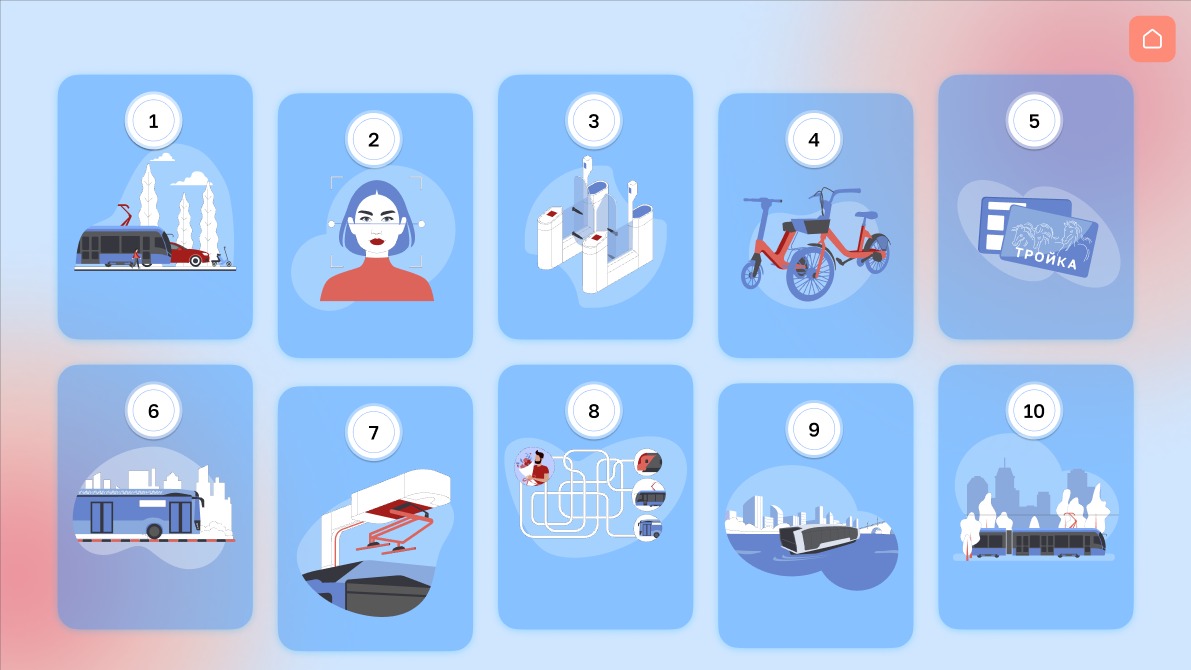
Ten cards
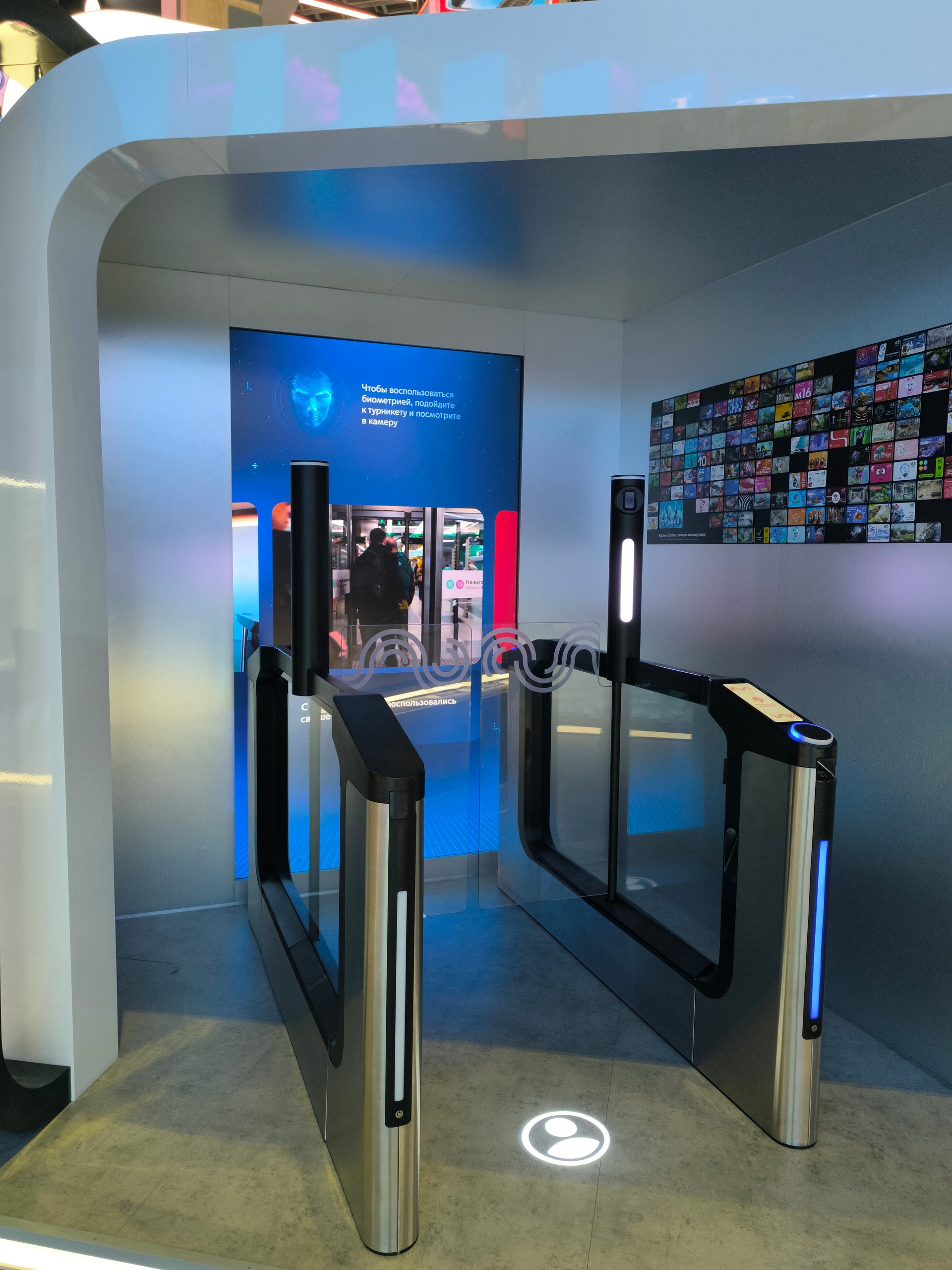
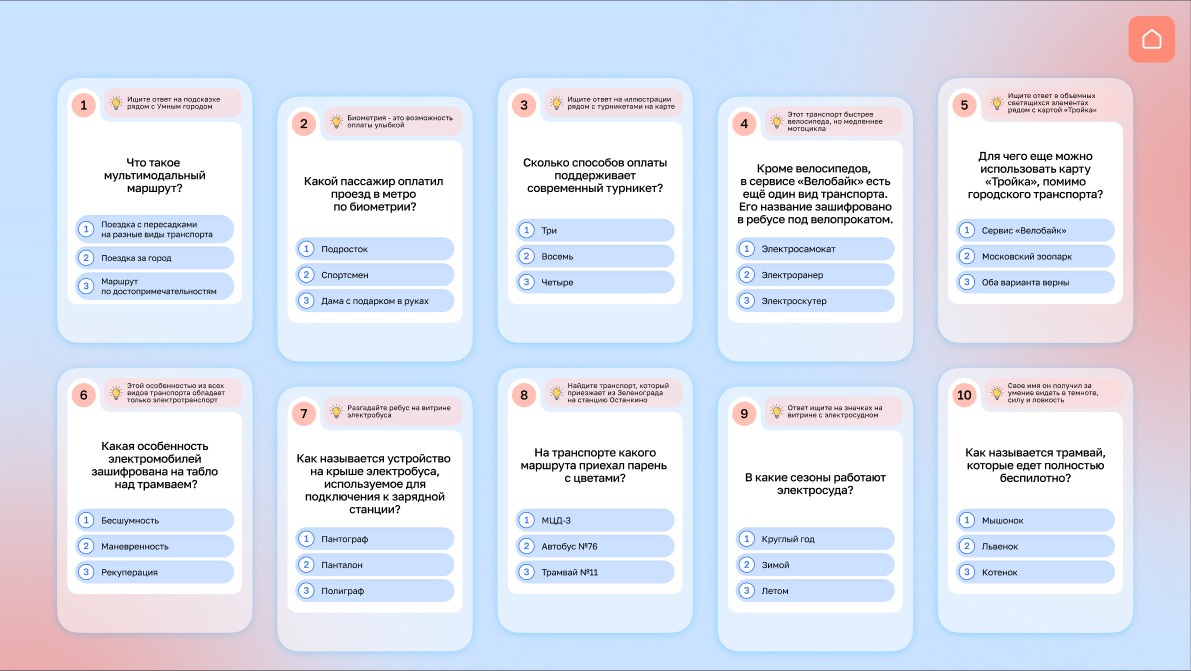
The main quest screen shows ten closed cards with numbers and drawings. Each card has its own knob on the “digital safe”: turning the knob opens the card, the next turn chooses one of three answers. A hint on the card says where on the wall to look for the answer: “in the illustration next to the turnstiles on the map”, “in the display case with the electric boat”. The questions are about multimodal routes, biometric fare payment, turnstiles, Velobike, the Troika card, electric buses and electric transport, the Moscow Central Diameters, electric boats and the driverless tram.
Answers
A correct answer lights the knob green, the card flips over, and an explanation and a code letter appear. A wrong answer lights the knob red, and the card is locked for 15 seconds with a countdown, after which you can answer again.
Finale
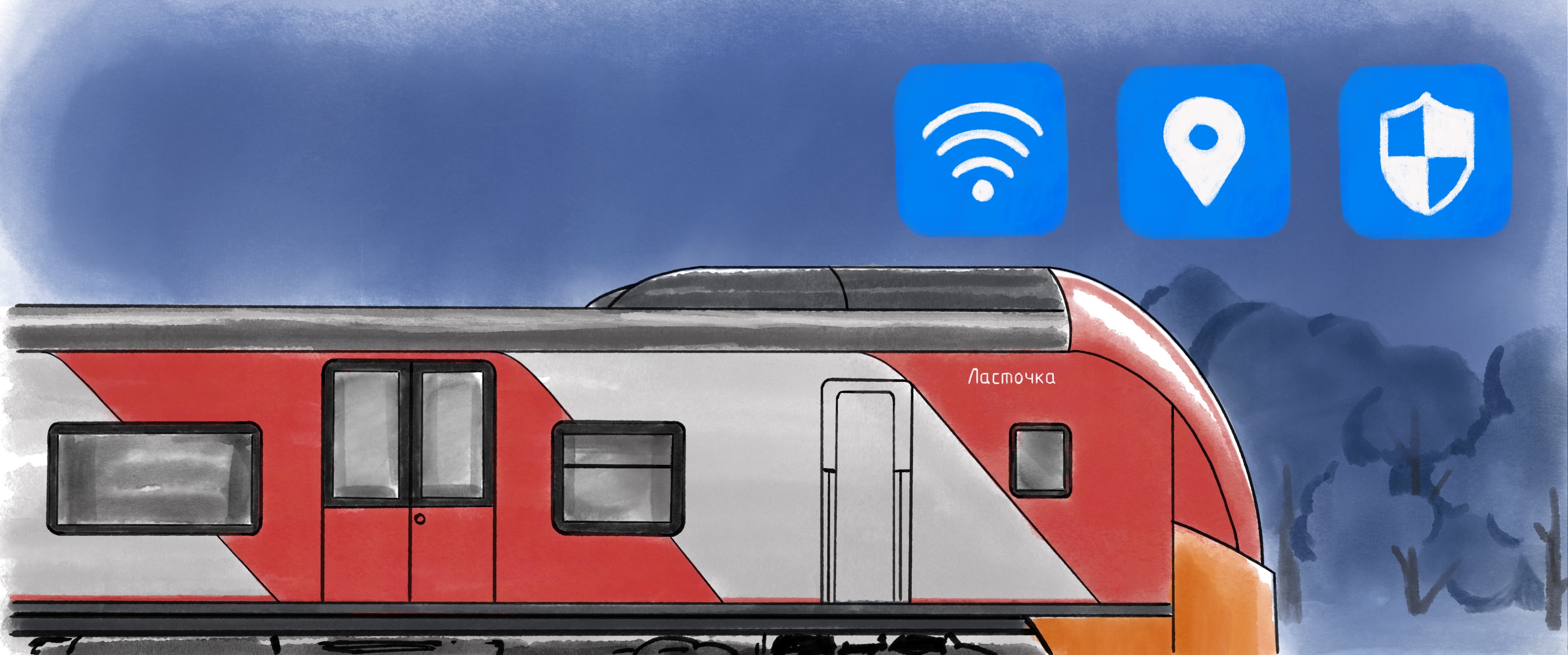
The ten letters spell the Russian words for “SMART CITY”, and the “safe” opens: the final animation plays on the screens and the wall lighting starts a light show. Then the camera by the screen takes a picture of the players — their photo appears in a frame with the icons of Moscow transport digital services and the words “You are the key element of Moscow transport!”, and a QR code lets them take the picture away on their phone.
Prototype and concepts
First, in November — December 2025, we made a prototype of the quest to assess the mechanics and the screens. Then came the script, the screen design and the finished app. For the final mini-show we offered three options — “City lights”, “Festive fireworks” and “Smart City” — and described how the display-case and knob lighting behaves in each mode.
How it is built
A single Unity app drives six displays: the central 3840×2160 touch screen and five display-case screens at 2560×1080 and 3440×1440.
The knobs are ten rotary wafer switches; their signals reach the app over the OSC protocol. The app controls the knob and wall lighting over DMX (Art-Net): white light when idle, green or red for answers, and a light show at the finale.
A webcam by the screen takes the photo; the picture goes to a server, and the QR code links to it.
Without touches the app returns to idle: after a minute during the introduction, after four during the game. The lock time, colours and light channels are changed in a settings file, without editing the program.
Result
The app was handed over to the client on 3 February 2026. In April 2026 the updated exhibition of the pavilion opened to visitors; the quest in the “Moscow transport ecosystem” zone is mentioned in a VDNKh news item.