Exhibitions · 2025
ORTOKOSMOS interactive panel at the “Phoenix” centre
Exhibitions / ORTOKOSMOS interactive panel at the “Phoenix” centre
About the project
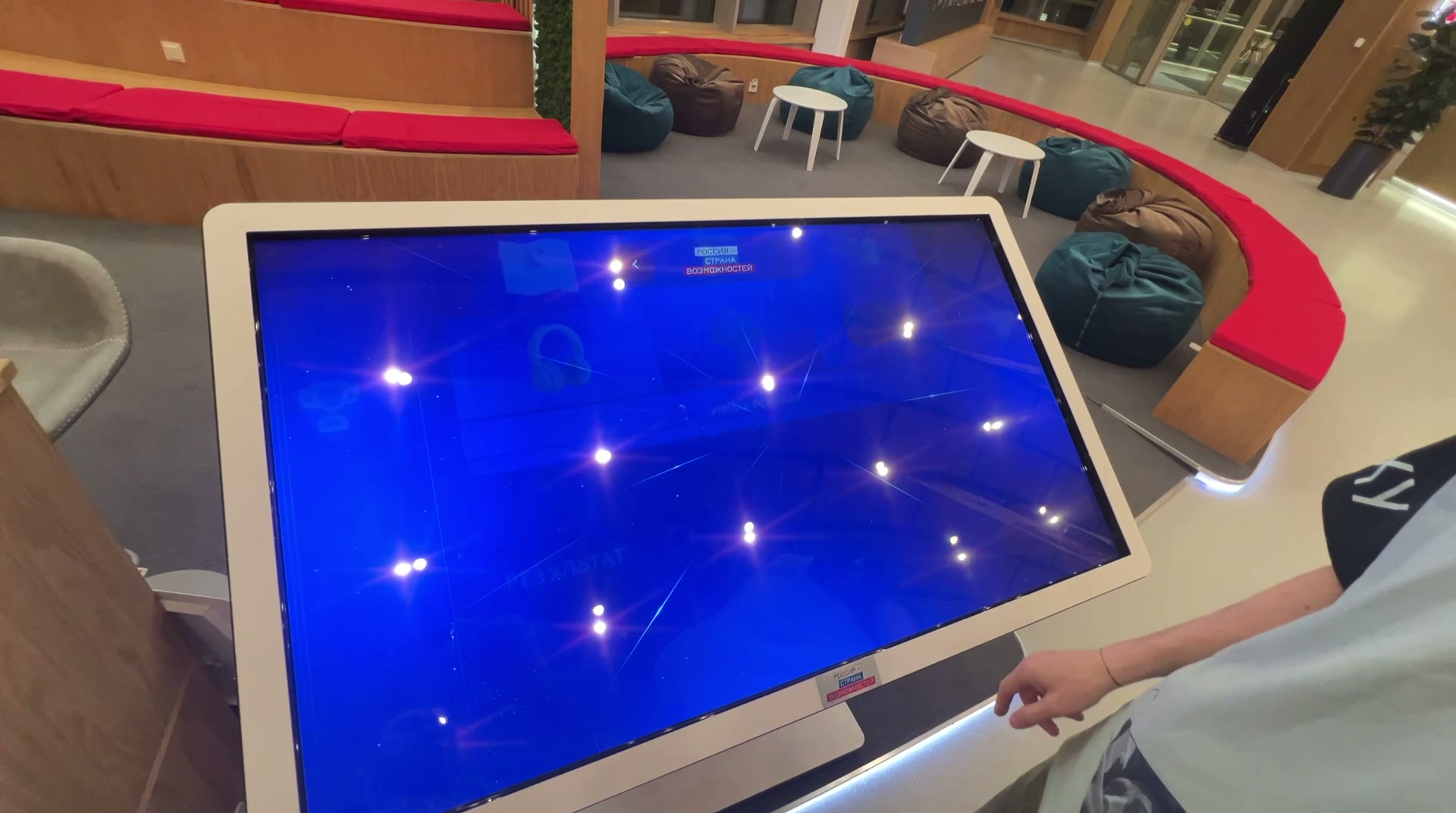
An app for the ORTOKOSMOS touch panel at the “Phoenix” assistive technology centre at VDNKh: the company’s history since 1992 and a prosthesis configurator with 3D models.
The “Phoenix” assistive technology centre opened on 24 August 2023 in Pavilion No. 37 at VDNKh. It brings together developers of technology for people with disabilities and their products.
ORTOKOSMOS has been making prostheses since 1992, and in 2022 it co-founded the “Anatomics” bionic laboratory, which produces modules for leg prostheses. For their panel at “Phoenix” we made an app: a visitor browses the company’s history, builds a prosthesis from “Anatomics” modules and submits a request.
Year
2025
Industry
Exhibitions
Scope of work
Touch-panel app: the company’s history and a prosthesis configurator with 3D models
Venue
“Phoenix” assistive technology centre, Pavilion No. 37, VDNKh, Moscow
- 8
- dates in the company history timeline
- 2
- prosthesis types: below-knee and above-knee
- 4
- foot modules to choose from
The task
The brief was a single app for a large touch panel, in two parts: the history of ORTOKOSMOS year by year with photographs, and a “Build a prosthesis” interactive with two scenarios — a below-knee prosthesis and an above-knee prosthesis. The client supplied the texts, photographs and engineering 3D files of the modules. We provided the user flow, interface design, animation, 3D model preparation and the software. The deadline was 27 August 2025.
What we did
Main screen
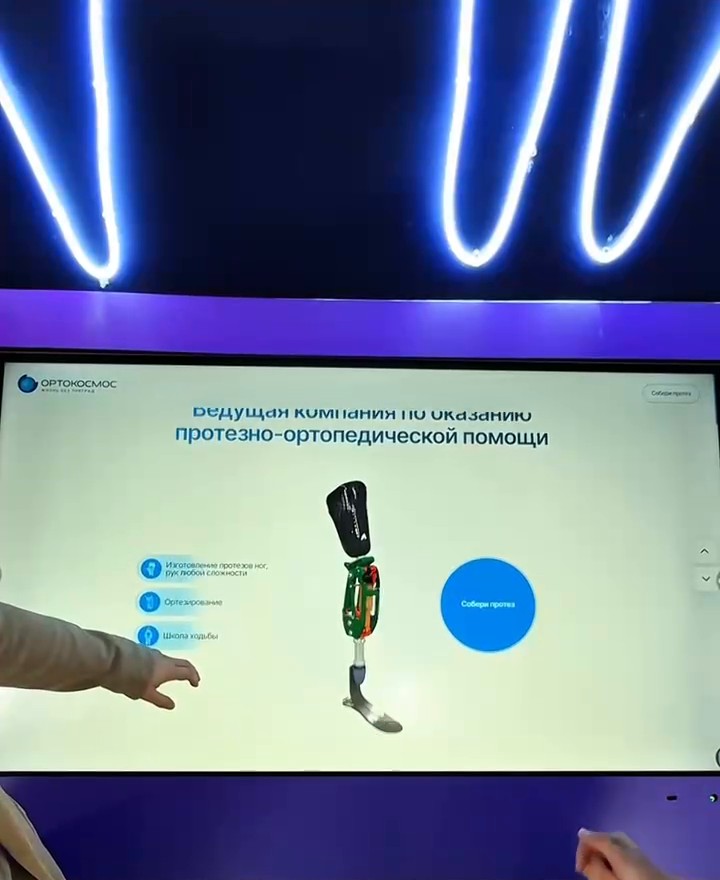
The ORTOKOSMOS logo, the heading “A leading provider of prosthetic and orthopaedic care”, three lines of work — leg and arm prostheses, orthotics, a walking school — and an image of a prosthesis. The “Build a prosthesis” button is on the main screen and in the corner of every timeline screen.
History timeline
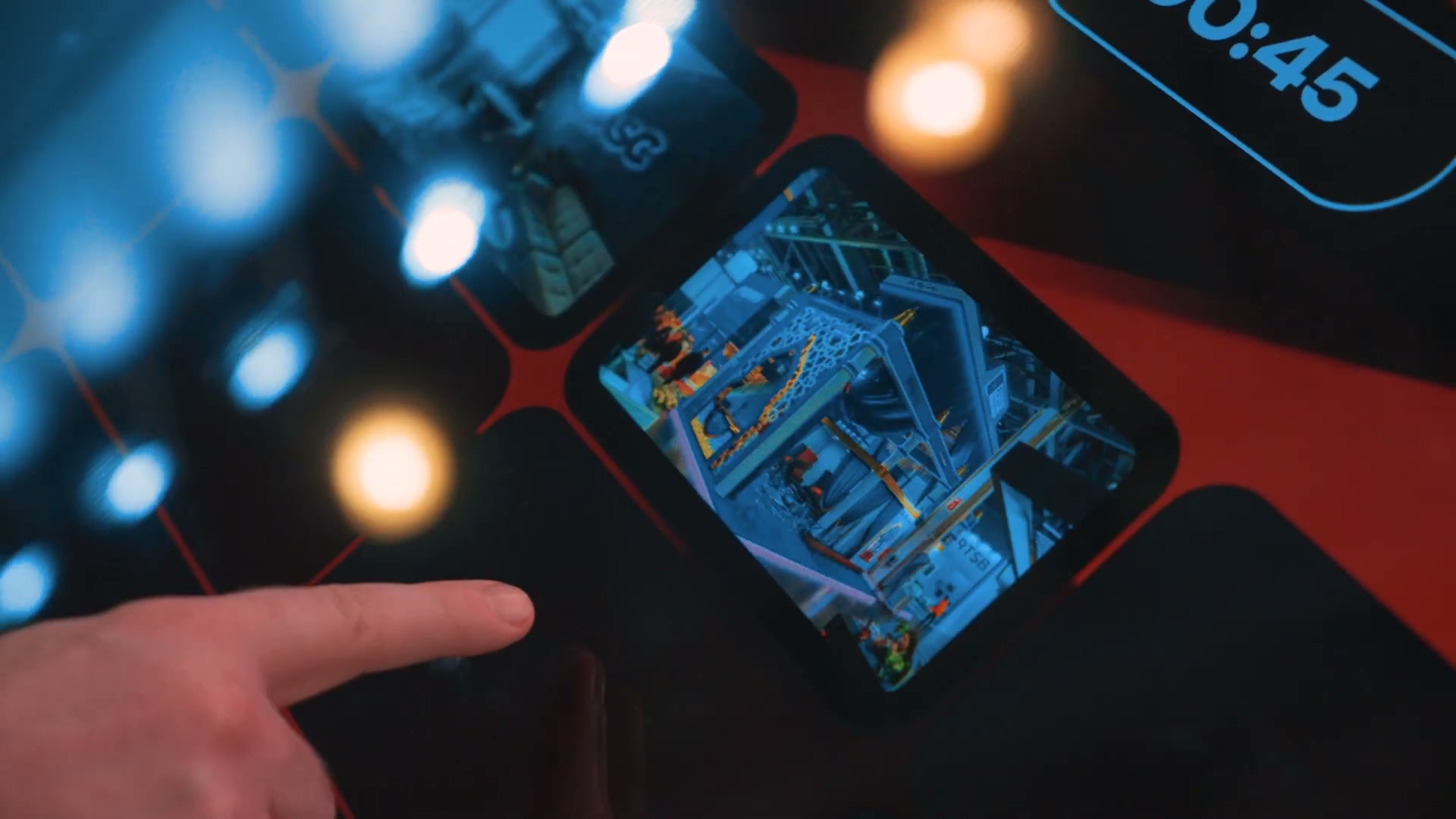
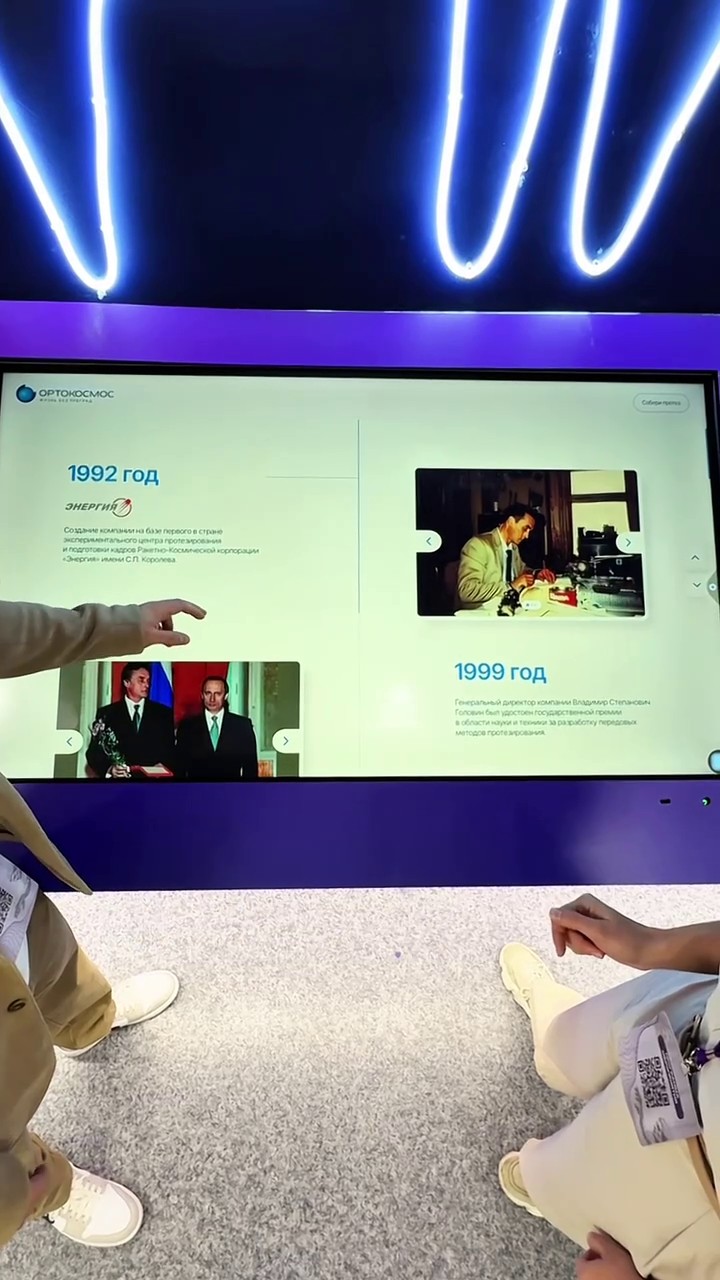
Eight dates: 1992 — the company is founded on the basis of the experimental prosthetics centre of RSC Energia; 1999 — a State Prize for the general director V. S. Golovin; 2006 — the start of sports prosthetics; 2008 and 2010 — the first Paralympic Games for the company’s patients, the Summer Games in Beijing and the Winter Games in Vancouver; 2017 — the Ministry of Industry and Trade “Hope for technology” award; 2021 — the “Orto-Sport” adaptive sports centre; 2022 — the “Anatomics” bionic laboratory. Each date has a photo carousel, and a photo opens full screen. The timeline scrolls up and down.
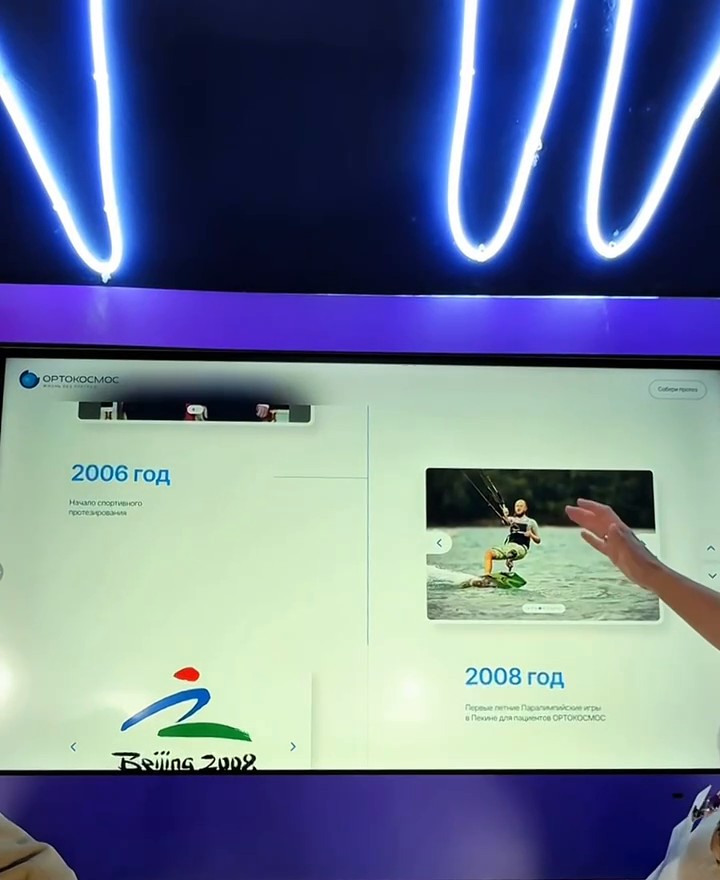
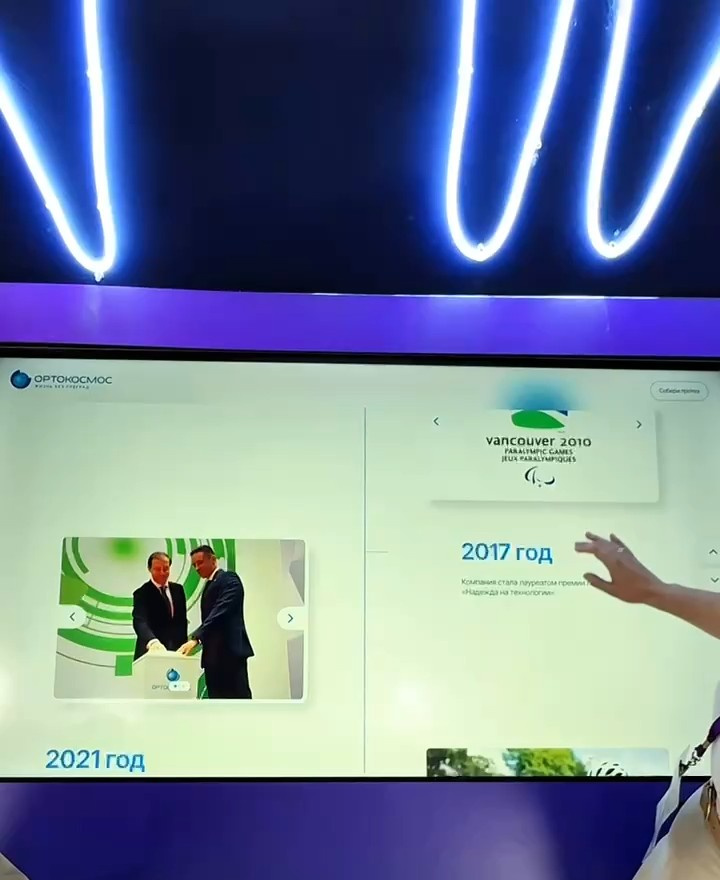
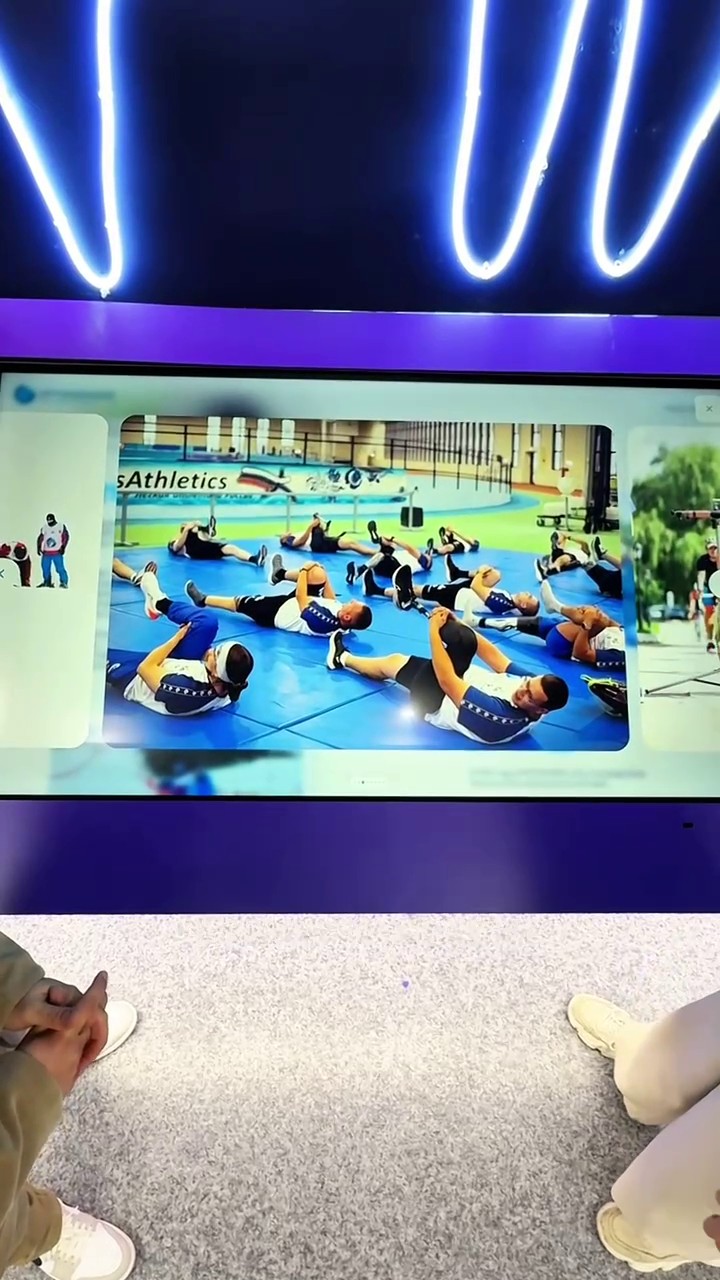
“Build a prosthesis”
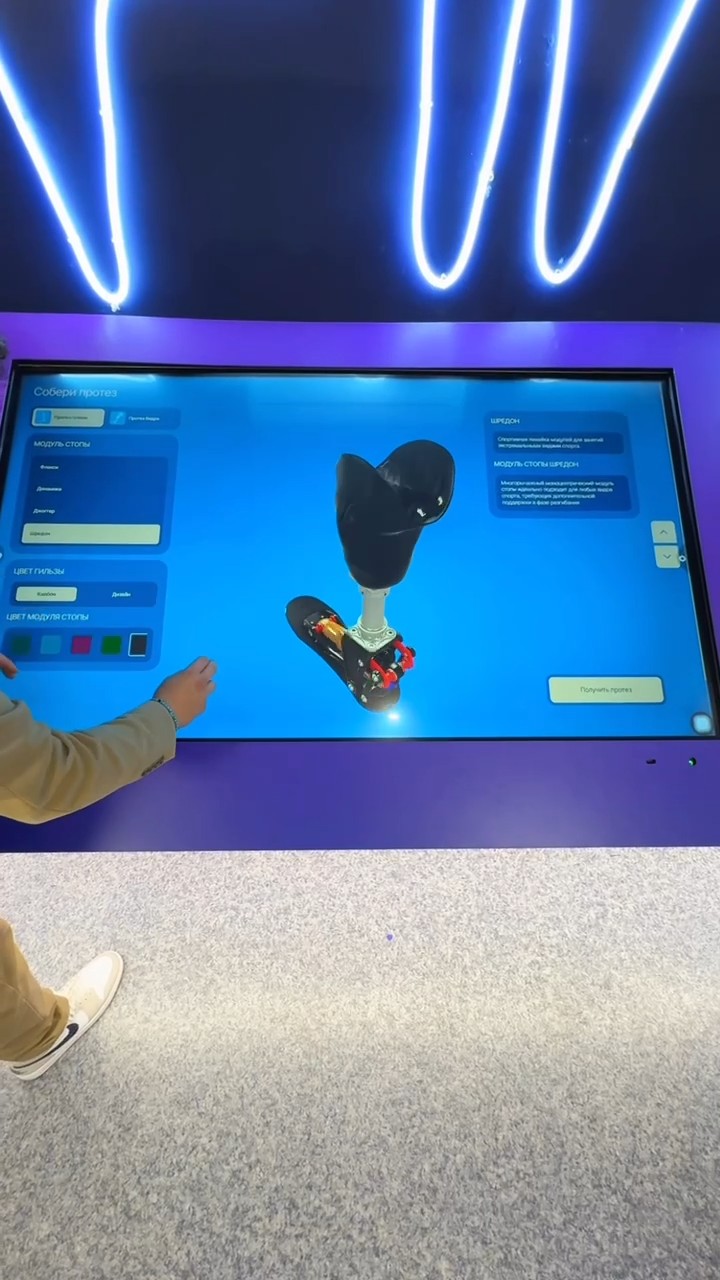
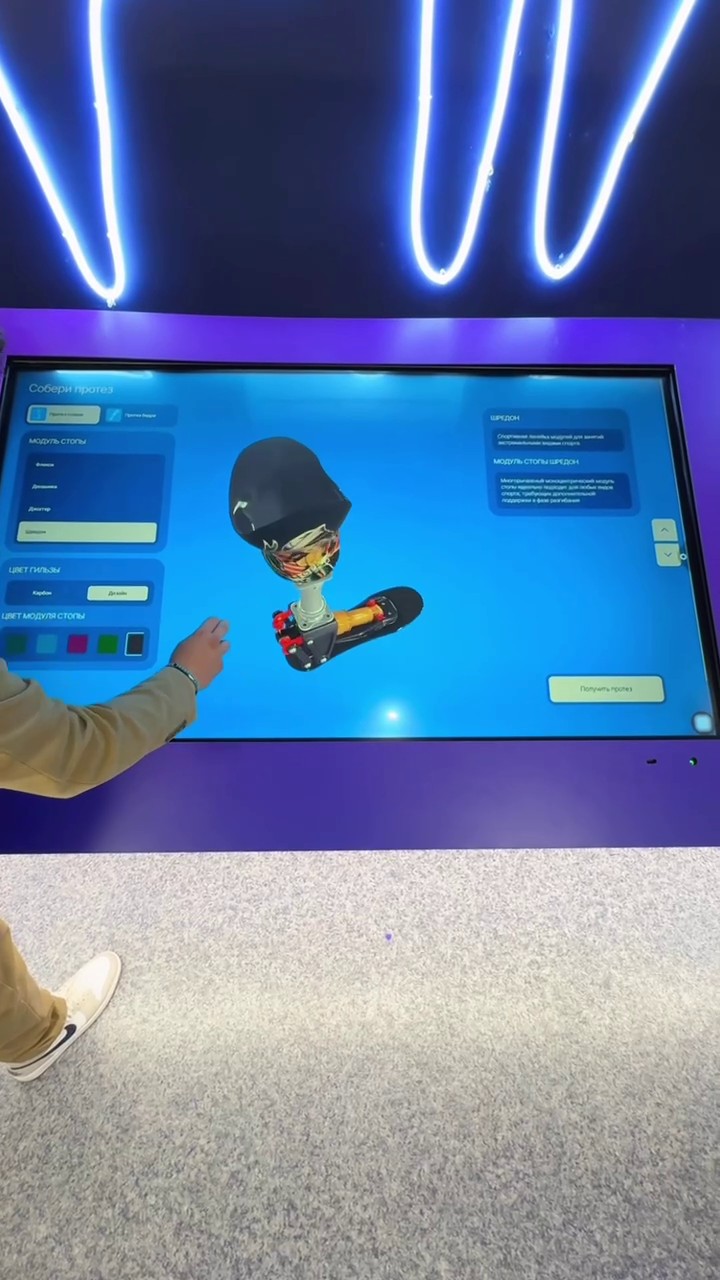
A visitor chooses a below-knee or above-knee prosthesis, then a foot module — “Flexi” (in three versions: “Flexi”, “Flexi 2.0”, “Flexi LP”), “Dynamics”, “Jogger” or “Shredon”; for an above-knee prosthesis, also the “Shredon” knee module. The socket is carbon or patterned, and the modules come in one of five colours. The assembled prosthesis is shown as a 3D model that can be rotated; on the right is a description of the selected modules.
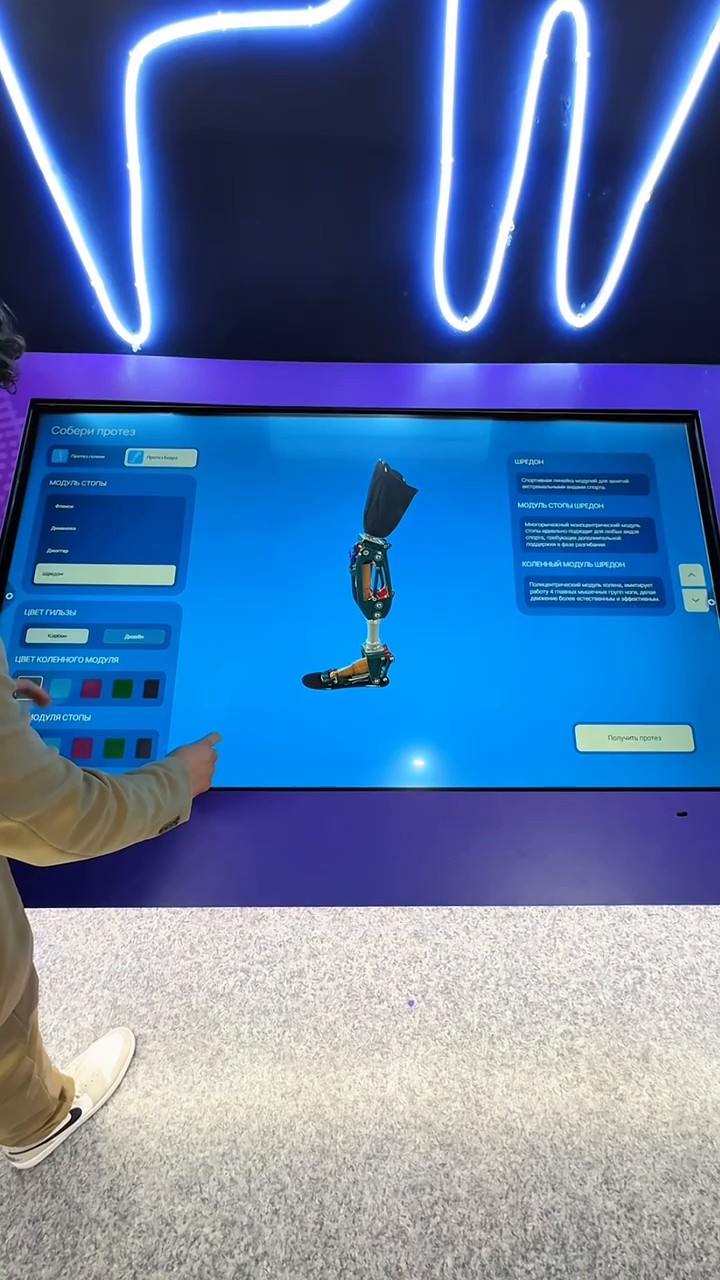
Request
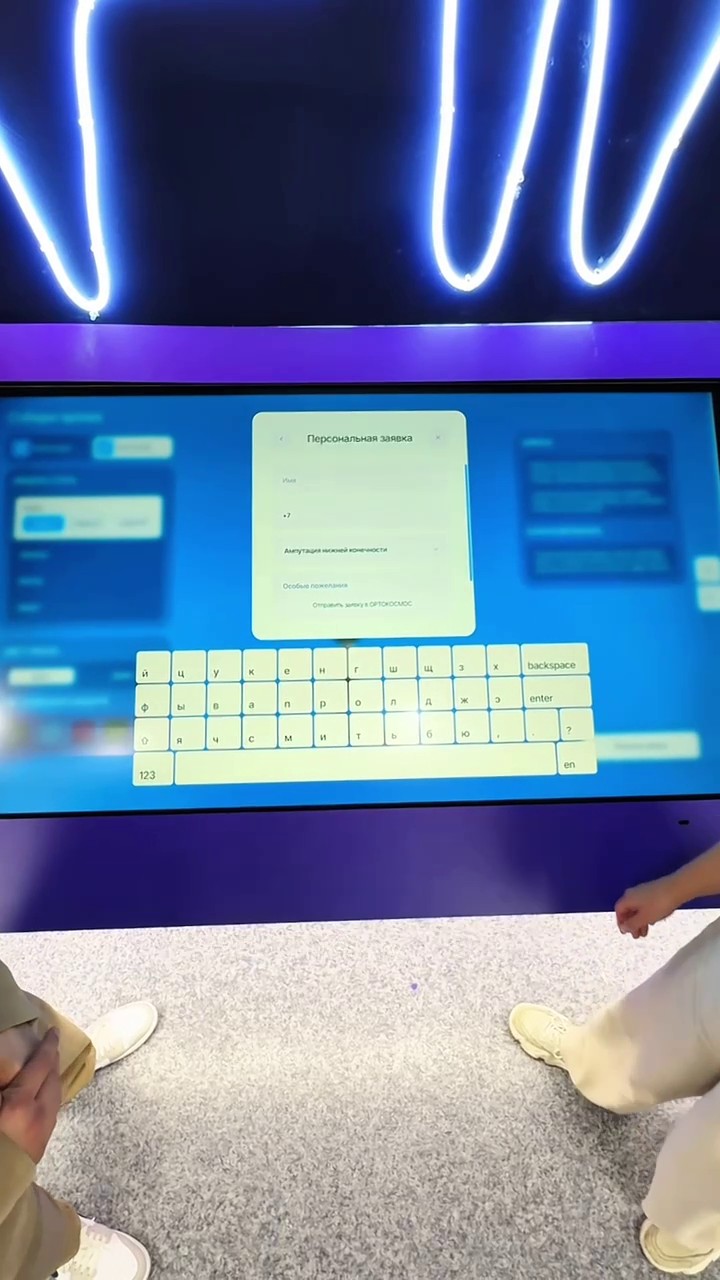
The “Get a prosthesis” button offers two paths. “I use a prosthesis” is a personal request to ORTOKOSMOS: name, phone, amputation type, wishes. “I am a company (prosthetics / procurement)” is a commercial enquiry to “Anatomics”: company name and website, subject of the enquiry. Text is typed on an on-screen keyboard.
How it is built
A web app for a horizontal touch panel.
The 3D models were prepared for the web from the client’s engineering files: “Flexi” feet in three versions, “Dynamics”, “Jogger”, “Shredon”, the “Shredon” knee module, the socket, the pylon and the adapter.
The model rotates by touch, and colour and finish change on it instantly.
The on-screen keyboard has Russian and English layouts and numbers.
Result
The work was handed over in September 2025. The panel is in use at the “Phoenix” centre: ORTOKOSMOS and “Anatomics” show it in their video — the history timeline, the configurator and the request forms.