Exhibitions · 2025
App for biometric turnstiles — “Transport of Russia” 2025
Exhibitions / App for biometric turnstiles — “Transport of Russia” 2025
About the project
An app for a turnstile with biometric payment and a video about the Corporate University for the Moscow Transport Complex stand at the Transport of Russia exhibition in November 2025.
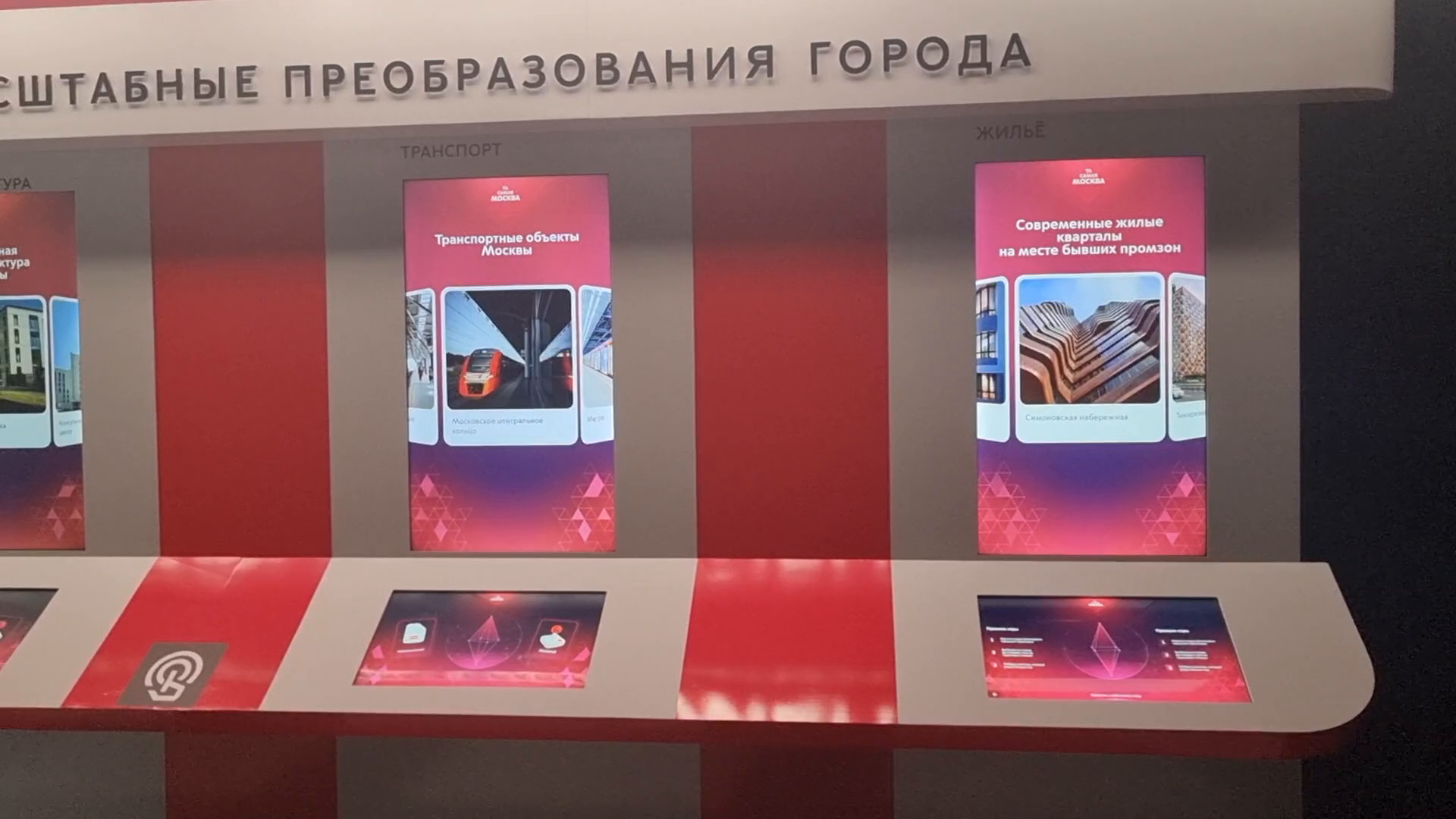
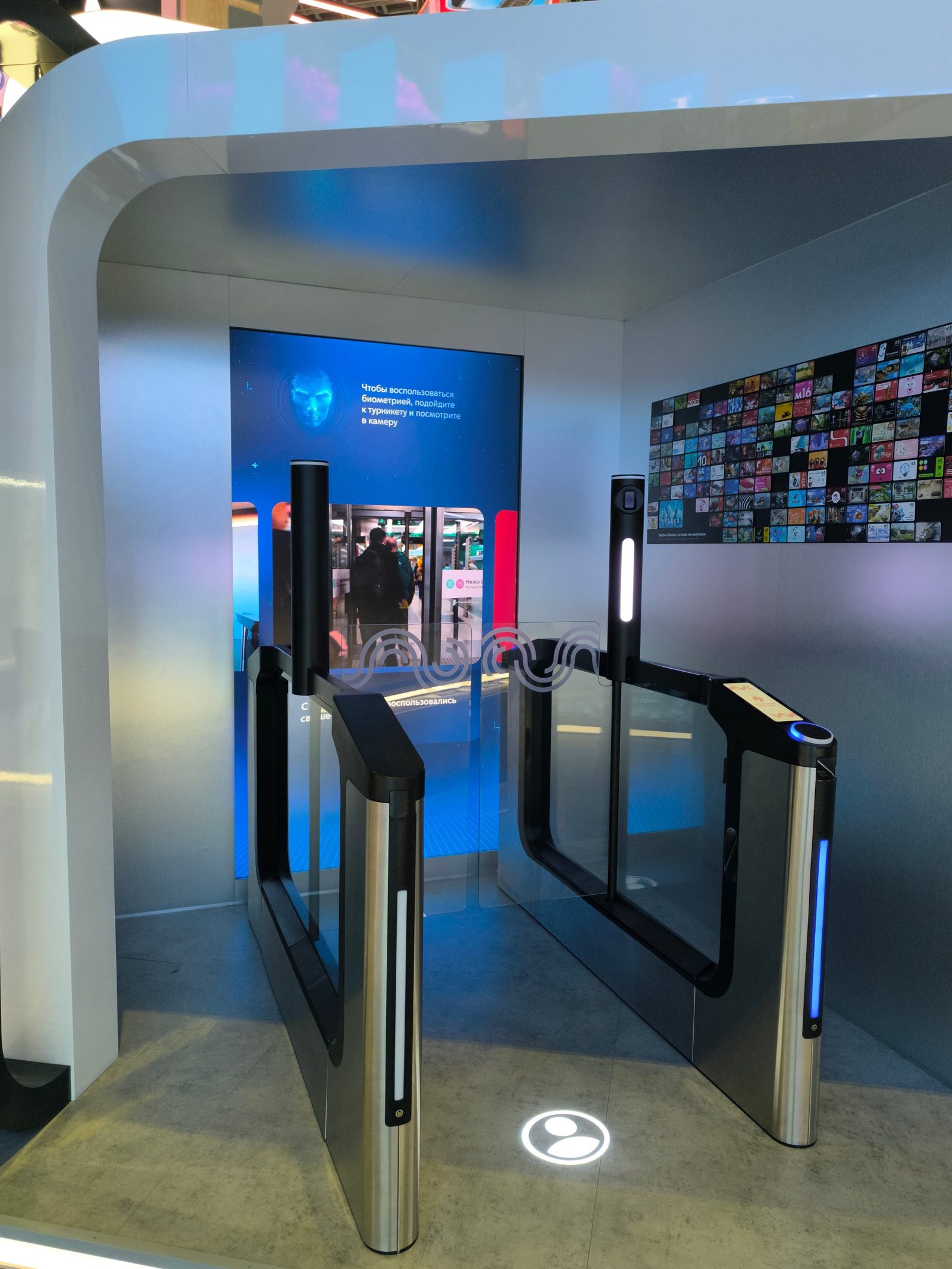
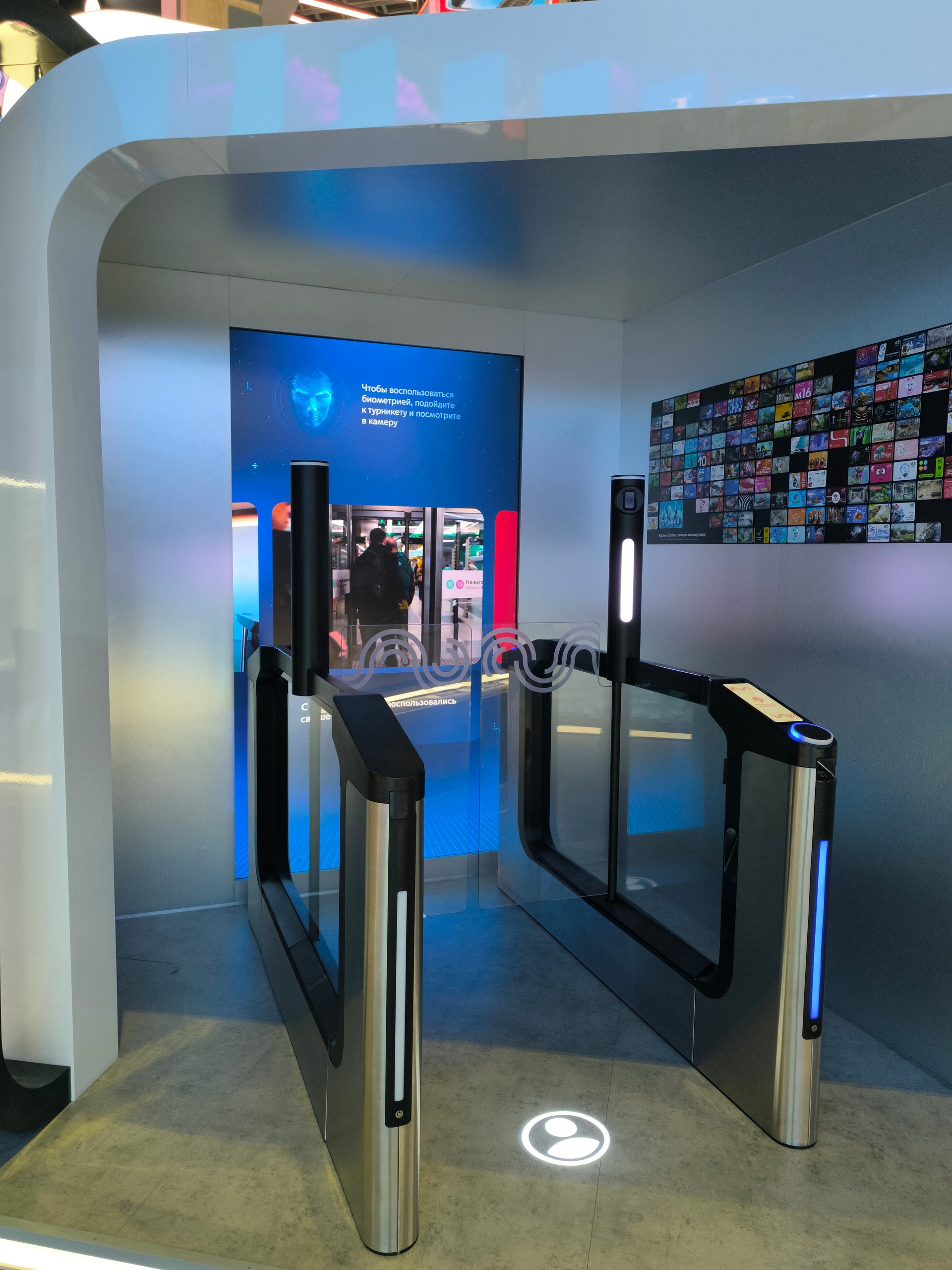
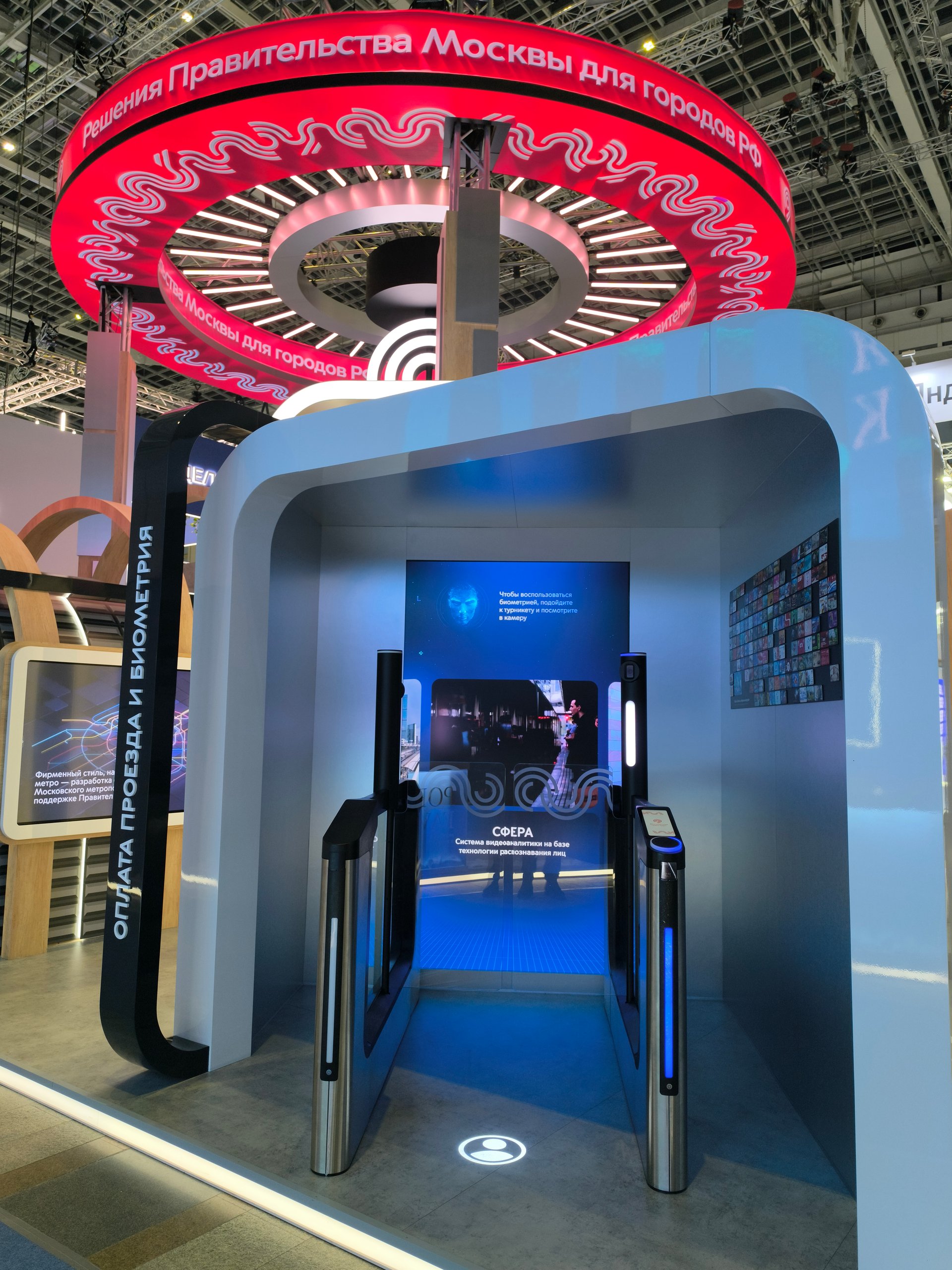
On 18–20 November 2025 Gostiny Dvor hosted the 19th International Forum and Exhibition “Transport of Russia”, the main events of “Transport Week — 2025”. At the exhibition the Moscow Transport Complex showed the stand “Moscow Government solutions for Russian cities”. One of its zones was “Fare payment and biometrics”: real next-generation turnstiles with a camera and a vertical screen behind them.
For this screen we made an interactive app that shows the guest how the system recognises a face, and for the second screen of the stand a video about the Corporate University of the Transport Complex. We wrote the app concept and the video script on 10–13 November, and by 17 November we had made the app and the videos and debugged them on site.
Year
2025
Industry
Exhibitions
Scope of work
The interactive app “Fare payment and biometrics”, the video “Corporate University”
Venue
“Transport of Russia — 2025”, Gostiny Dvor, Moscow
- 98″
- vertical screen at the turnstile
- 2
- app modes: idle and scanning
- 1 min 43 s
- video about the Corporate University
The task
A guest at the stand was to try biometric entry for themselves: stand in front of the turnstile, look into the camera and see on the screen how the system “reads” their face. The rest of the time the screen was to tell people about the new turnstiles, biometric payment and the Sfera video analytics system, and invite them to come over.
The second screen: a video about the Corporate University — whom it teaches and what, and how its experience can benefit the regions, with a QR code for signing up for training. All in time for the opening of the exhibition on 18 November, on the client’s equipment.
What we did
The “Fare payment and biometrics” app
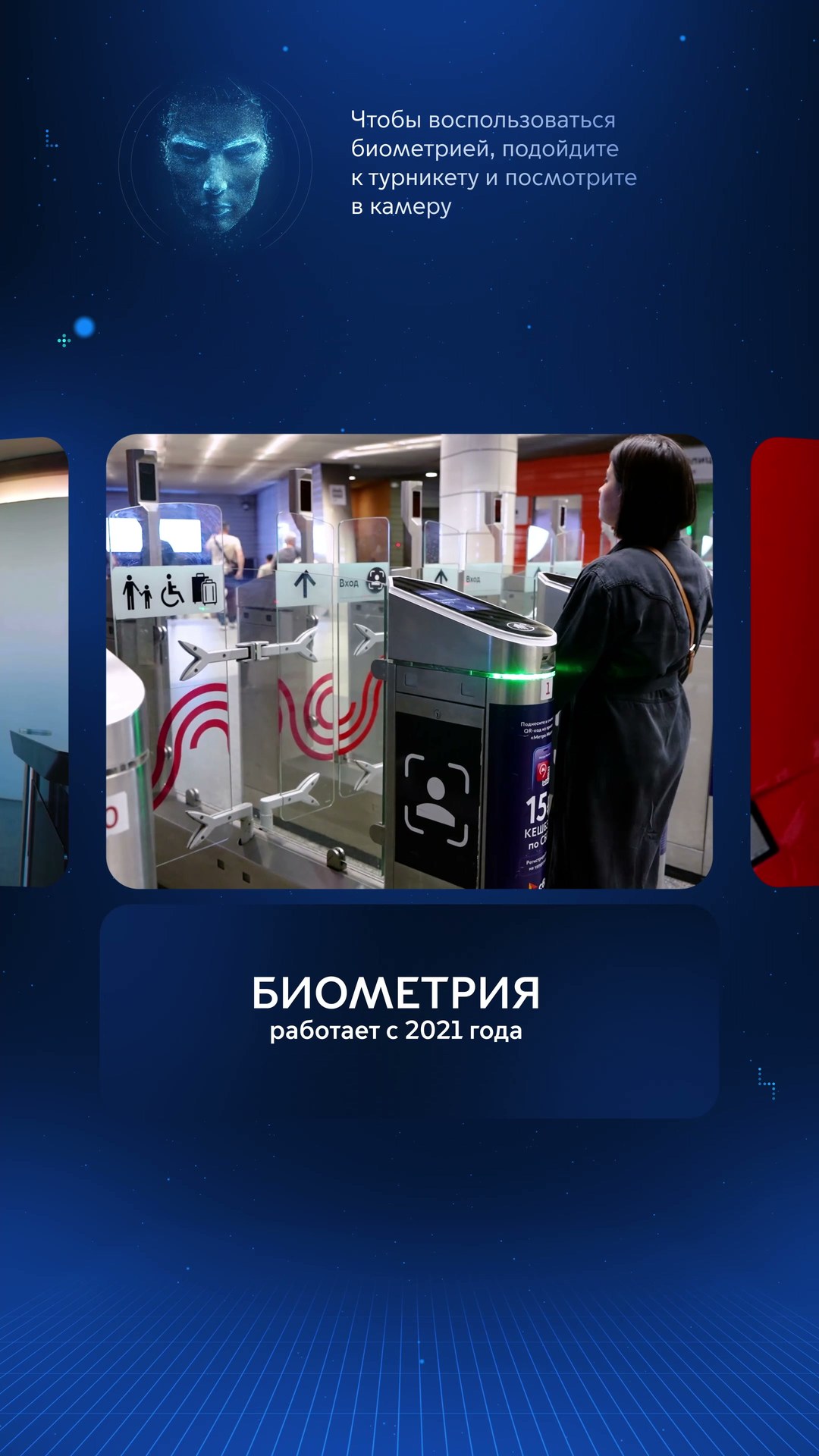
It runs on a 98″ vertical screen behind the turnstile, in two modes. In standby mode, videos about the new turnstiles, biometric payment and Sfera play on a loop: footage from the metro, the Moscow Central Circle and the Moscow Central Diameters with captions — “The new turnstiles for Moscow Transport were designed and made in the capital”, “Biometrics has been working since 2021”, “Sfera is a video analytics system based on face recognition technology”. At the top of the screen there is a constant prompt: “To use biometrics, come up to the turnstile and look into the camera”.
Scanning mode
The guest steps onto the marker on the floor, the app finds their face in the camera frame, and the face appears on the screen in an oval with a scanning animation over it. When the guest walks away, the screen goes back to the videos.
The “Corporate University” video
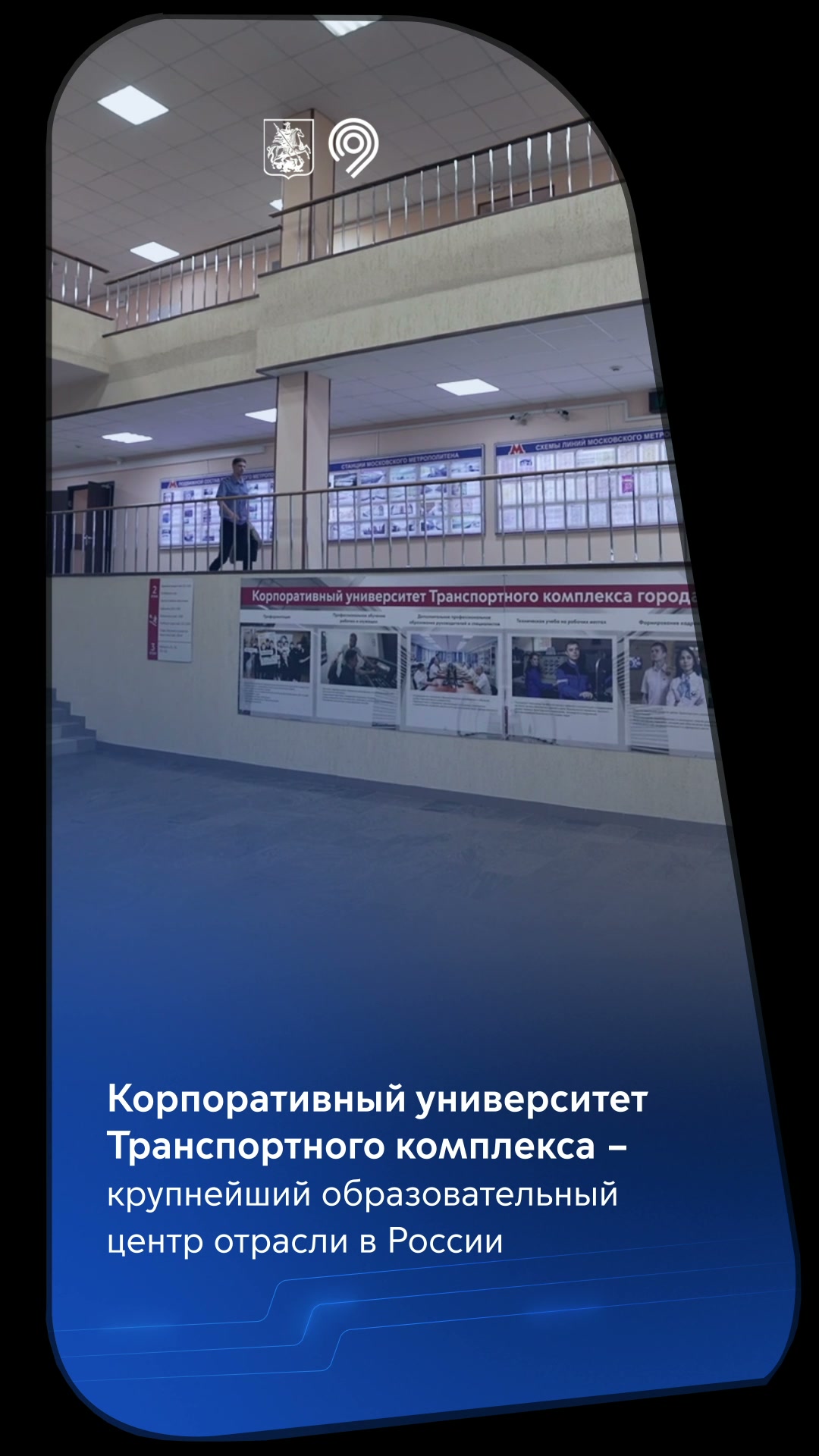
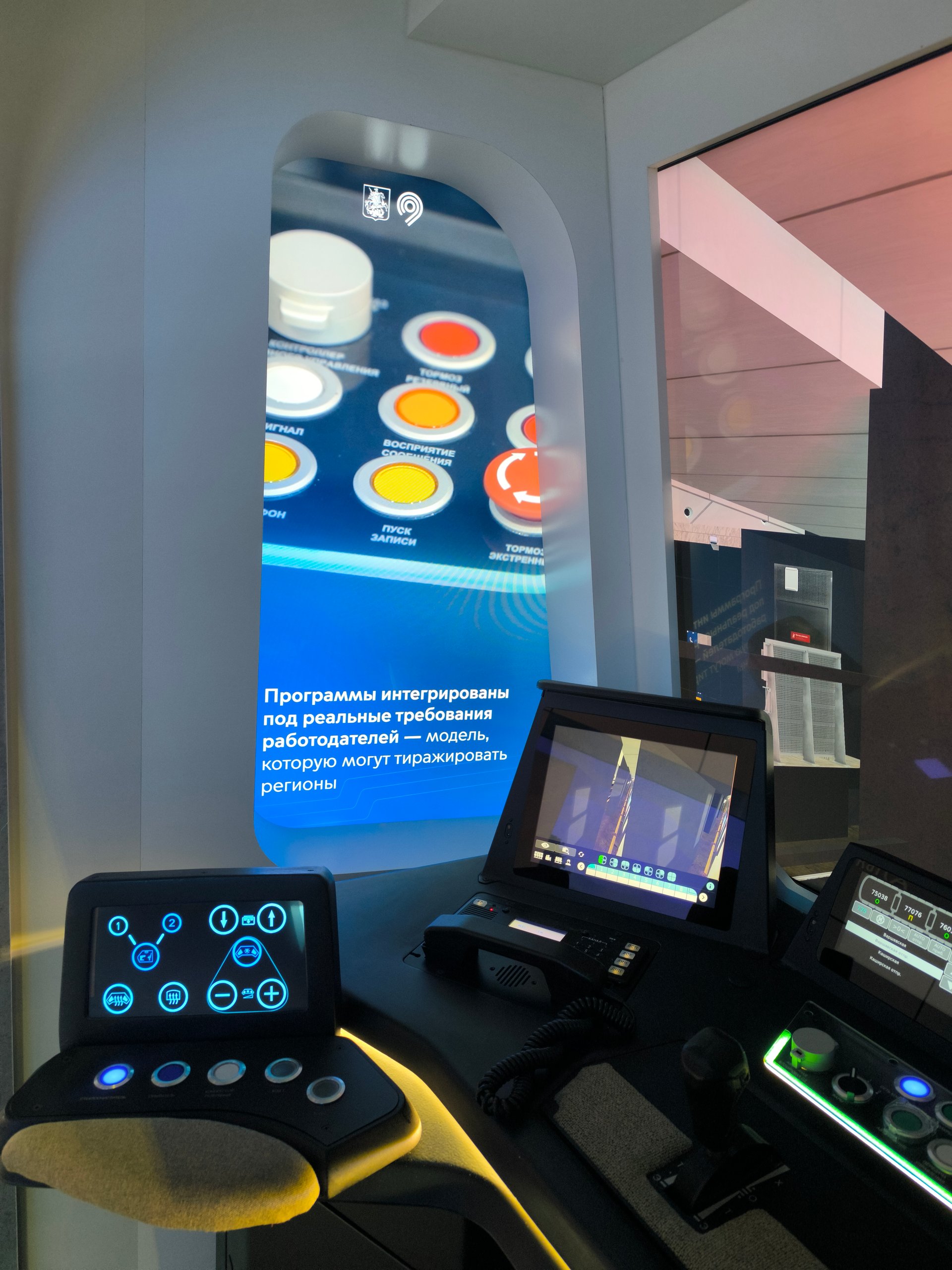
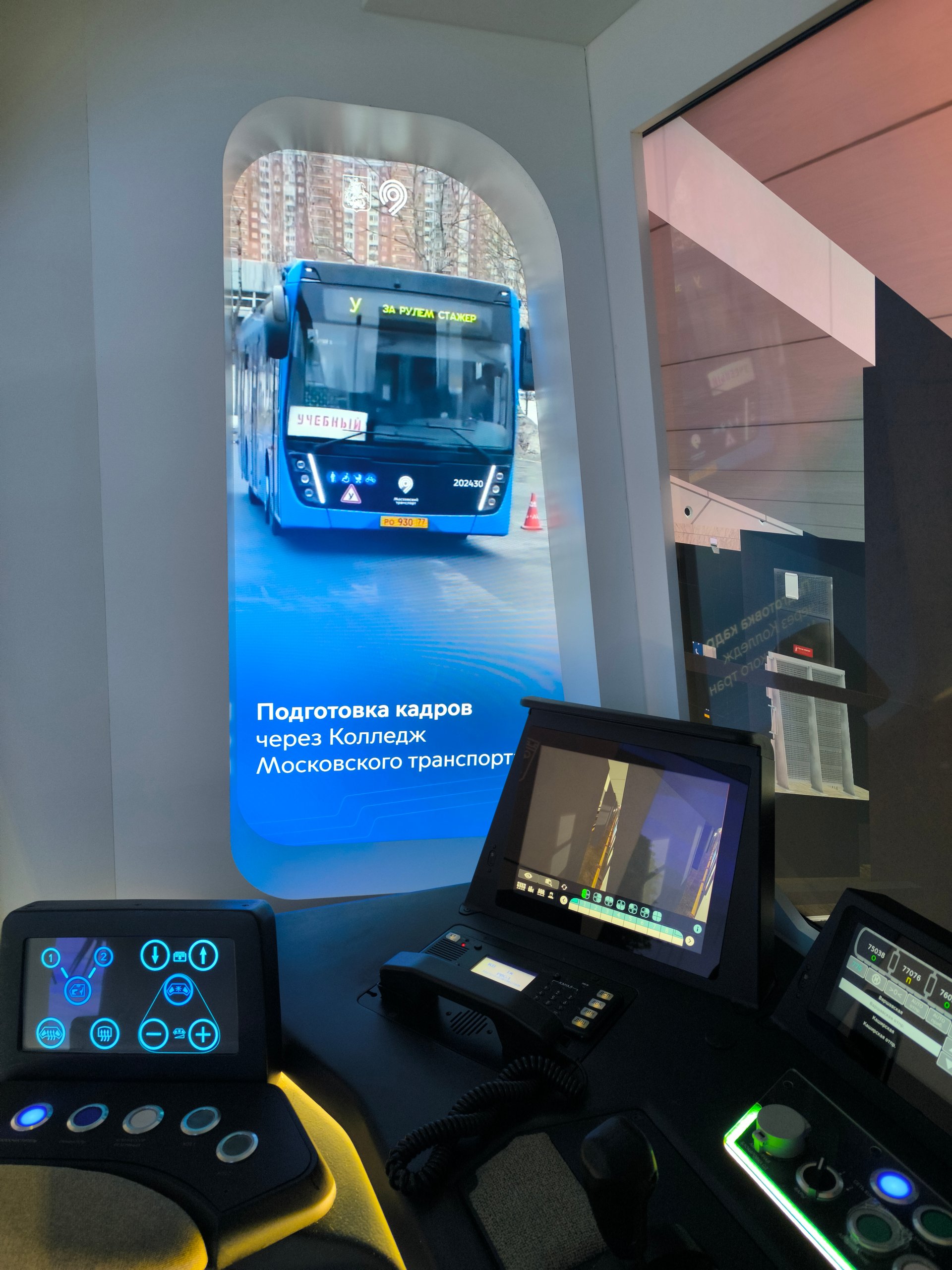
A vertical video, 1 min 43 s long, plays on a loop without sound. The captions run from “The Corporate University of the Transport Complex is the largest educational centre of the industry in Russia” through the Moscow Transport College, leadership development programmes, “Leaders teach leaders”, the Forum of Helping Professions and career guidance for children to “Benefits for the regions”. At the end comes a QR code for signing up for training. The frame is cropped with a mask to fit the shape of the screen.
Concept and script
We wrote the scenario and the operating logic of the app, with screen sketches, and the script of the Corporate University video, with a storyboard.
How it is built
The app is written in Unity. The camera video arrives as an RTSP stream; faces are detected by the YuNet neural network via OpenCV — only within a set area of the frame and only if they are large enough, so as not to be triggered by passers-by.
The scan is not repeated for the same person until they step away. If the camera stream drops, the app reconnects by itself. The camera address, the search area and the thresholds can be changed on site without rebuilding.
The screen at the turnstile is 2160×3840, 60 frames per second.
The videos were edited from footage supplied by the client: we did the editing, captions, animation and the screen mask. The turnstiles, camera and screens are the client’s equipment.
Result
The app and the video were installed and tested on the stand on 17 November 2025 and were running on the morning of the first day of the exhibition, 18 November, as the photos and video from that morning show. The exhibition ran on 18–20 November.