Exhibitions · 2025
Project navigator for “Russia — Land of Opportunity”
Exhibitions / Project navigator for “Russia — Land of Opportunity”
About the project
A touch-table app for the “Russia — Land of Opportunity” exhibition at Senezh: a catalogue of the platform’s projects and a quick test that matches a visitor with a project.
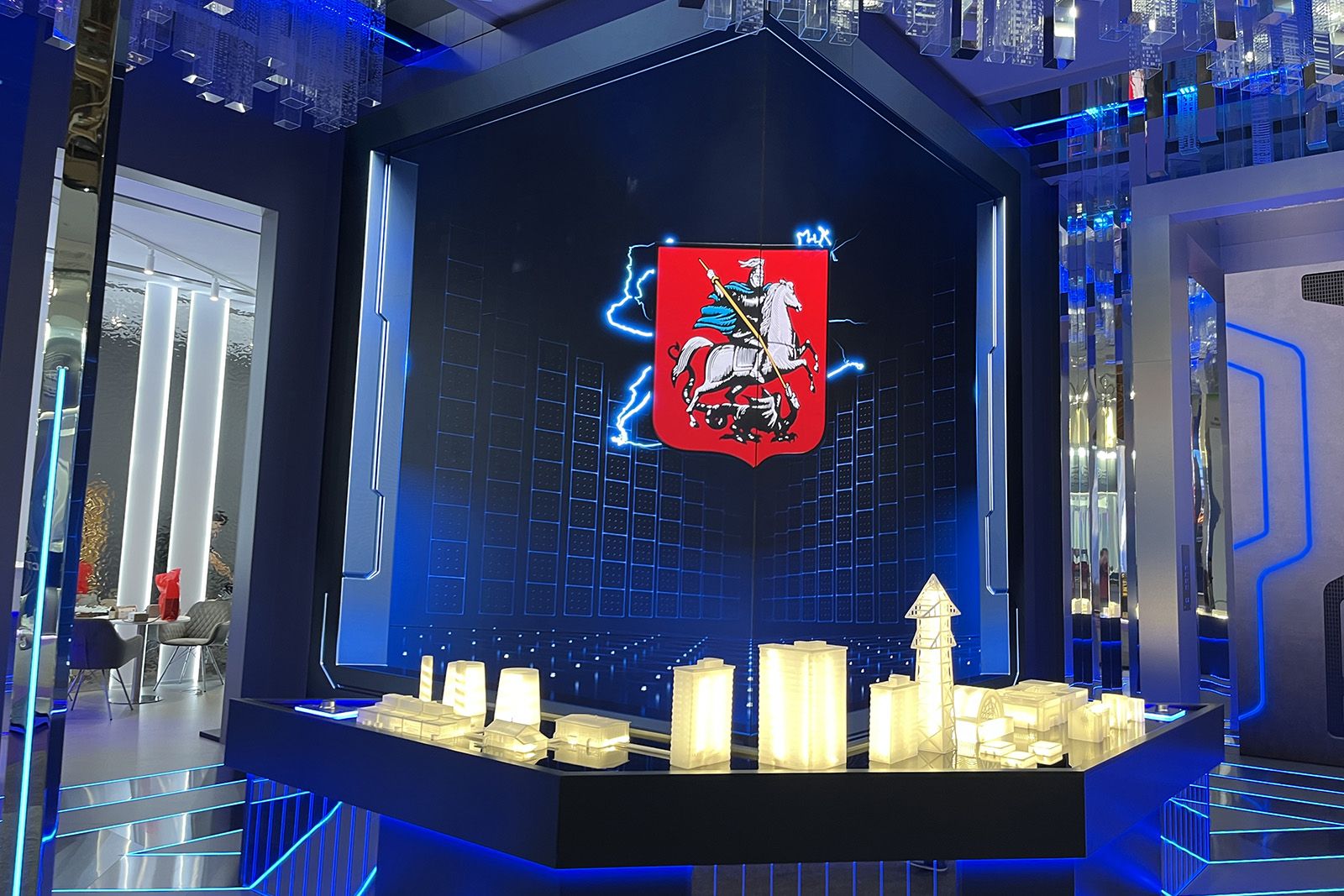
In spring 2025 the presidential platform “Russia — Land of Opportunity” opened a multimedia exhibition for its seventh anniversary at the Senezh Management Workshop: stands for the platform’s projects and contests, the “Constellations” installation with participants’ stories, and screens with figures.
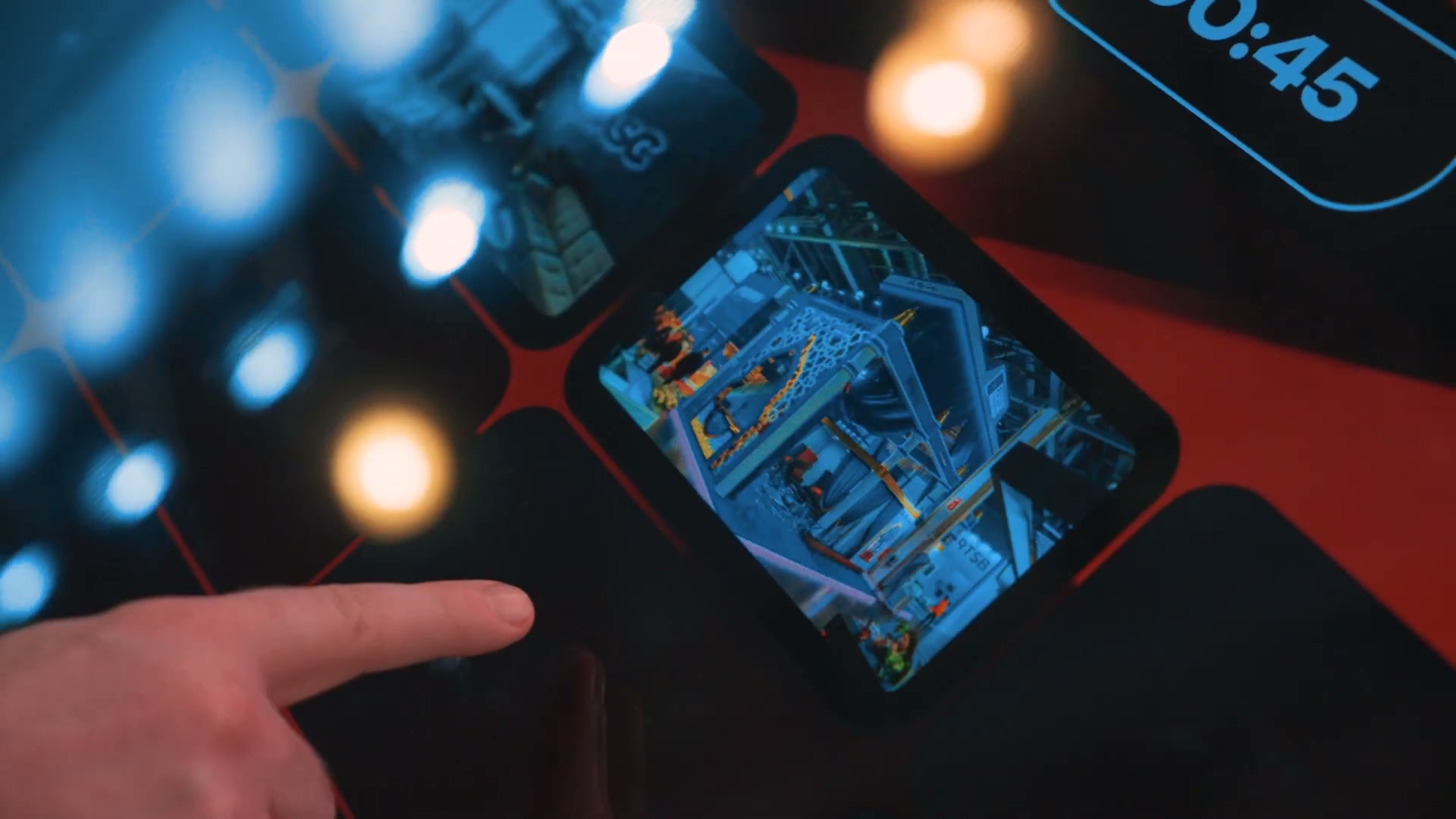
We made the “Navigator” touch-table app for the exhibition. A visitor browses the catalogue of the platform’s projects or takes a quick test and gets three projects that suit them, with QR codes to register.
Year
2025
Industry
Exhibitions
Scope of work
Navigator app for a touch table: a catalogue of 20+ projects and a quick test
Venue
Senezh Management Workshop, Solnechnogorsk
- 20+
- platform projects and contests in the catalogue
- 2
- scenarios: the project catalogue and the quick test
- 3
- projects with a match percentage at the end of the test
The task
The brief was a touch-panel app with two scenarios: a visitor looks through all of the platform’s projects and opens the card of any of them — or answers a few questions and gets a recommendation of the project that suits them best. From the recommendation they go straight to registration, via a QR code to the project’s website. The whole job had to be done in under two weeks in May 2025, in time for the exhibition opening.
What we did
Main screen
Two cards — “About the projects” (“Find out about the platform’s projects”) and “Quick test” (“Find out which project suits you”); a section opens with a tap on its card.
“About the projects”
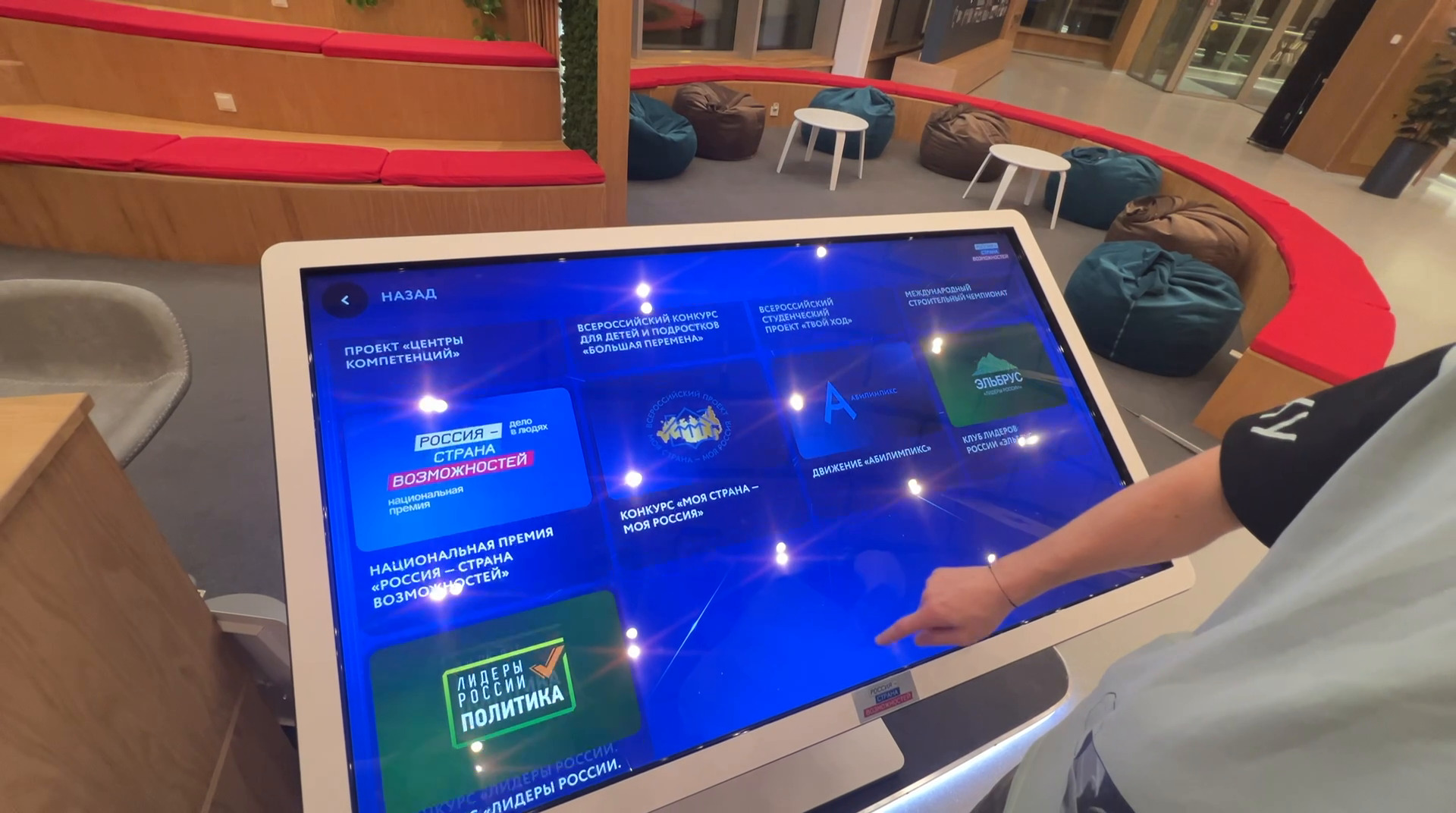
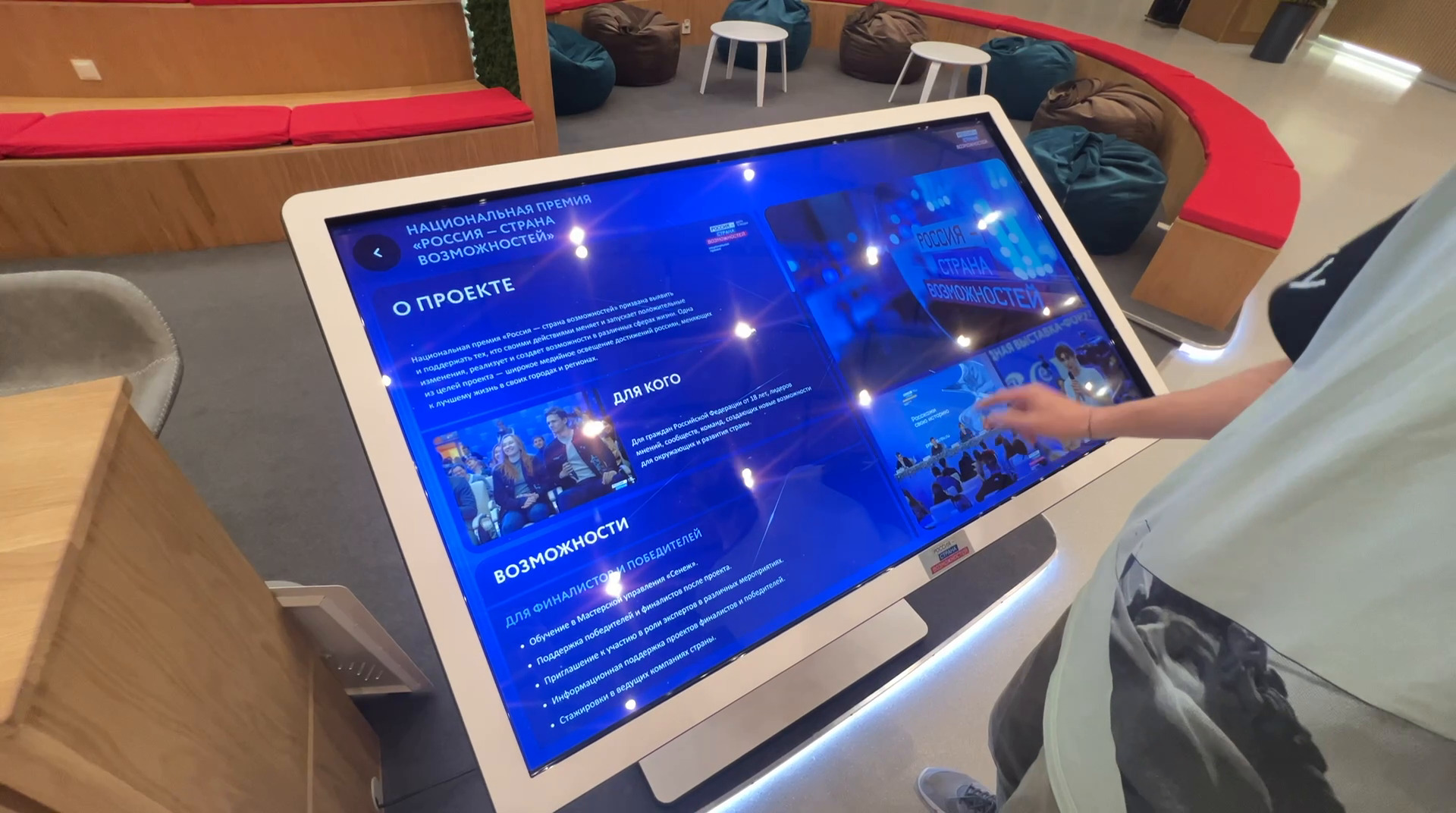
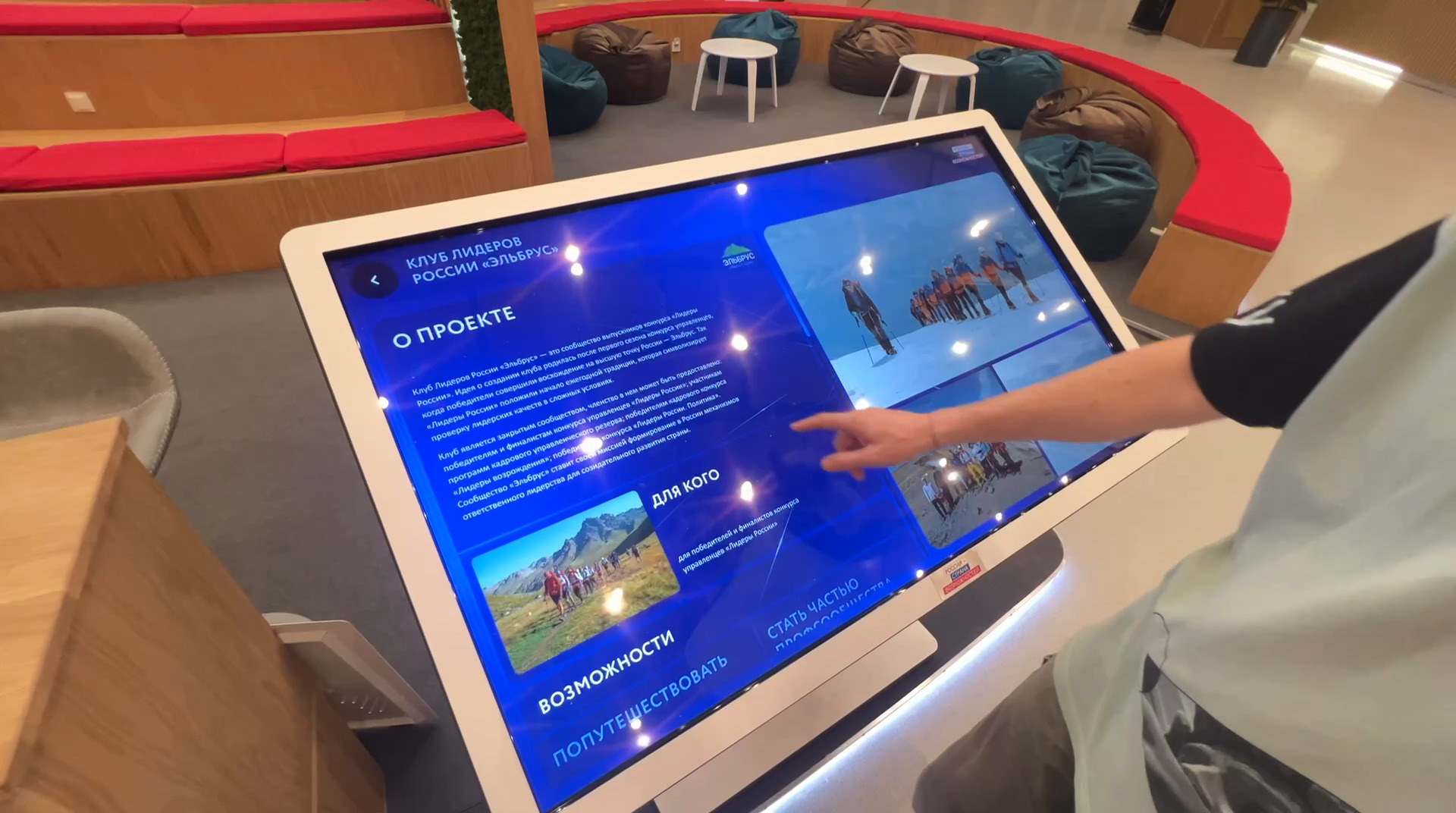
A grid of cards — more than twenty of the platform’s projects and contests: “Leaders of Russia”, the Senezh Management Workshop, “I am a professional”, “Flagships of education”, “Start the game”, “CARDO”, CASE-IN, the National Technology Olympiad, “A different matter”, “Territory of new opportunities”, “Good news”, “Professional development”, “Sporttrack”, “New media workshop”, “Competence centres”, “Big break”, “Your move”, “Abilympics”, the “Elbrus” Club of Leaders of Russia, the “Russia — Land of Opportunity” National Award and others. A project card holds “About the project”, “Who it’s for”, “Opportunities”, “The project in numbers”, the launch year, geography, photographs and a QR code labelled “Detailed information about the project”.
“Quick test”
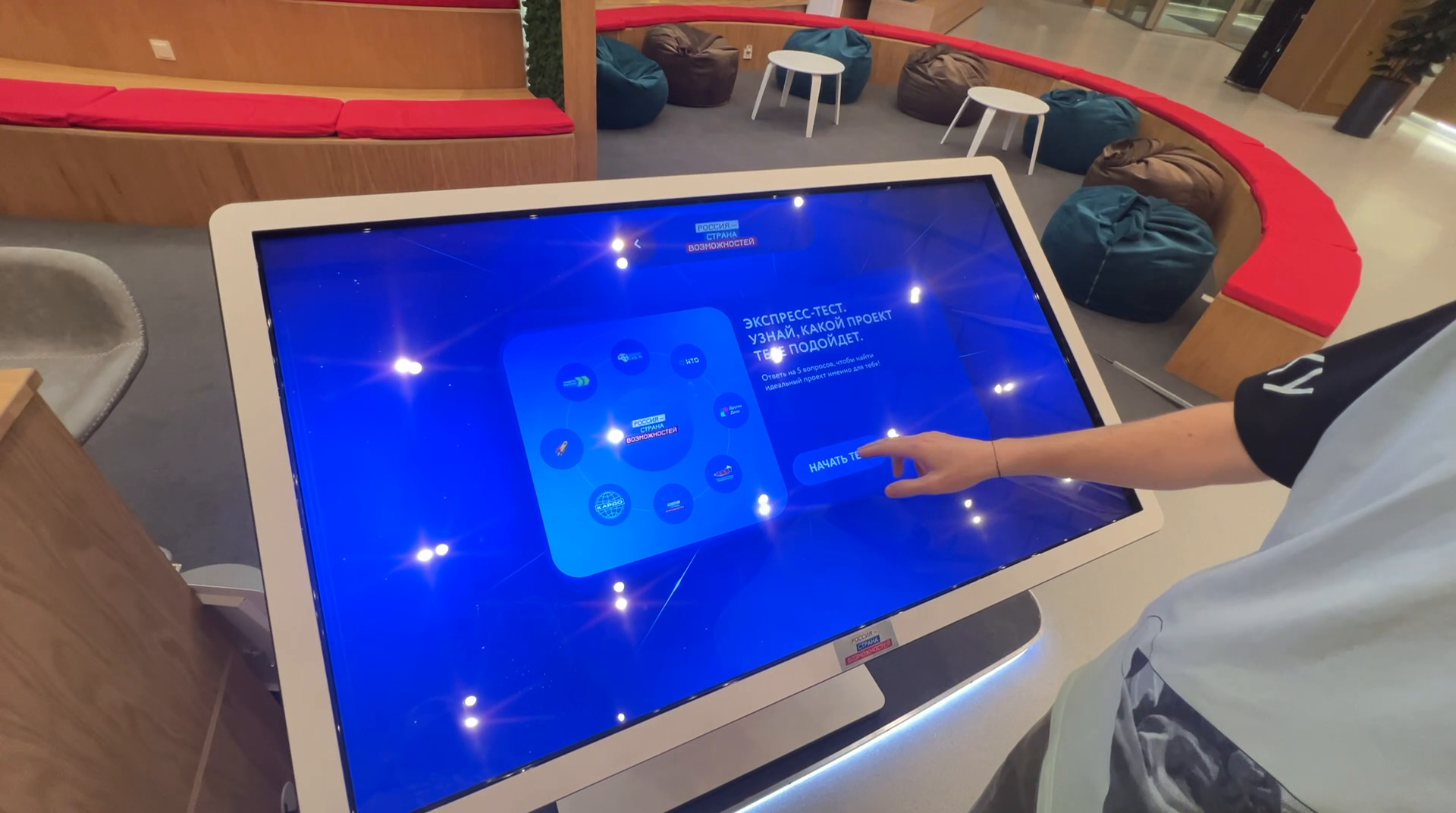
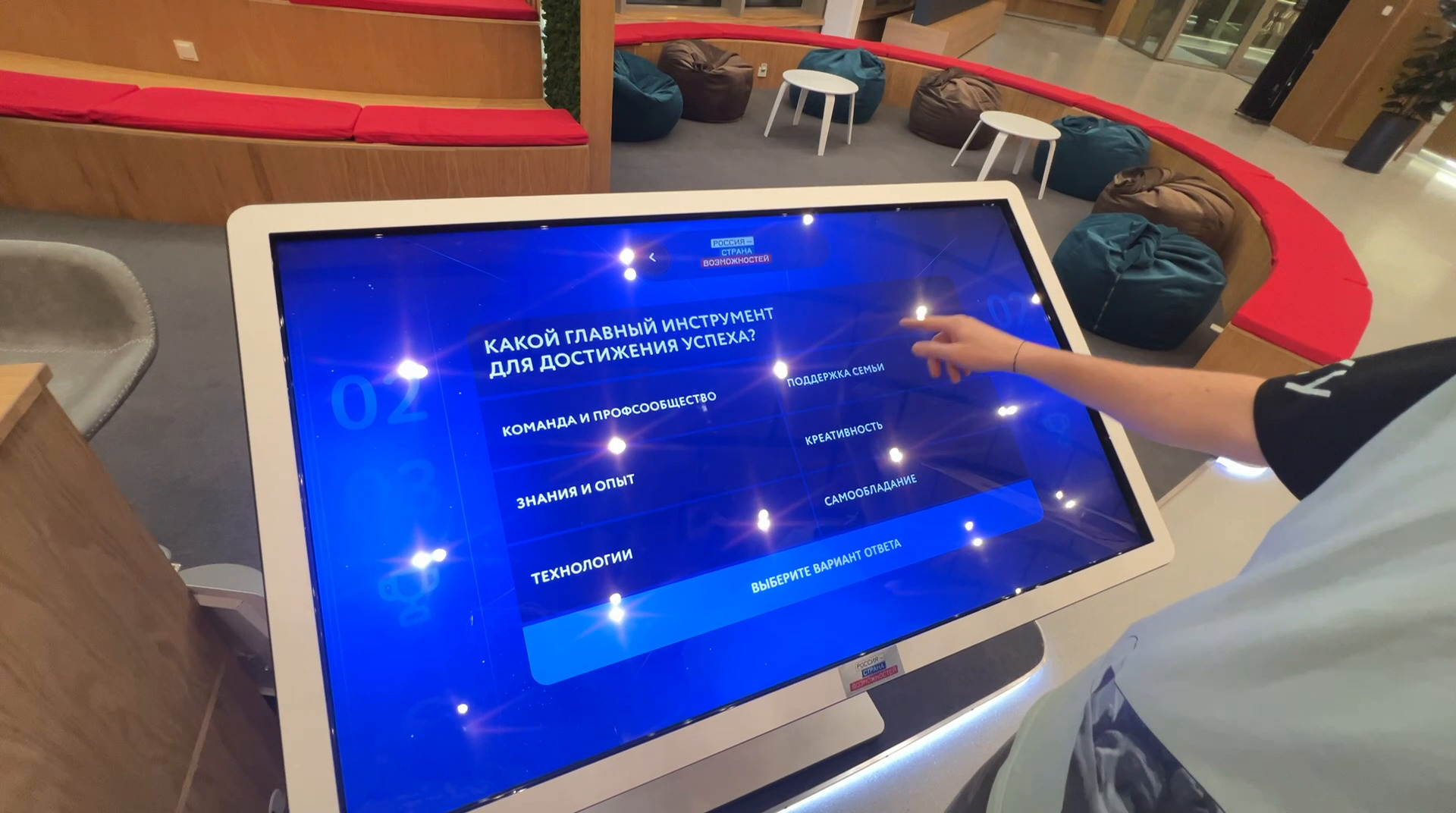
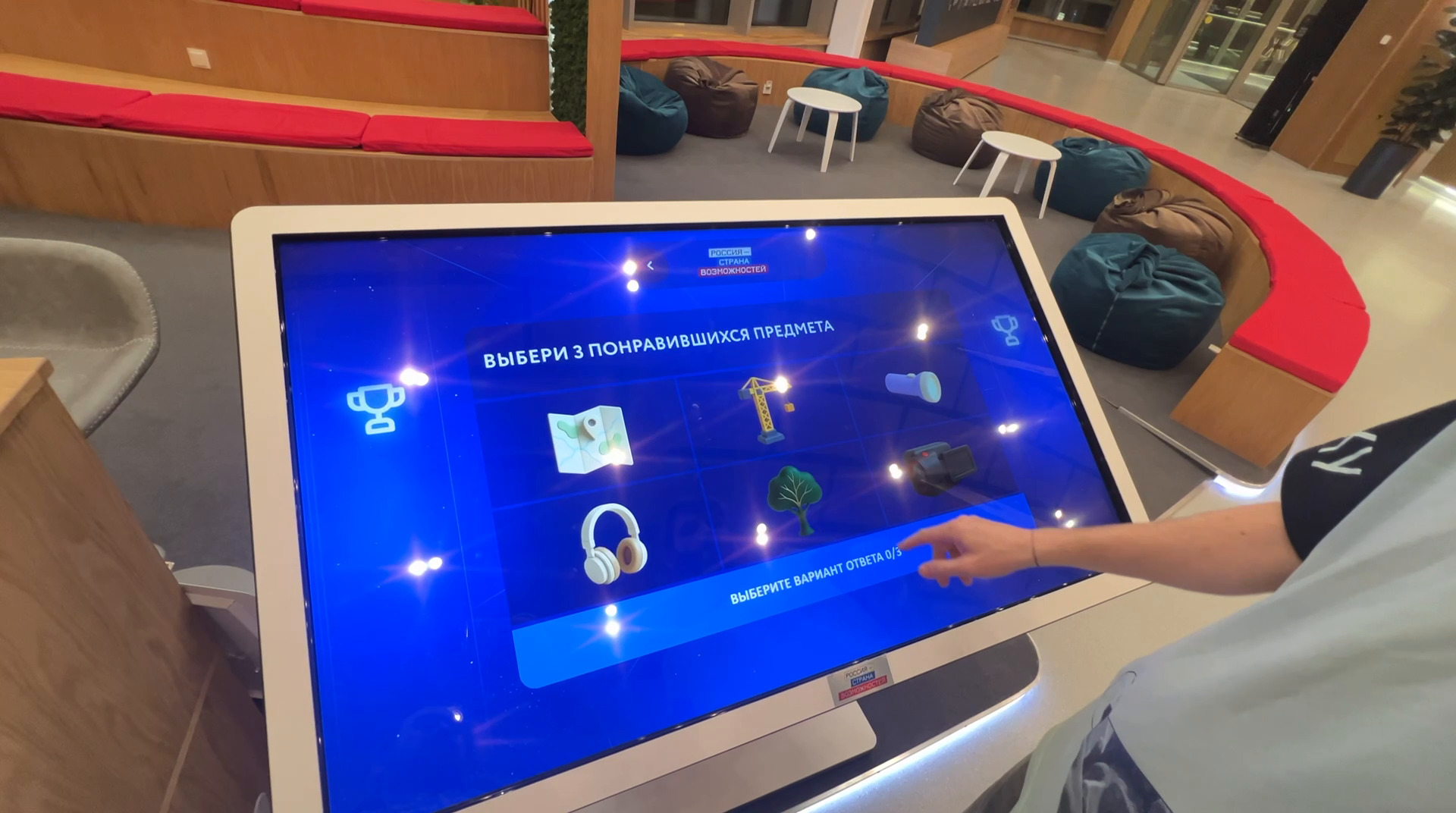
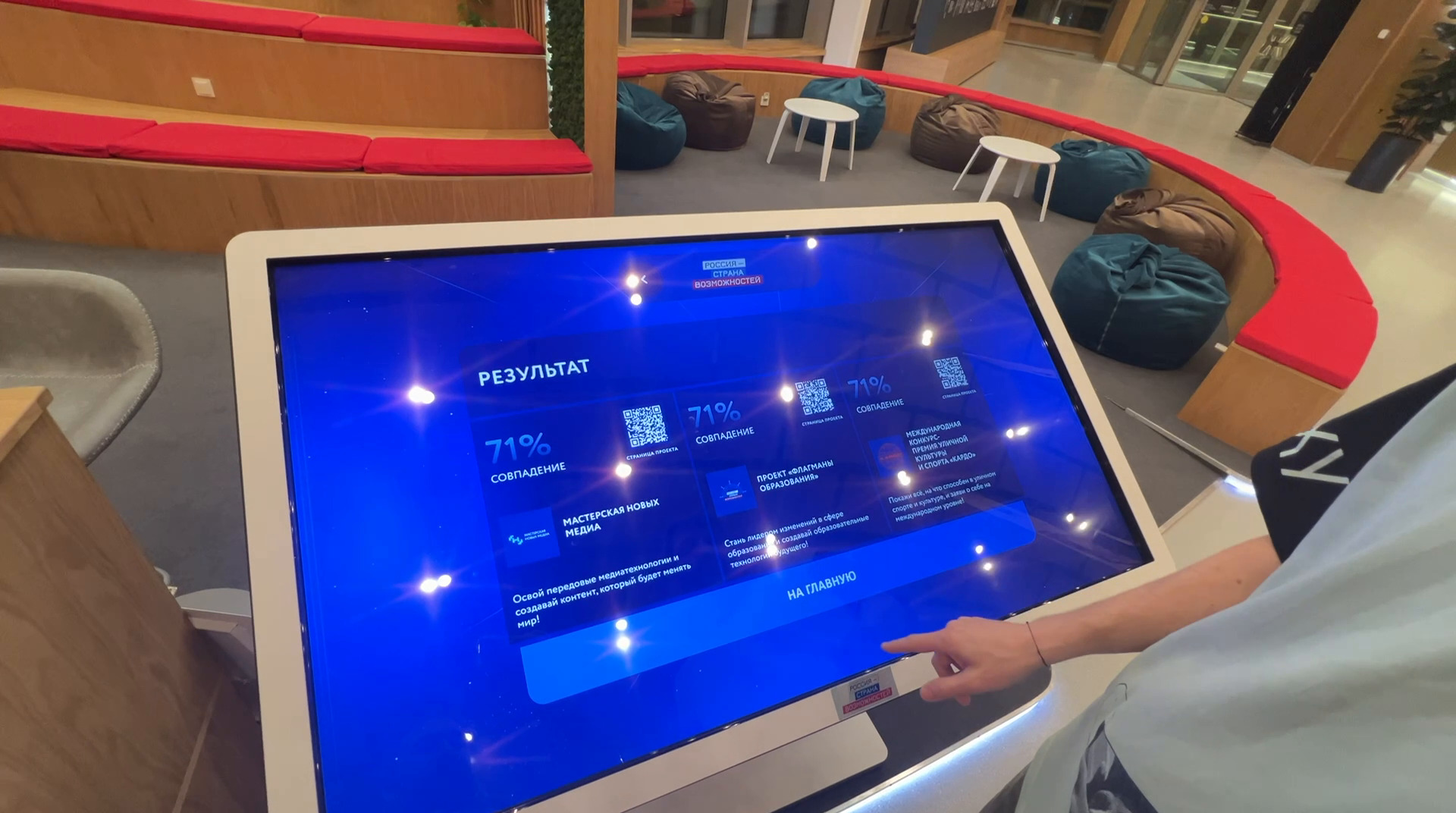
The splash screen reads “Answer 5 questions to find the perfect project for you”. The questions come as cards: the participant’s age (from “5–13” to “50+”, can be skipped); the main tool for success — a team, knowledge, technology, family support, creativity, self-control; the goal for the coming year — from getting into university to a career take-off; a choice of three favourite objects from pictures. At the end come three projects with a match percentage, a short description and a QR code for the project page.
How it is built
An Electron app for Windows 10/11, controlled by touch only, with multi-touch and no keyboard or mouse.
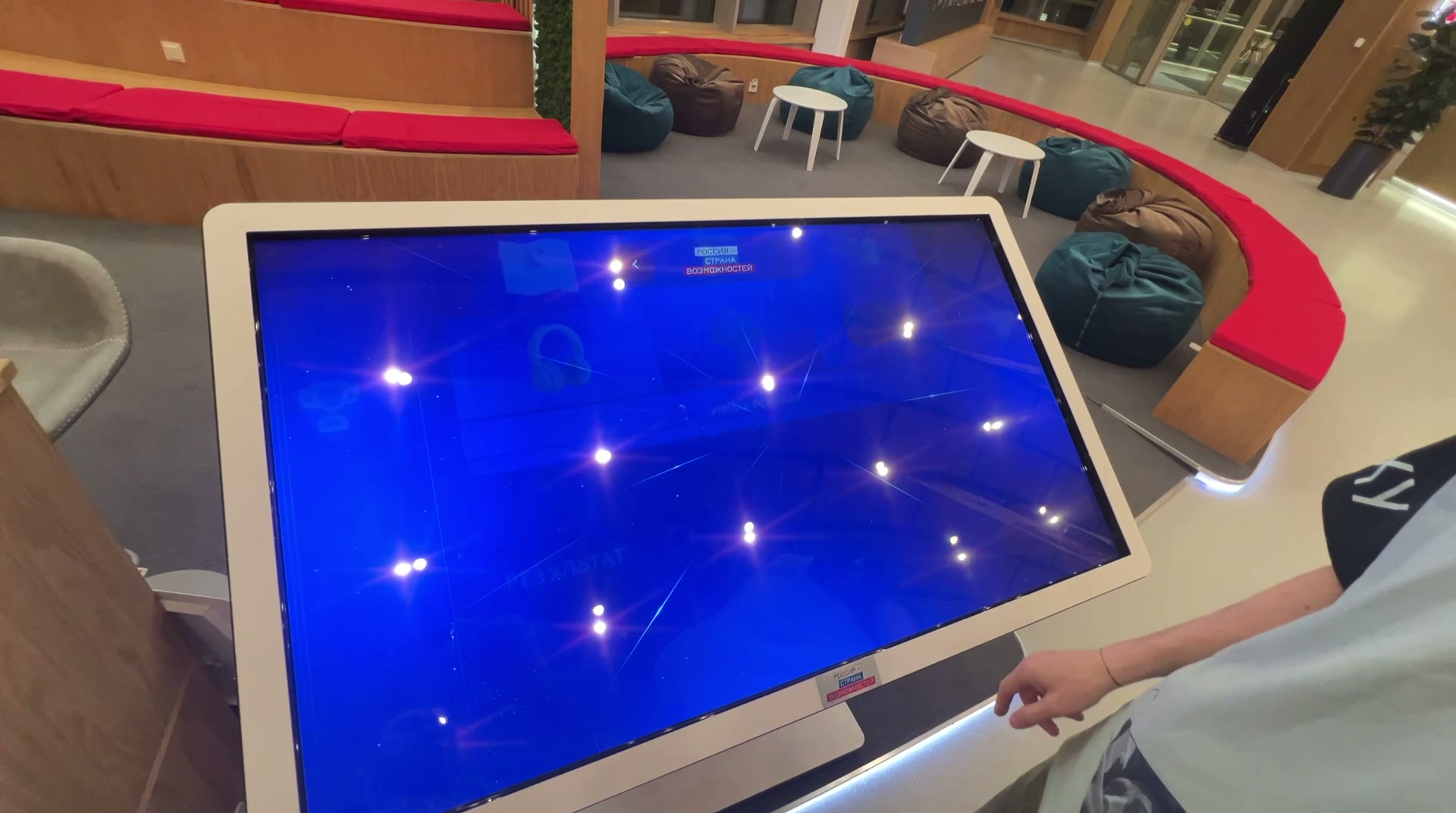
The screen is tilted like a table; the interface background is a blue “starry sky” with glints, in keeping with the exhibition’s overall theme of “space and constellations”.
The QR codes are generated from the project page address: a visitor points a phone at one and lands on the registration page.
Result
The exhibition opened at the end of May 2025, for the platform’s seventh anniversary; on 30 May the platform published a video about the opening. The navigator was filmed in use on site — our recording shows all the sections: the catalogue, project cards, the quick test and the result.