Museums · 2024
The “Onegin. An open ending” exhibition at the Tchaikovsky Museum
Museums / The “Onegin. An open ending” exhibition at the Tchaikovsky Museum
About the project
Software for two interactive exhibits of the “Onegin. An open ending” exhibition at the Tchaikovsky Museum in Moscow: a mirror that turns the visitor into Onegin or Tatyana, and “The ball”.
On 21 September 2024, the exhibition “Onegin. An open ending” opened at the P.I. Tchaikovsky Museum in Moscow, one of the museums of the Russian National Museum of Music. It marked the 225th anniversary of Pushkin’s birth and the 145th anniversary of the premiere of Tchaikovsky’s opera “Eugene Onegin”. The exhibition was prepared with the participation of the P.I. Tchaikovsky Museum-Reserve in Klin.
The exhibition tells the story of the novel and the opera at the same time. The visitor chooses a route — “Tatyana”, “Lensky” or “Onegin” — and puts together their own version of the events and the ending.
We wrote the software for two of the exhibition’s interactive exhibits: the “‘Onegin’ interactive mirror”, which transfers the visitor’s face onto a portrait of a character from the novel, and “The ball”.
Year
2024
Industry
Museums
Scope of work
Software for 2 interactive exhibits: the “Onegin” mirror and “The ball”
Venue
P.I. Tchaikovsky Museum in Moscow, 46/54 Kudrinskaya Square — the “Onegin. An open ending” exhibition
- 2
- interactive exhibits
- 11 days
- from signing the contract to delivering the software
- 21.09.2024
- exhibition opens
The task
The exhibition invited visitors to try on the role of a character themselves. The mirror required a choice of character, a photo with the face transferred onto a ready-made portrait, a QR code to collect the photo, and the option of taking a new one straight away. “The ball” needed a program that starts a video on a signal from a motion sensor. All of it was due by the opening on 21 September, which left less than two weeks for the work: the contract was signed on 9 September and the work was handed over on the 20th.
What we did
The “Onegin” interactive mirror
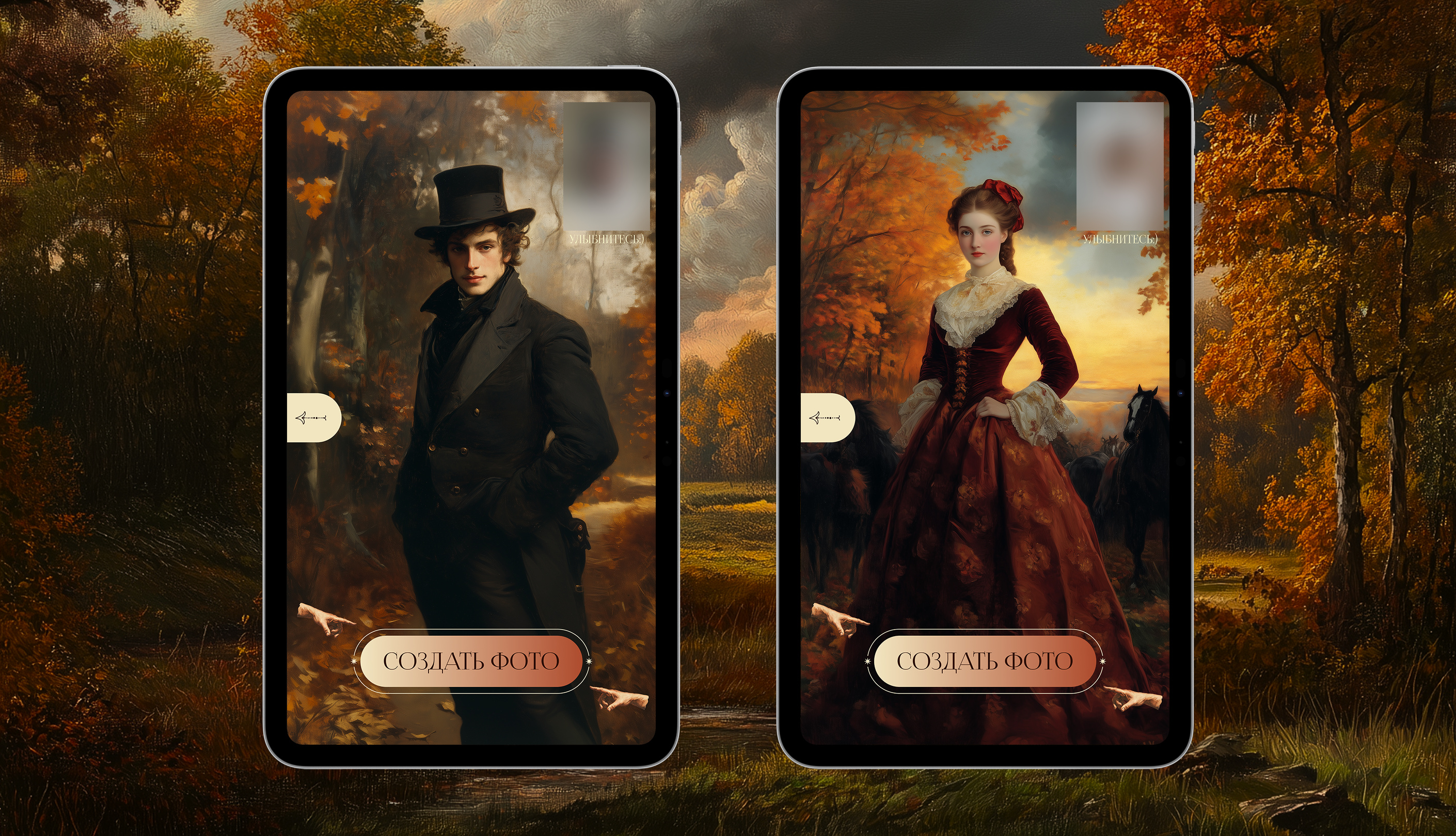
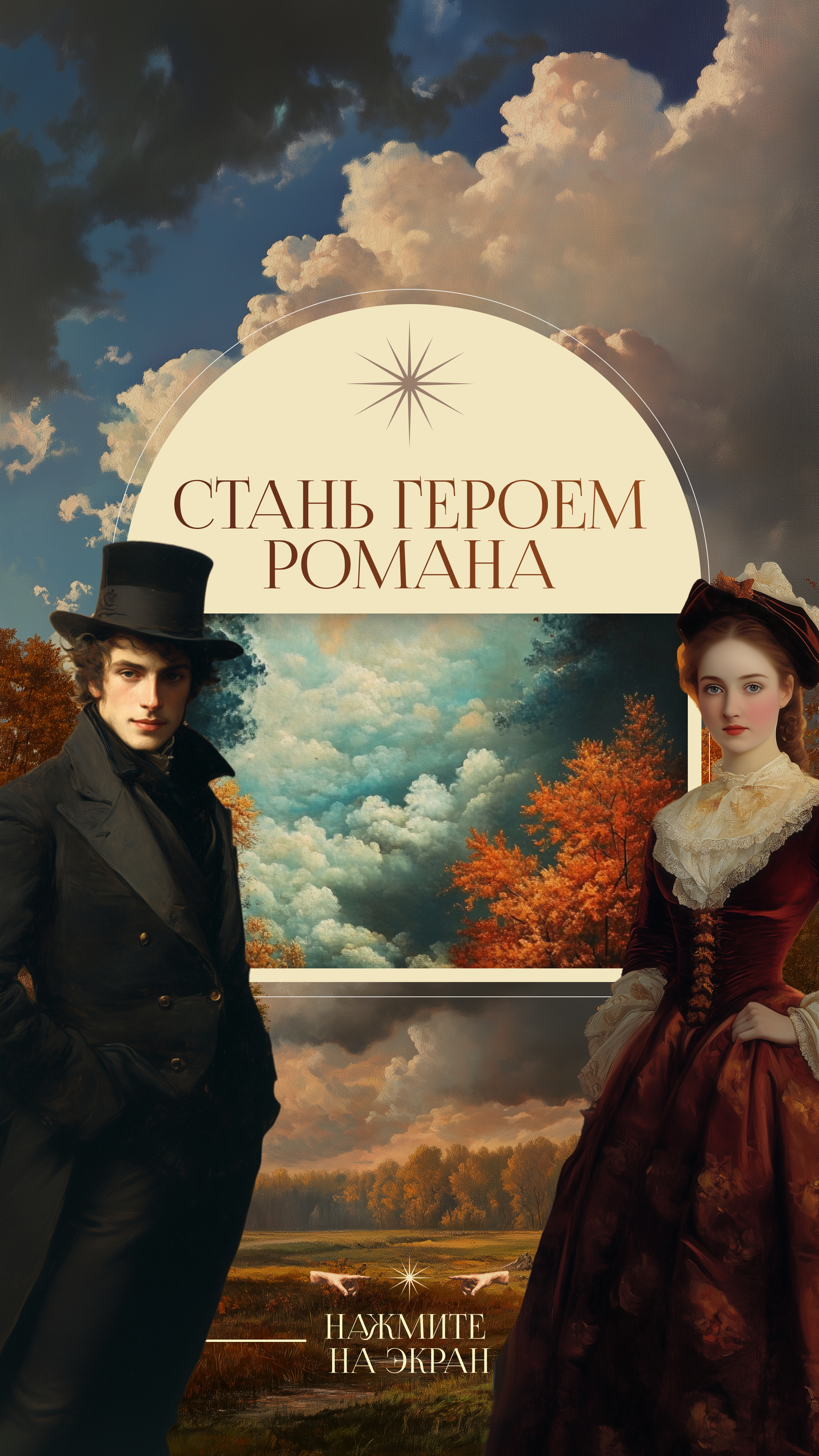
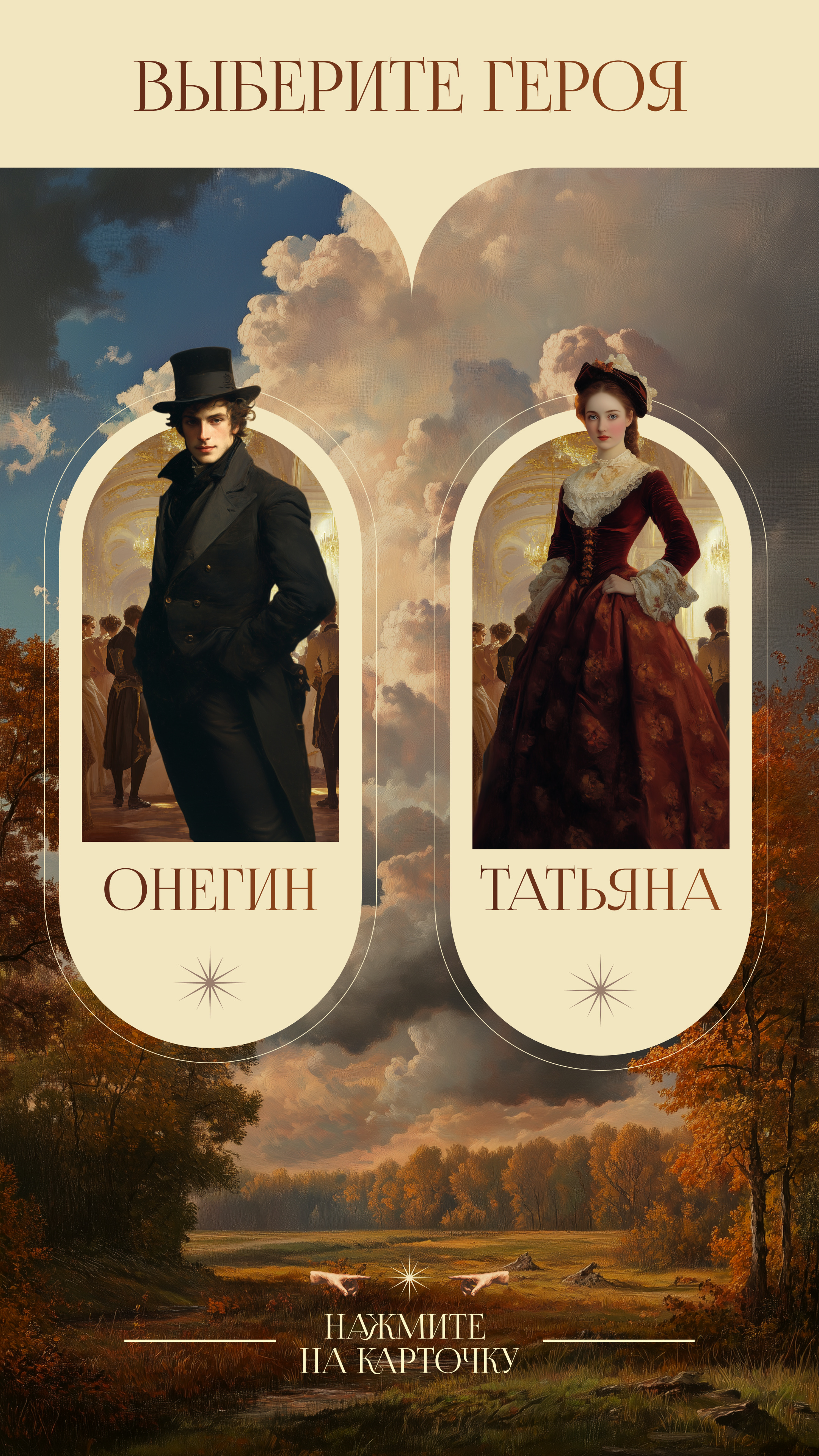
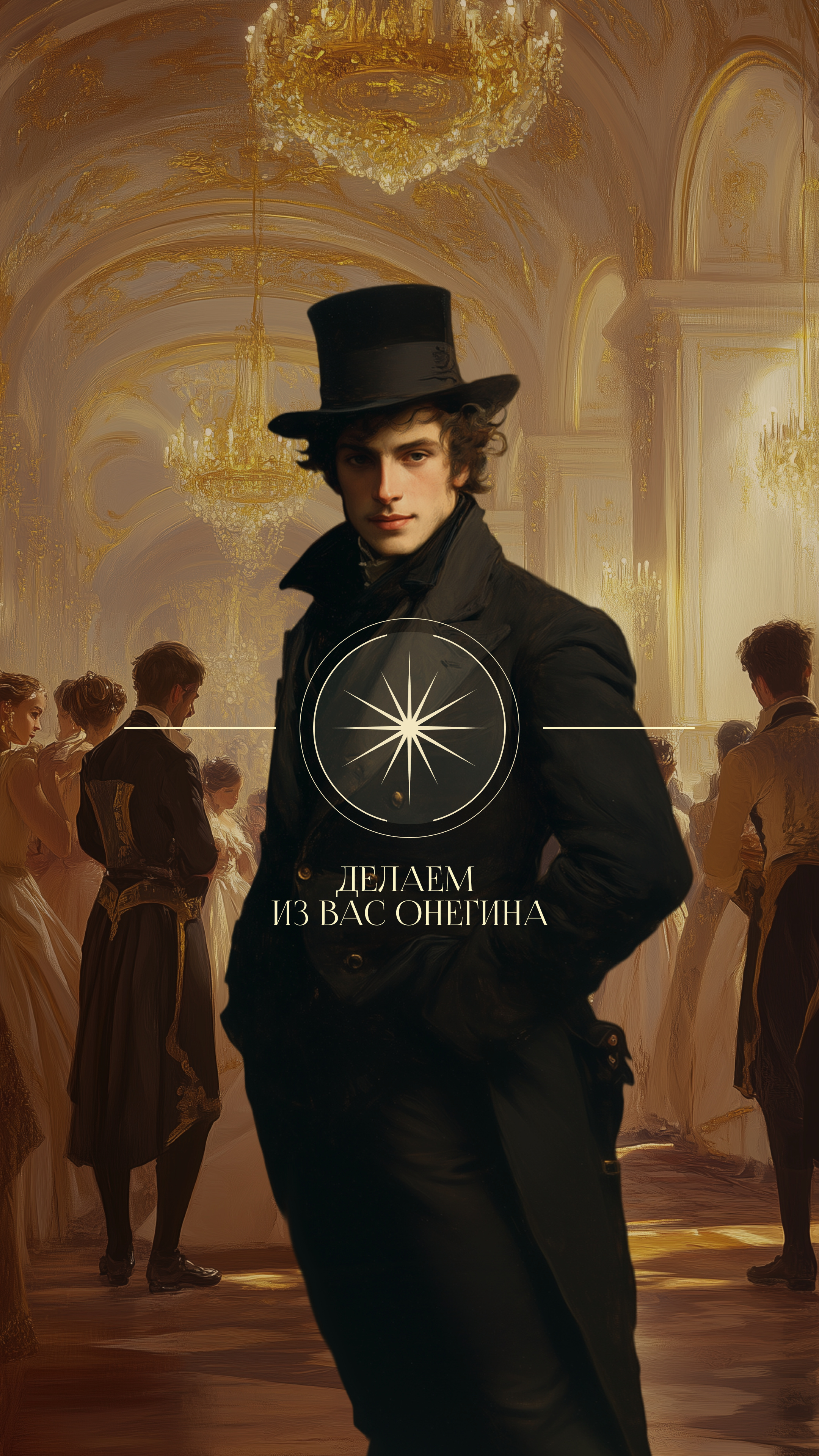
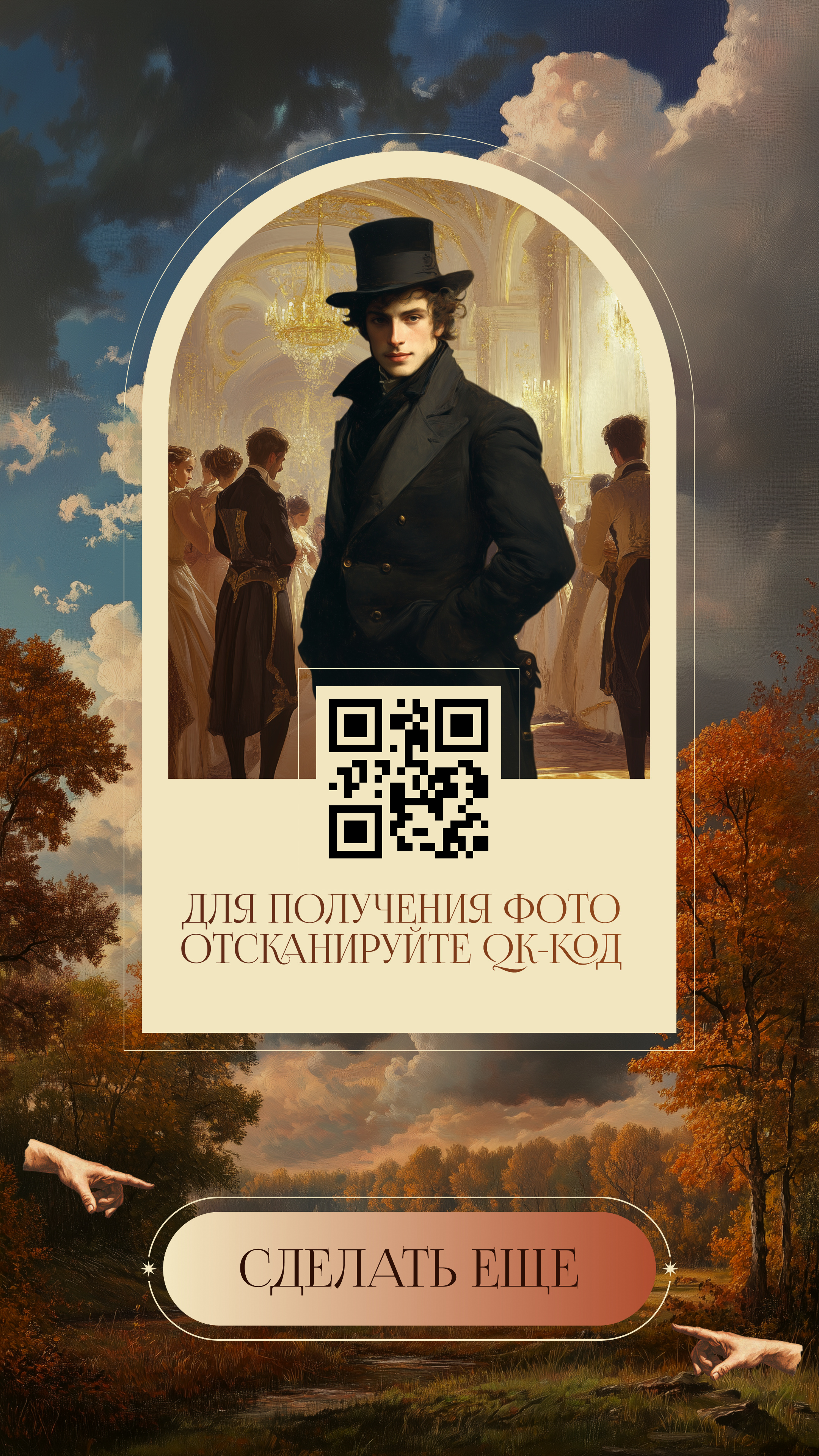
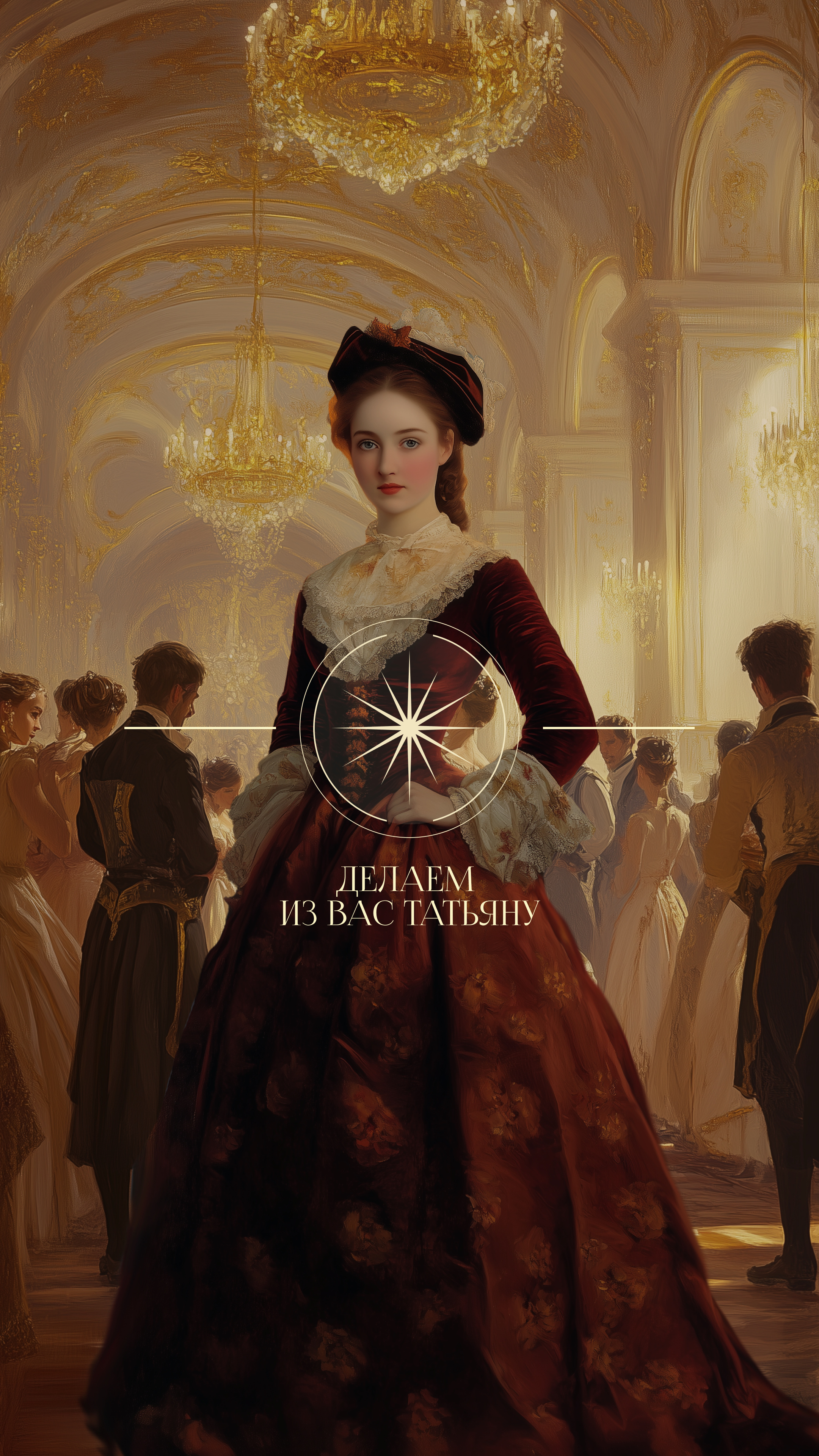
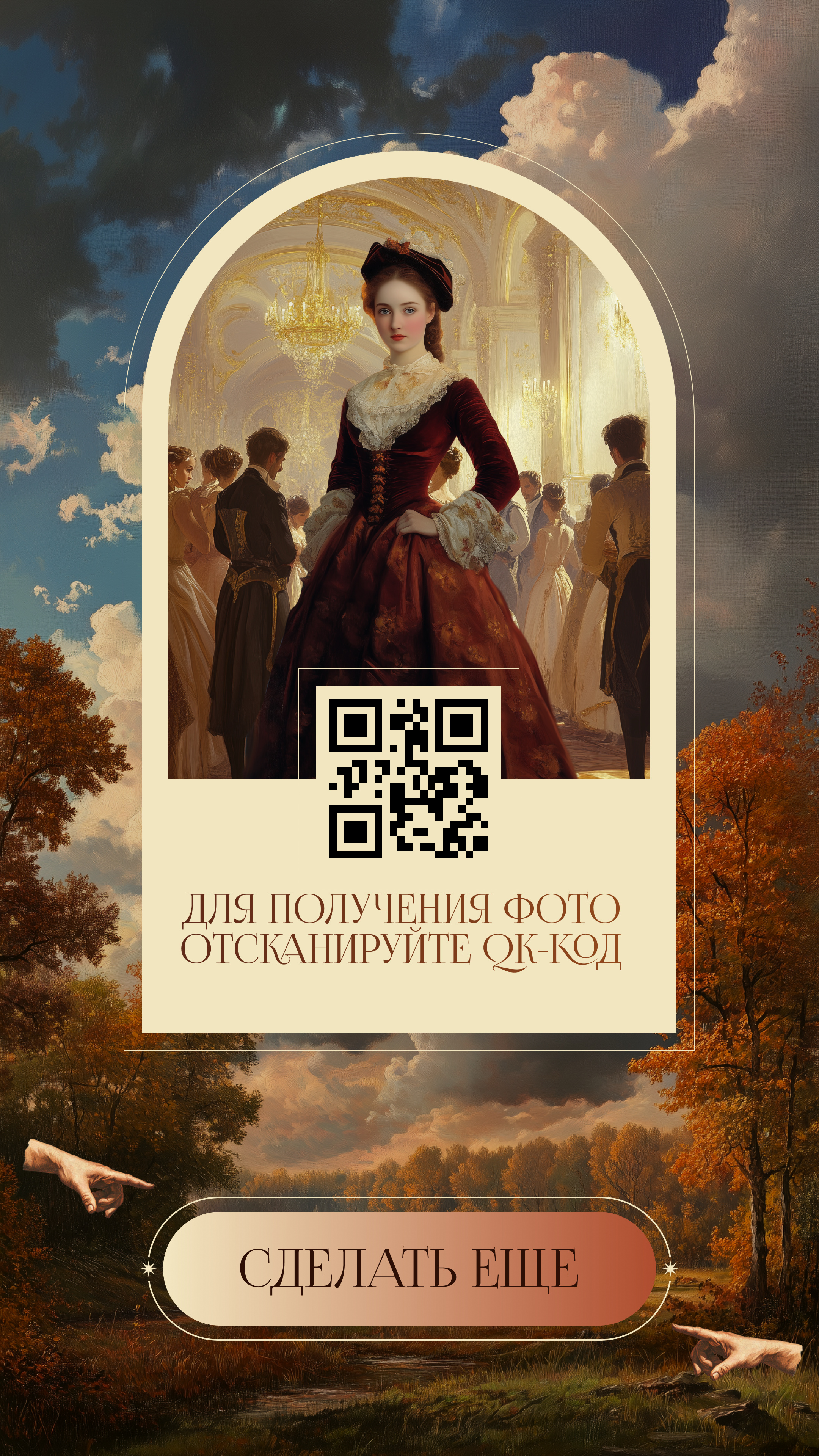
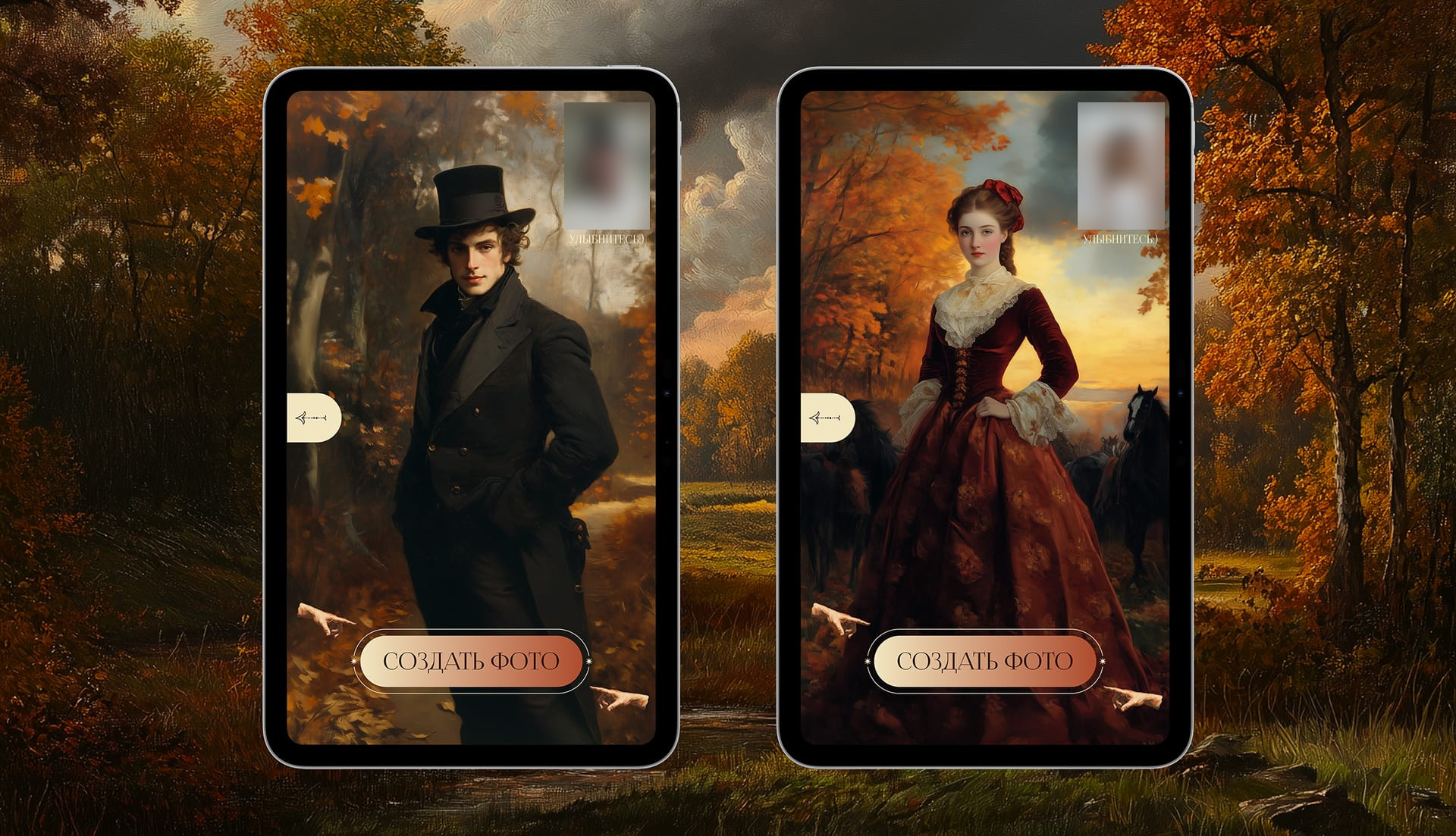
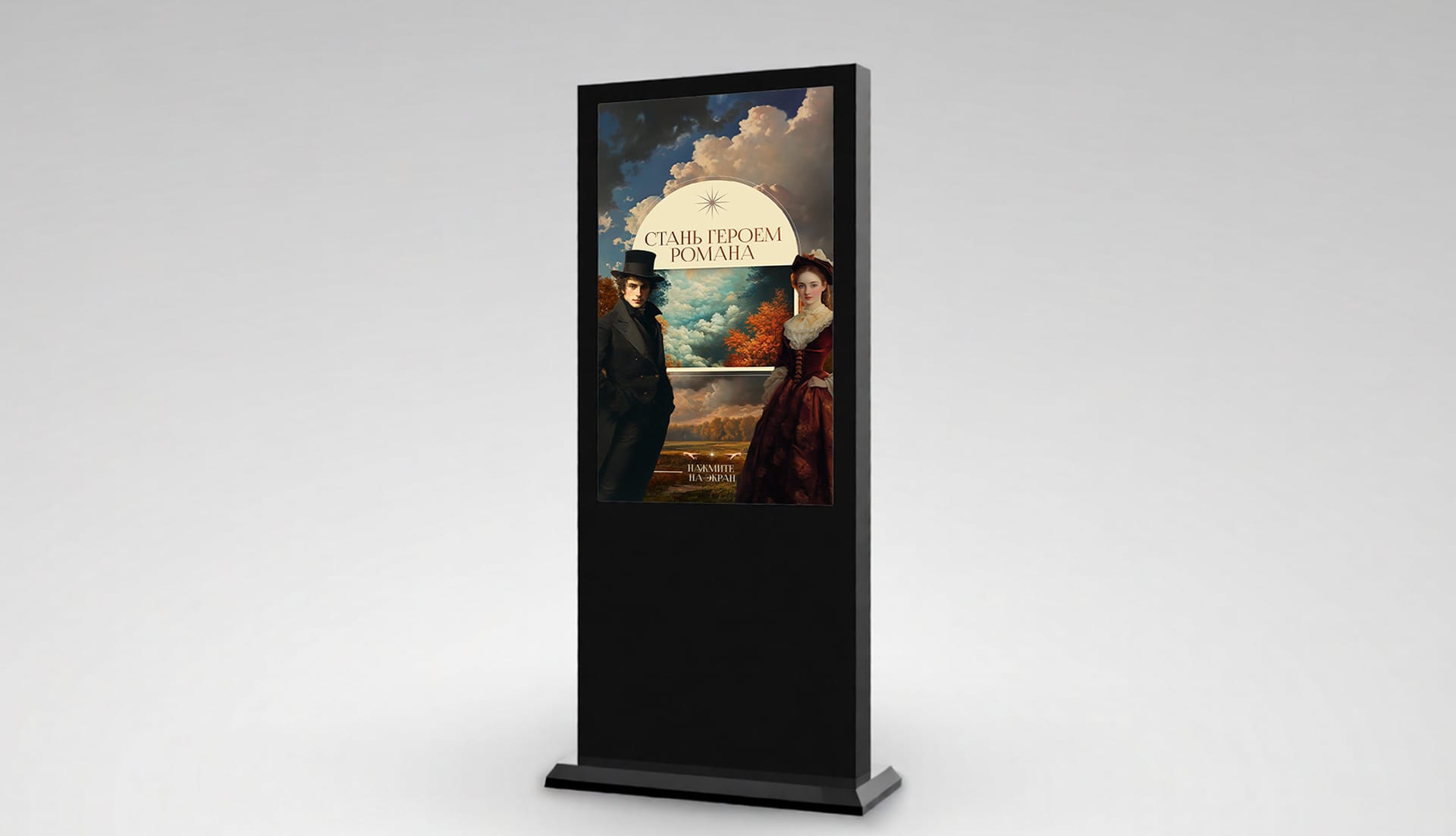
The start screen reads “Become a character in the novel”. The visitor chooses a character — Onegin or Tatyana — stands in front of the camera and presses “Create photo”; while the picture is being processed, the screen shows “Turning you into Onegin”. The program transfers the visitor’s face onto a portrait of the character in costume: Onegin in a top hat and black frock coat, Tatyana in a burgundy dress. The finished portrait appears on the screen together with a QR code: the visitor scans it and downloads the photo to their phone. The “Take another” button returns to the start.
“The ball”
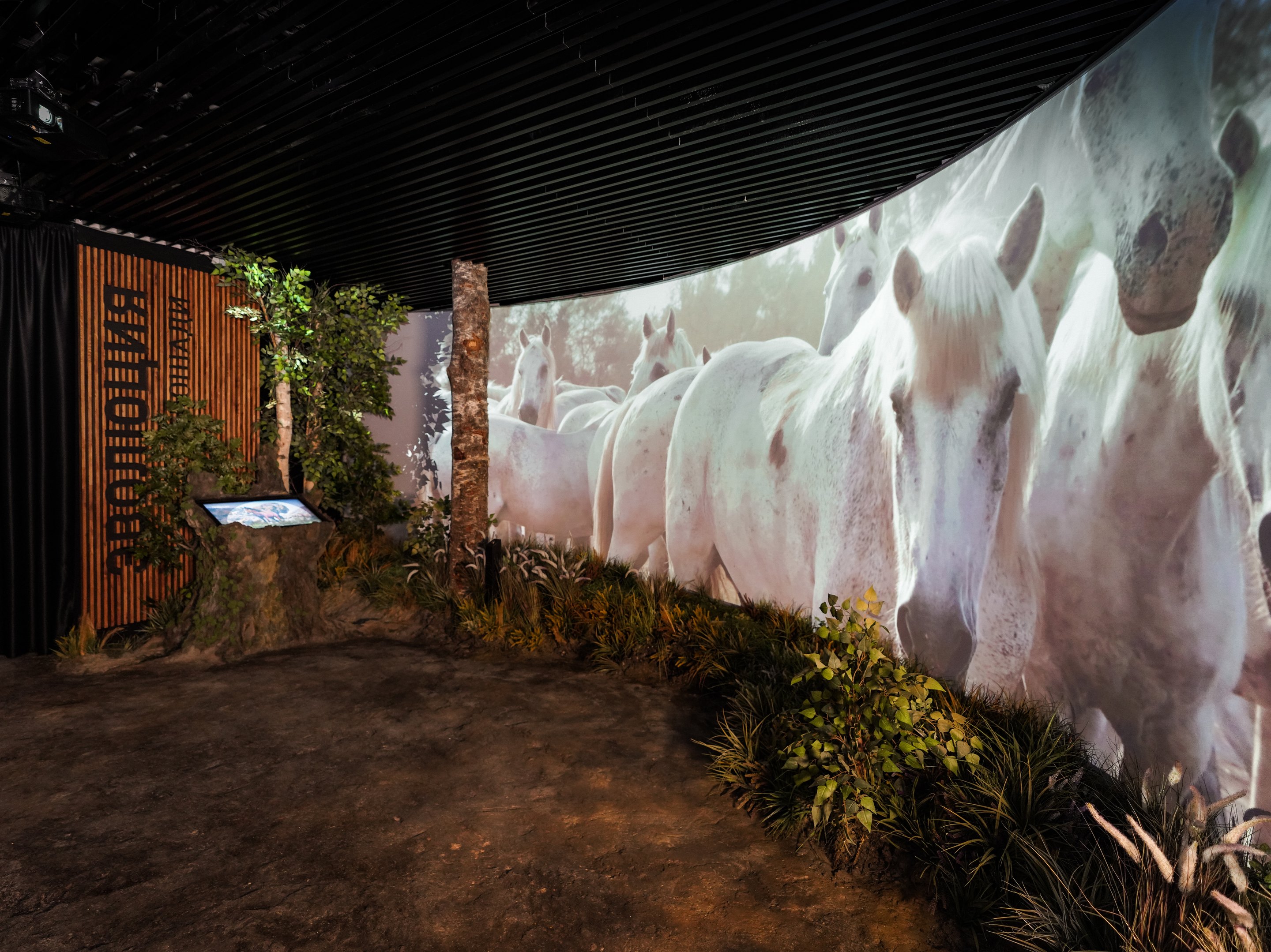
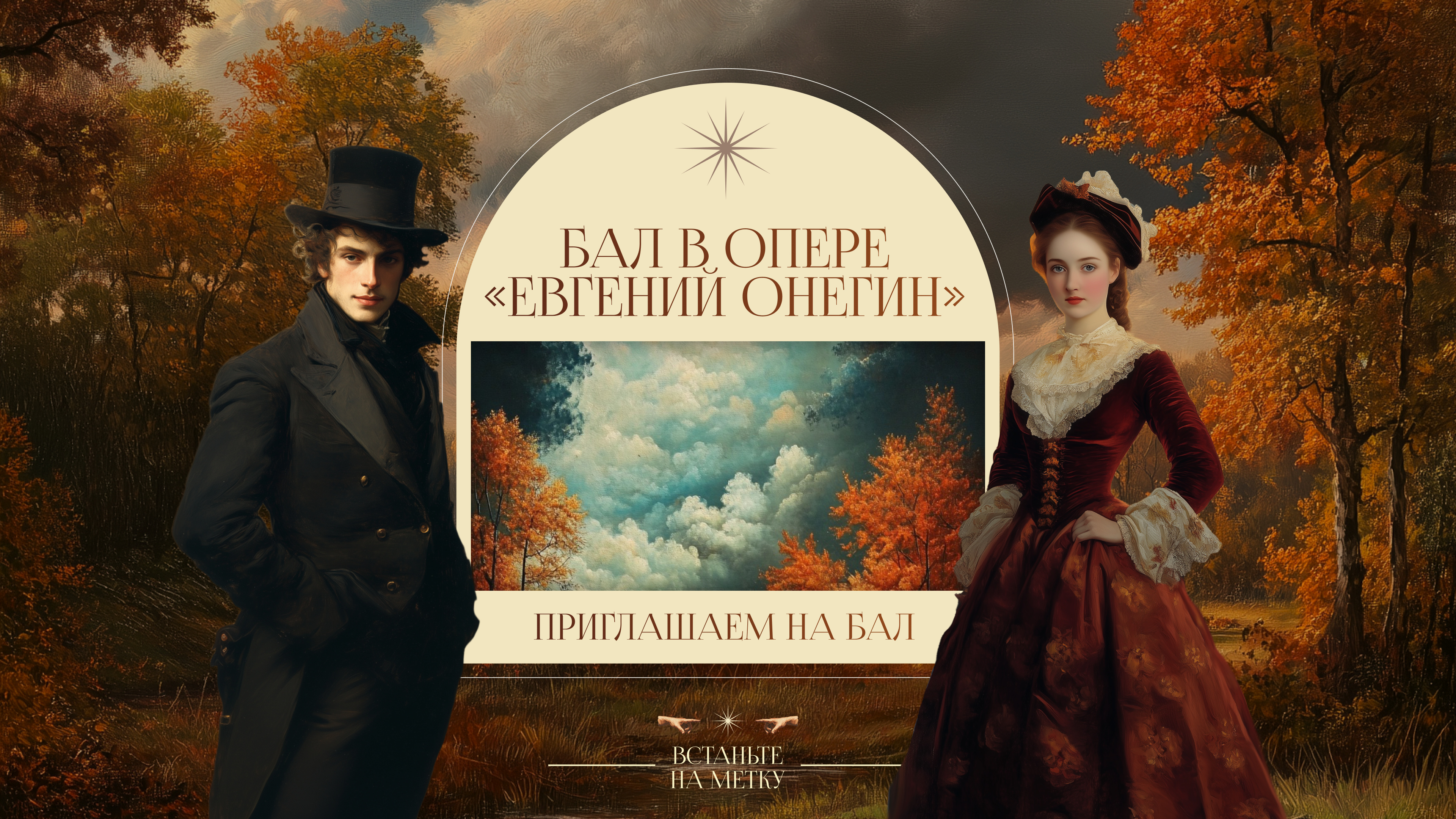
The visitor approaches, the motion sensor sends a signal, and the program starts a video.
How it is built
The mirror runs on a vertical touch screen with a camera: in the corner of the screen the visitor sees themselves and the caption “Smile”.
“The ball”: the program passes the motion sensor’s signal to the player, which starts the video file.
Result
Both programs were handed over on 20 September 2024, the day before the exhibition opened. The exhibition opened on 21 September and, as announced, was to run until 12 January 2025. In the Ministry of Culture’s news item about the opening, Mikhail Bryzgalov, Director General of the Museum of Music, lists among the exhibition’s features the chance to “try on Onegin’s costume” and to “immerse yourself in the atmosphere of a ball of that time”.