Products · 2026
XR Model Viewer
Products / XR Model Viewer
About the project
Our web service for 3D models: upload a model and open it in a browser, in a headset or in XREAL glasses, or place it in a room through a phone camera.
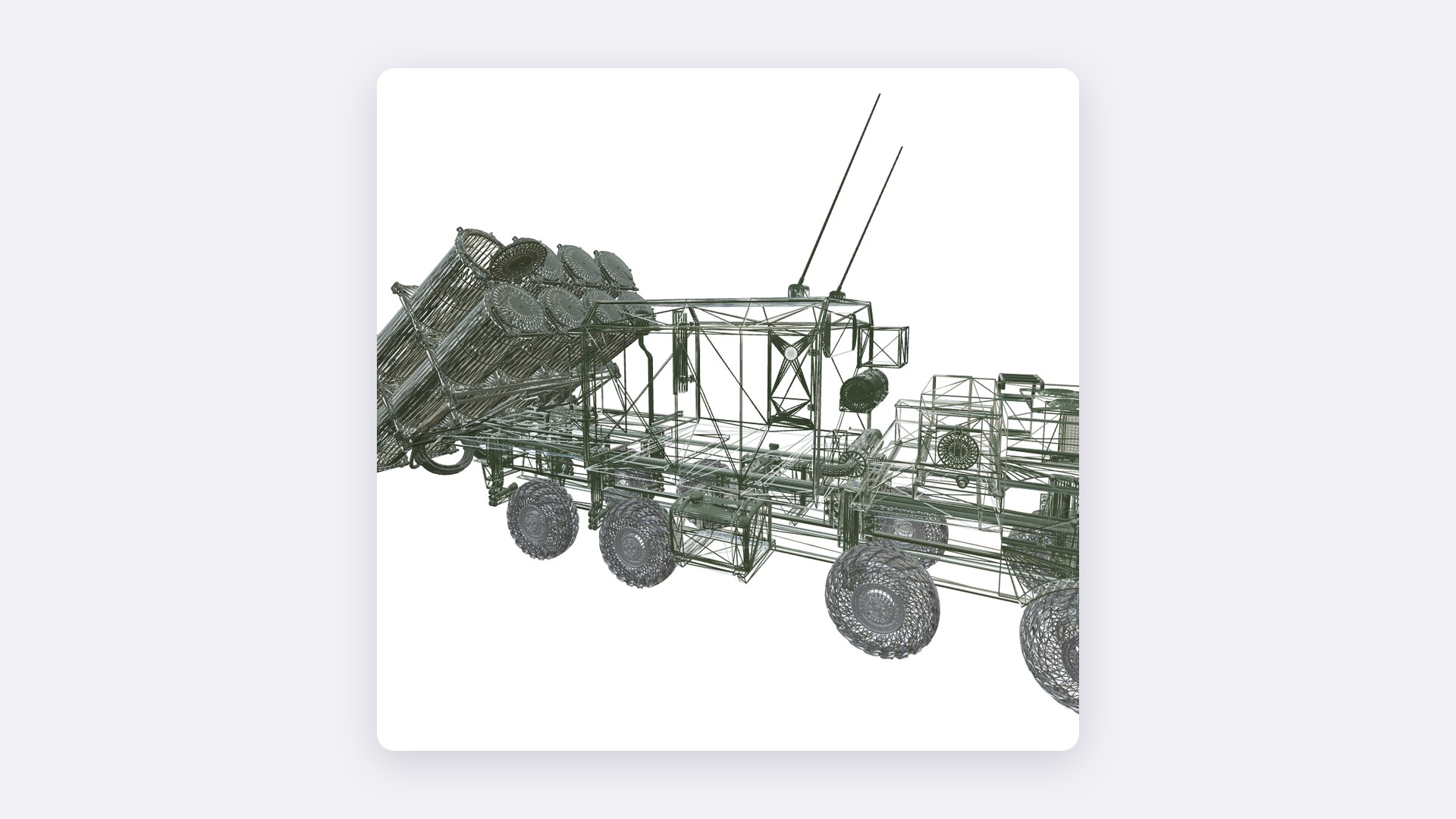
XR Model Viewer is 8vision's own web service at viewer.8vision.ru. It stores 3D models by project and folder and lets you view them in the browser. The same model can be opened in a mixed reality headset or in XREAL glasses, or placed on the floor of a room through a phone camera.
We built the browser application, the modes for the headset, glasses and phone, the server side and a bridge program for XREAL One Pro glasses. Work on the service continues.
Year
2026
Industry
Digital
Scope of work
Web service: 3D model storage; viewing in the browser, in a headset (WebXR), in XREAL glasses and in AR on a phone; links with a QR code
Venue
viewer.8vision.ru
- 4
- ways to view a model: browser, headset, glasses, phone
- 7
- tools on the in-headset panel
- 250 MB
- maximum size of an uploaded model
The task
We needed a web platform where 3D models are kept in one place and open in the browser and in WebXR — on a computer, in a headset, on a phone. We set the task ourselves: this is our own product.
What we did
Model storage
Projects with a cover and description, nested folders, upload of GLB and glTF models up to 250 MB, search and sorting by name, date and size, moving and deleting several models at once. Each user sees only their own models; sign-up is confirmed by email.
Viewing in the browser
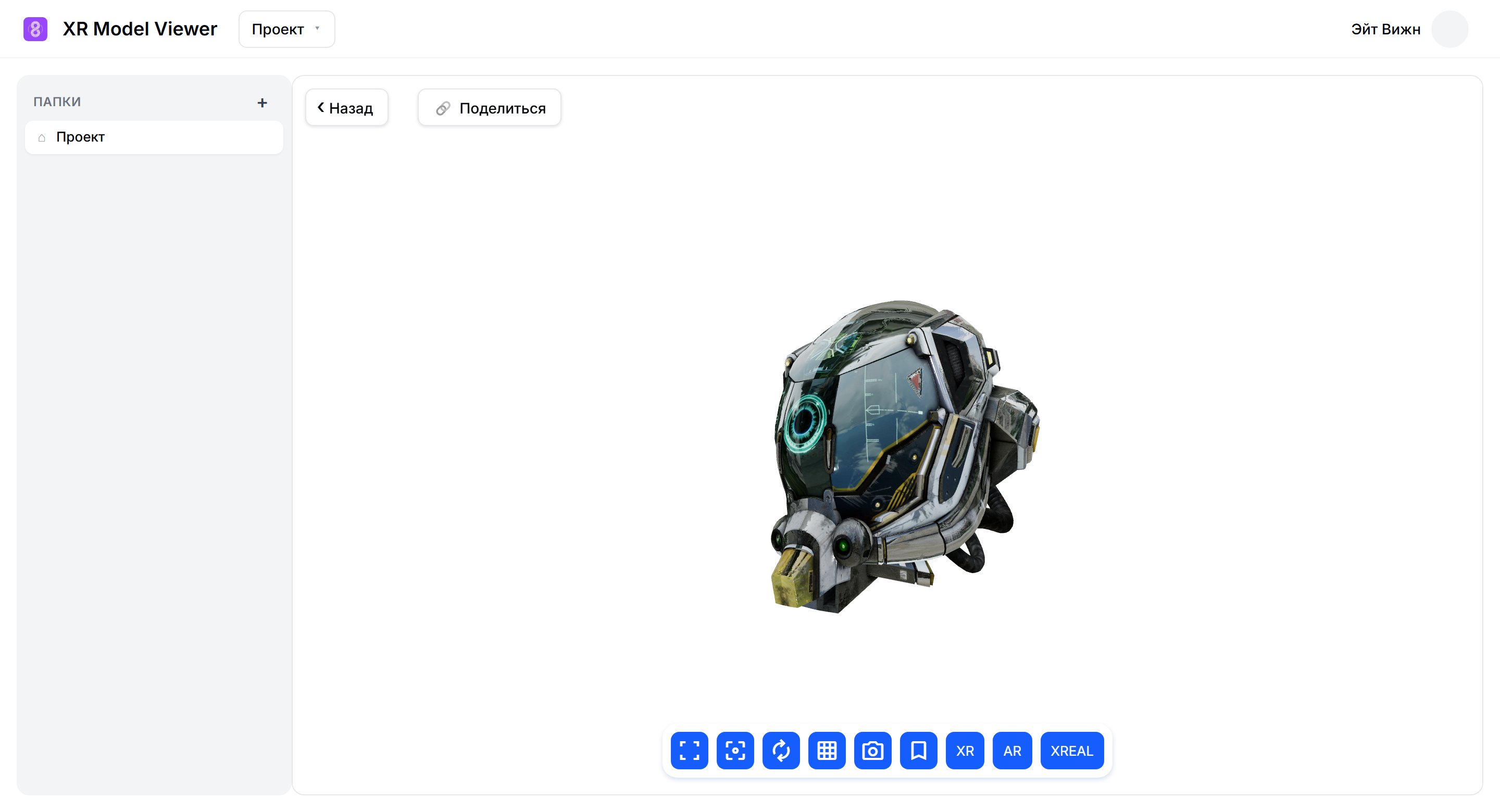
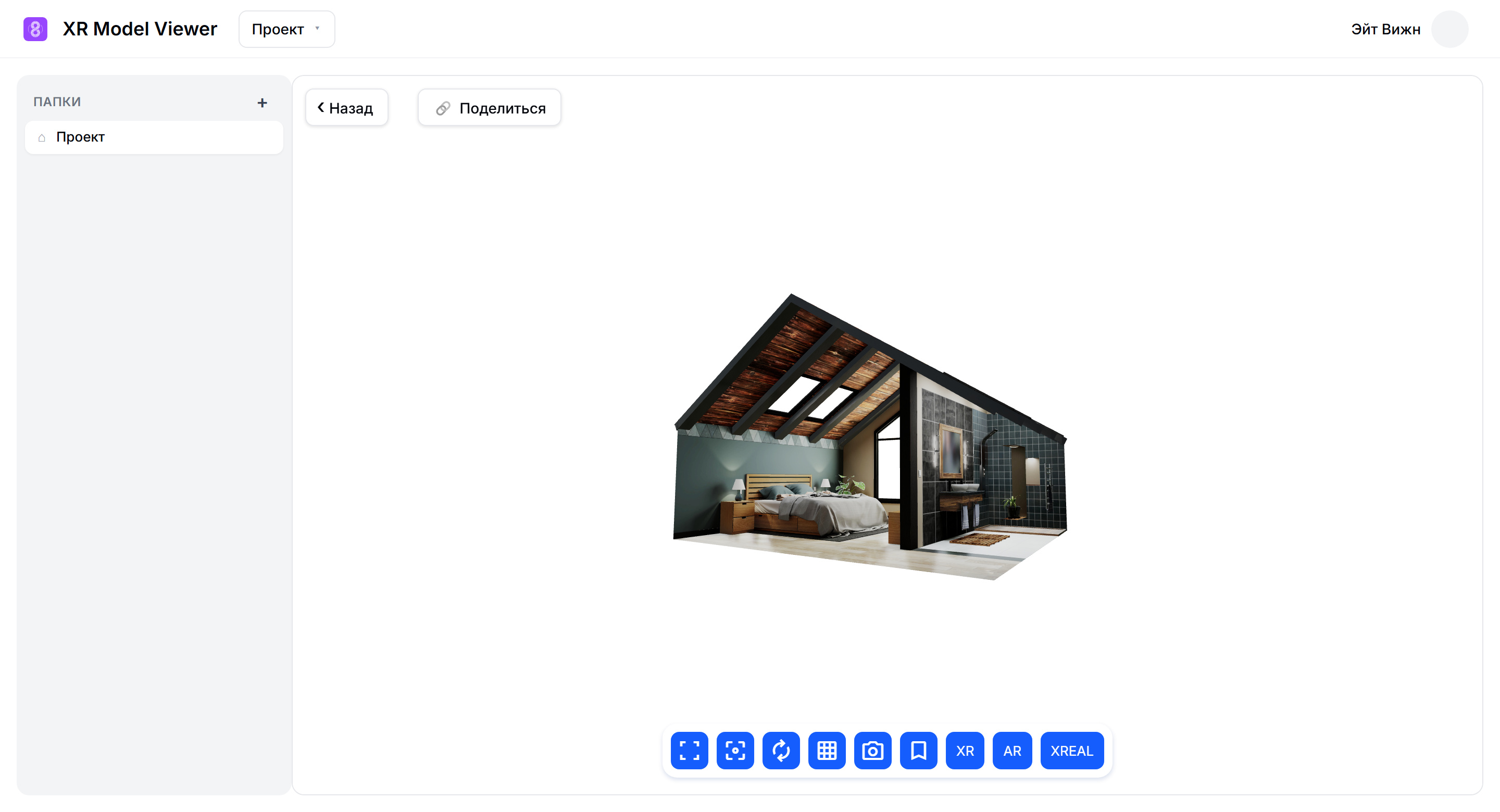
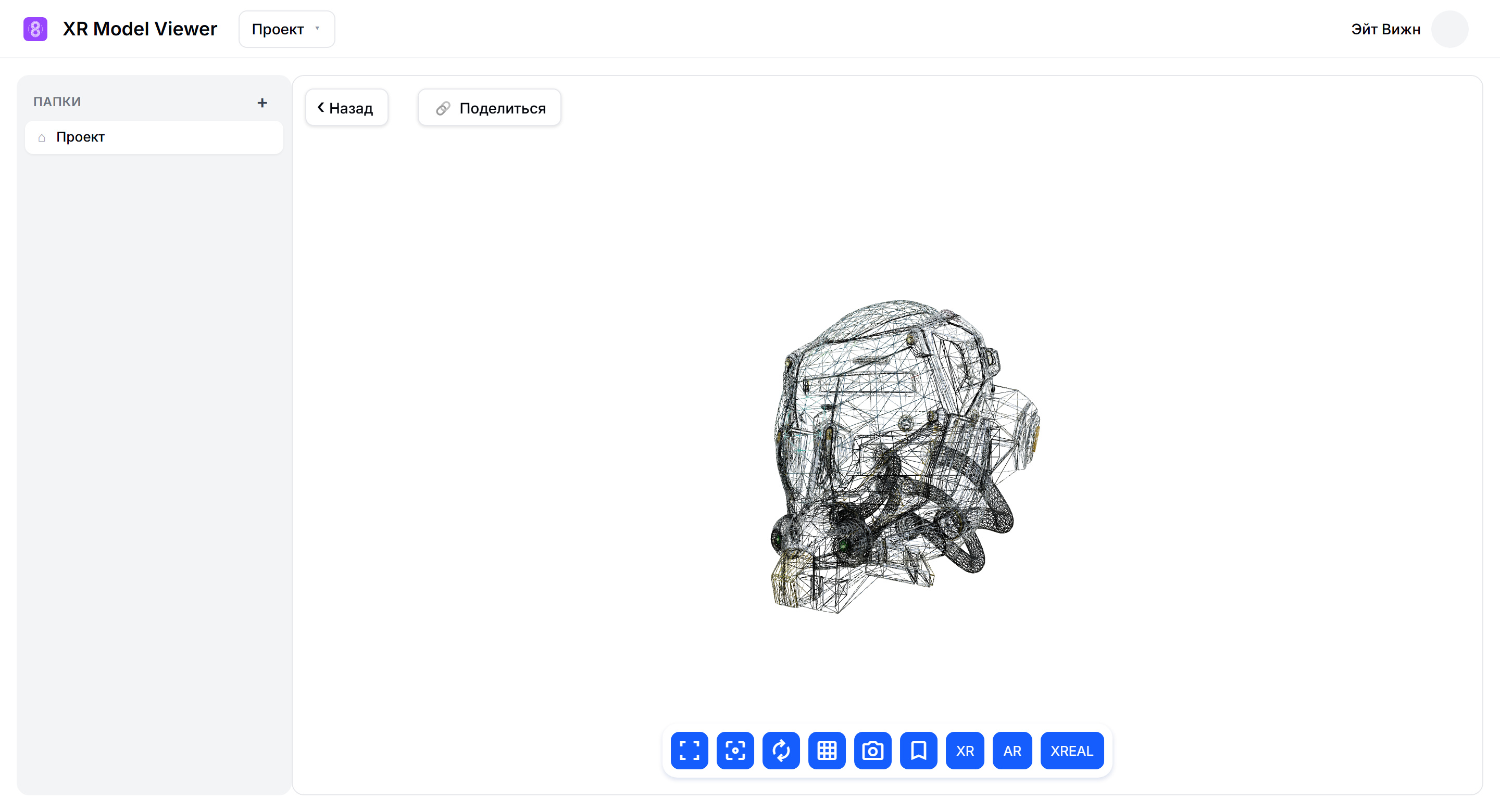
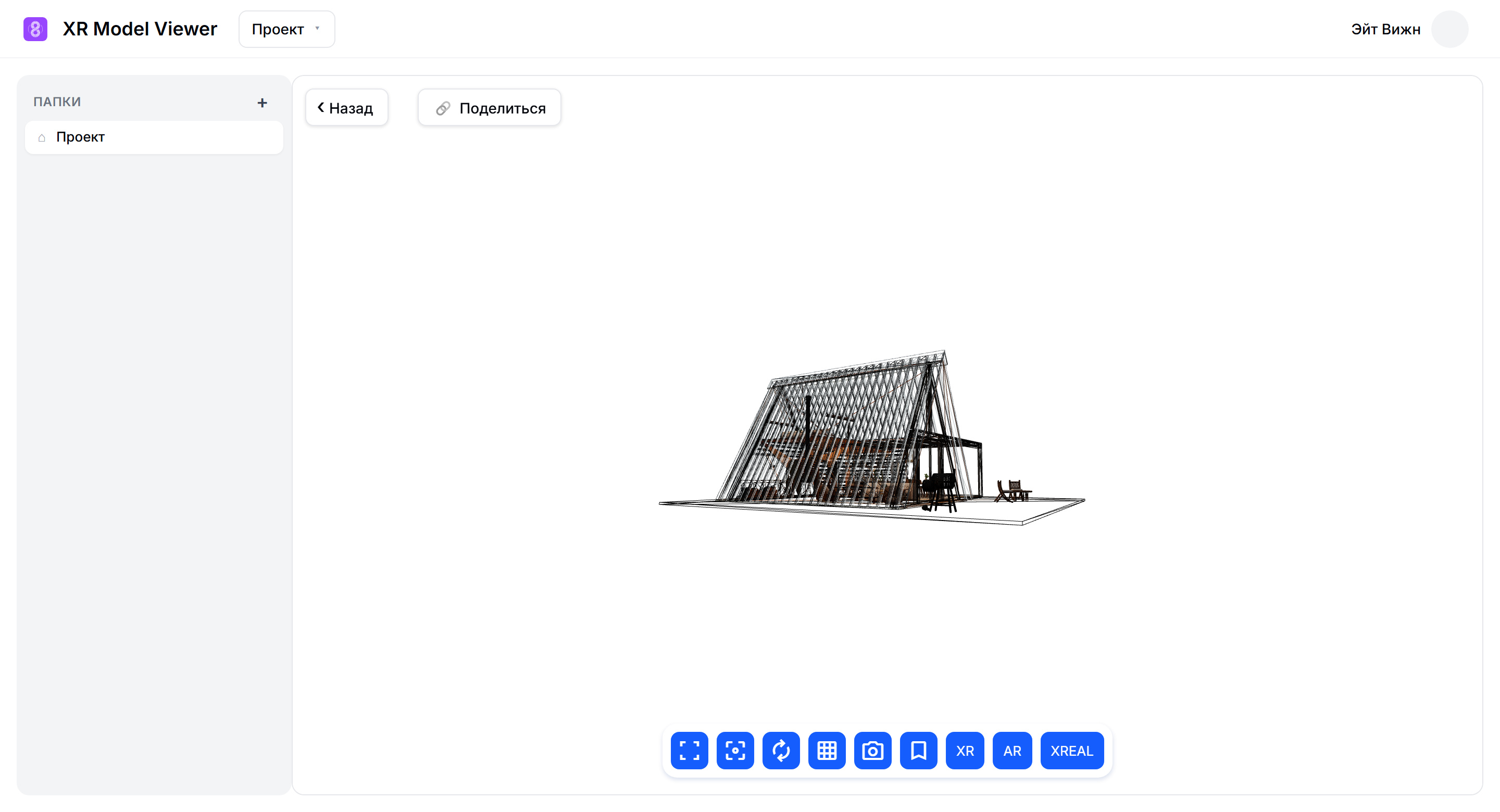
The model is rotated with the mouse; there is auto-rotate, wireframe mode, full screen and a PNG snapshot. Good camera angles can be saved and reopened with a single click.
Headset
The “XR” button opens the model in the headset in mixed reality mode: the model stands on the floor of the room. The panel inside the headset has seven tools: move, rotate, fly, a tape measure for measurements, first-person walk, reset and exit. The height to which the model is raised is entered on a numeric keypad right inside the headset.
XREAL glasses
The model turns as the head turns; there is a stereo mode and a “Centre” button. For XREAL One Pro glasses we wrote XrealBridge, a Windows program that reads the glasses' sensors — about 970 readings per second — and passes the head position to the browser.
AR on a phone
The “AR” button opens the phone camera in an ordinary browser. The model is placed on the floor with a tap, moved with a finger, scaled with a pinch and rotated with two fingers. A metre in the model is a metre in the room.
Sharing links
A model can be shared: a link and a QR code, with an optional password and expiry date. The link opens the model without signing in to the service — in the browser and in AR on a phone.
Interface
How it is built
The browser application is built with Angular 18 and Three.js. It reads glTF and GLB, including compressed files (Draco, Meshopt, KTX2); uploaded models are kept in the browser cache and are not downloaded a second time.
Headset: WebXR in mixed reality mode, anchored to the floor; the toolbar is drawn right in the 3D scene.
Phone: the 8th Wall engine, served from our own server.
XREAL One Pro glasses: via the XrealBridge program (C#, .NET 9), which receives sensor data over USB and broadcasts the head position over WebSocket.
Server: Go and SQLite. In June 2026 we rewrote it from Django to Go without changing the browser application.
Result
Since 23 June 2026 the service has been running at viewer.8vision.ru. On 28 June 2026 it gained links with QR codes and saved camera views.
Similar projects